Discord Offers Step-by-Step Guide for Starting a Podcast on its Platform
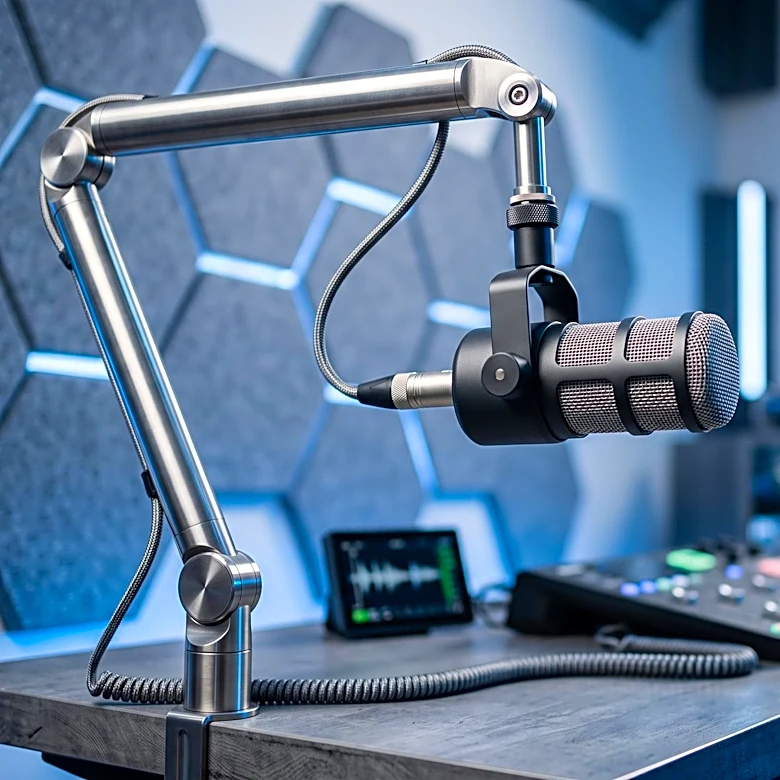
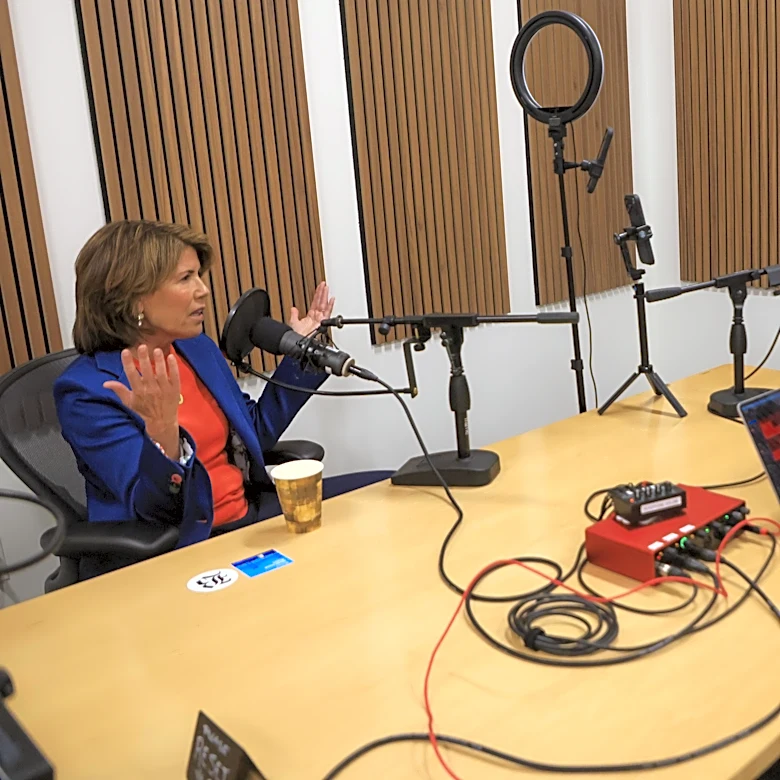
Discord has provided a comprehensive guide on how to start a podcast using its platform, detailing the necessary steps for setup and community management. To begin, users must enable Community features on their server, which is a prerequisite for creating a Stage channel. A Stage channel is recommended as it separates speakers from the audience, allowing listeners to join muted and raise a hand to speak, thus preventing interruptions. The guide advises creating a host role with specific Stage moderator permissions, including 'Manage Channels,' 'Mute Members,' and 'Move Members,' to control the live podcast. Users are also instructed to schedule an Event for each episode, which notifies interested members when the show begins. Crucially, Discord does not offer built-in audio recording, so hosts are advised to record locally using external software like Audacity or capture the entire call with recording software. After recording, the edited episode should be uploaded to a podcast hosting service, and the lin...