Windows and Mac Systems Offer Enhanced Power Settings for Screen Time Management
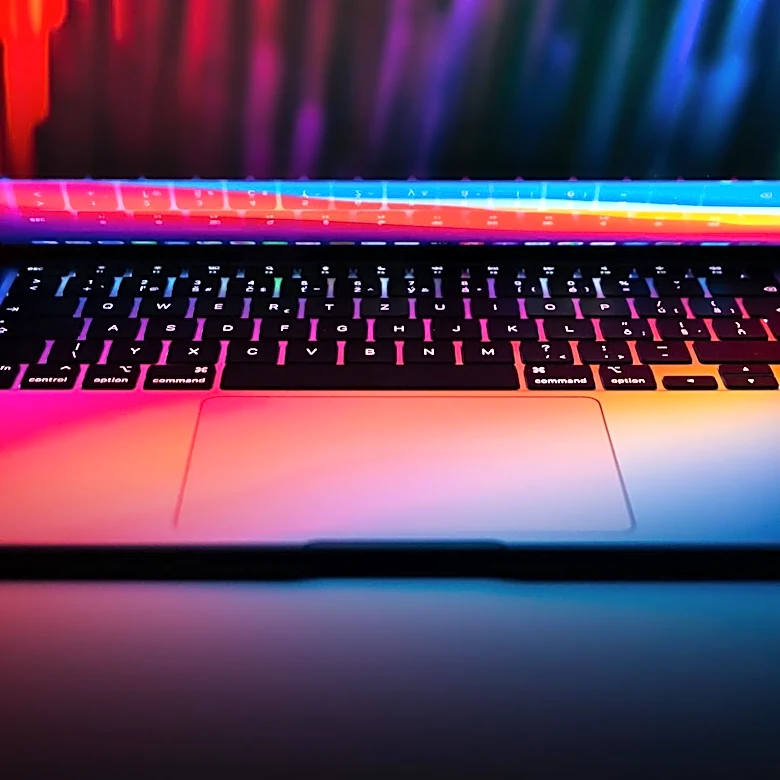
Windows and macOS operating systems provide users with various power settings to manage screen time-out, sleep, and hibernate modes, aiming to balance performance with energy efficiency. For Windows users, options are accessible through 'Settings > System > Power' or 'Power & battery' for laptops. These settings include 'Energy recommendations' for quick optimization, 'Power Mode' with choices like 'Best Power Efficiency,' 'Balanced,' and 'Best Performance,' and configurable 'Screen, sleep, & hibernate time-outs.' Additionally, 'Energy Saver' mode reduces background activity and dims the display. Mac users can find similar options under 'System Settings,' with 'Energy' for desktops and 'Battery' for laptops. These include 'Low Power Mode' and 'Energy Mode' for Apple Silicon processors, allowing users to adjust the balance between power draw and performance. Screen time-out settings on Macs are located under 'Lock Screen' in System Settings, enabling users to set the delay before the display turns off.