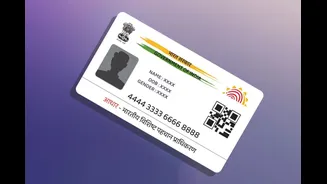








Keeping your Aadhaar address updated is important since it’s used as address proof for banking, SIM cards and government services. UIDAI allows both online and offline methods to update your address, and the
online route can be completed entirely from home if you have your documents ready.
Updating address online via myAadhaar portal
Visit the official myAadhaar portal and log in using your Aadhaar number and the OTP sent to your registered mobile number. Once logged in, select the “Update Aadhaar” option and choose “Address” as the field you want to change. Enter your new address exactly as it appears on your proof document, then upload a scanned copy of a valid address proof, such as a utility bill, bank passbook, passport or rent agreement. After submitting, you’ll receive an Update Request Number, or URN, which lets you track the status of your request online.
What documents you’ll need
UIDAI accepts a range of documents as valid address proof, including passport, bank statement, ration card, voter ID, electricity or water bill, and rent agreement. The document should be recent, typically not older than three months for utility bills, and must clearly show the name and address matching what you’re updating.
Updating address without proof, using a verification letter
If you don’t have an address proof document in your name, UIDAI offers an alternative where a family member’s document can be used along with a signed consent letter. There’s also an option to request a secret code-based address verification letter to be sent to your current address for validation, which can then be used to complete the update.
Updating address offline at an enrolment centre
If you prefer not to do this online, you can visit your nearest Aadhaar Seva Kendra or enrolment centre with your original Aadhaar card and a valid address proof document. Fill out the Aadhaar update form on the spot, and biometric verification will be carried out before your request is processed. Offline updates typically carry a nominal fee.
Checking your update status
After submitting a request, either online or offline, you can track its progress on the myAadhaar portal using your URN. Processing usually takes a few days, and once approved, you can download your updated e-Aadhaar or order a fresh physical copy through the portal.