



What's Happening?
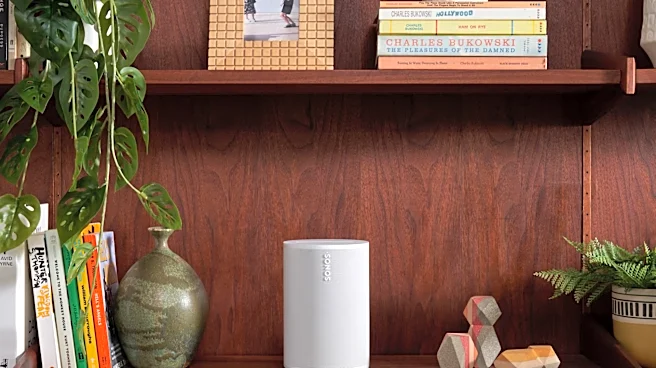
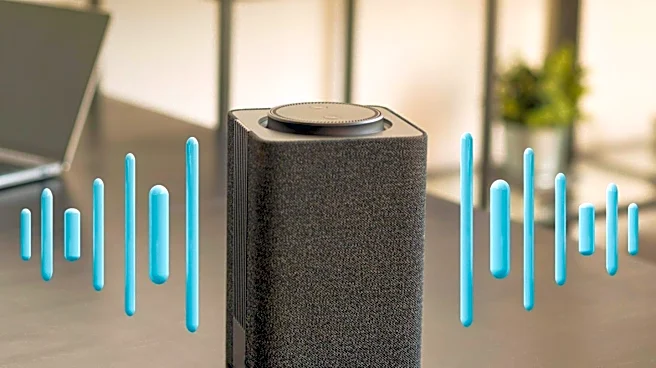
Users of the Sonos Era 100 speaker are experiencing difficulties adjusting its volume directly through their Windows 10 laptops. While volume control functions normally via the Sonos app on mobile devices, laptop users are finding they must resort to the mobile app or the physical
touch buttons on the speaker itself to change volume levels. This issue appears to be a recent development, with some users noting that they previously could control the volume directly from their computer. The problem persists despite attempts to reset Bluetooth connections, update the device and app, and adjust Wi-Fi settings. One user speculated that a recent software update might be the cause, as both the speaker and the Sonos app are set to auto-update. The Sonos community forum indicates that submitting a system diagnostic and contacting Sonos Support is the recommended course of action for such issues.
Why It's Important?
This technical glitch impacts the user experience for Sonos Era 100 owners who integrate their speakers with Windows laptops, potentially diminishing the convenience and seamless control expected from a premium audio device. For Sonos, a company specializing in wireless speakers and home sound systems, such issues can affect customer satisfaction and brand perception. While seemingly minor, persistent or widespread technical problems can lead to increased support inquiries, potential returns, and negative reviews, which could influence future sales and market share in the competitive audio technology sector. The reliance on a mobile app for basic volume control when connected to a laptop introduces an unnecessary step, hindering the intuitive use of the product and potentially frustrating users who prefer a unified control interface.
What's Next?
Sonos support channels are advising affected users to submit a system diagnostic within 10 minutes of experiencing the issue and then contact Sonos Support directly. This process allows support staff to analyze specific network and system data to pinpoint the problem. Users are cautioned against factory resetting their devices, as this could erase valuable diagnostic information. The company's ability to quickly identify and resolve this software or connectivity issue will be crucial. A timely resolution, possibly through a firmware or app update, would help restore user confidence and maintain the product's reputation for ease of use and integration. The community forum suggests that Sonos Support has tools to address such communication issues between PCs and Sonos devices, especially concerning Bluetooth volume commands.
Beyond the Headlines
The reported volume control issue highlights a broader challenge in the interconnected device ecosystem: maintaining seamless functionality across diverse operating systems and hardware. As smart home devices become more prevalent, ensuring consistent user experience across various control platforms (mobile apps, desktop applications, physical controls) is paramount. This incident underscores the potential for software updates, while often intended to improve functionality or security, to inadvertently introduce new compatibility issues. For consumers, it emphasizes the importance of robust customer support and diagnostic tools from manufacturers. For Sonos, it's a reminder that even minor technical inconveniences can significantly impact user perception and loyalty, necessitating continuous vigilance in software development and cross-platform integration testing.