





What's Happening?
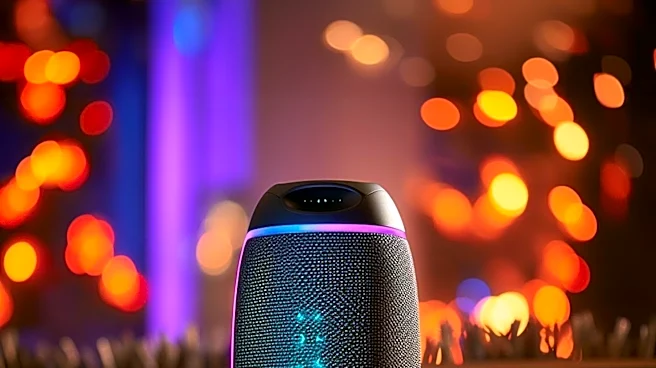
Bluetooth speakers, while convenient, often face connectivity issues. Common problems include difficulty in pairing devices, intermittent connections, and audio playback failures. The first step in troubleshooting is to restart both the speaker and the connecting
device, such as a phone or computer. If issues persist, users should manually reconnect the devices through the Bluetooth menu. For persistent problems, removing and re-establishing the pairing can help. This involves forgetting the device in the Bluetooth settings and re-pairing it. These steps are generally effective in resolving minor bugs and ensuring a stable connection.
Why It's Important?
Bluetooth speakers are widely used for their portability and ease of use, making them a staple in personal and professional settings. Connectivity issues can disrupt user experience, leading to frustration and decreased productivity. Understanding how to troubleshoot these common problems empowers users to maintain seamless audio experiences without technical support. This knowledge is particularly valuable as Bluetooth technology continues to integrate into various devices and applications, highlighting the need for user-friendly solutions to enhance device interoperability and user satisfaction.