

What's Happening?
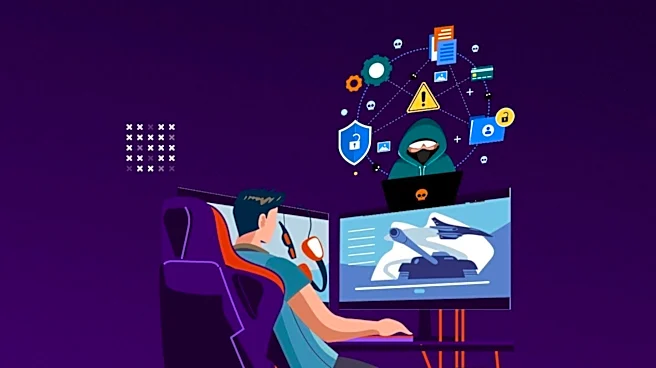
Freshworks has introduced an email verification process as a security measure for unusual login attempts. This system is triggered when a user tries to log in from a location that does not match their recent login history, such as a new country, state,
or when using a VPN. Even if users have multi-factor authentication (MFA) set up via an authenticator app or SMS, Freshworks will still send an email verification code for these suspicious activities. The email, titled 'Unusual Login Attempt Detected - Verify Your Account,' contains a code that users must enter on the login screen to complete their sign-in. Once a location is successfully verified, Freshworks remembers it, reducing the likelihood of future verification emails from that specific location. Users are advised not to share their verification code with anyone, as Freshworks will only request it on the login screen.
Why It's Important?
This enhanced security protocol by Freshworks is crucial for protecting user accounts from unauthorized access, a growing concern in the digital landscape. By implementing adaptive multi-factor authentication that includes email verification for unusual login patterns, Freshworks aims to mitigate risks associated with compromised credentials or phishing attempts. This measure directly impacts businesses and individuals relying on Freshworks' suite of products, including Freshdesk, Freshservice, and Freshsales, by adding an extra layer of defense against cyber threats. For organizations, this means better protection of sensitive customer data and internal operations, potentially reducing the financial and reputational damage that can result from security breaches. The system's ability to 'remember' verified locations also balances security with user convenience, preventing excessive verification requests for legitimate travel or remote work scenarios.
What's Next?
Users who encounter an 'Unusual Login Attempt Detected' email should follow the instructions to verify their identity. If the login attempt was legitimate, they need to enter the provided code to complete their sign-in. If the login was not initiated by the user, they are advised not to enter the code, but instead to immediately reset their password, sign out of Freshworks on all devices, and report the unauthorized attempt to their organization administrator. Freshworks will continue to refine its security measures based on evolving threat landscapes and user feedback. Organizations using Freshworks should ensure their employees are aware of these security protocols and best practices for protecting their accounts, including checking spam folders for verification emails and understanding the expiration of verification codes.
Beyond the Headlines
The implementation of adaptive MFA by Freshworks highlights a broader industry trend towards more dynamic and context-aware security measures. Traditional MFA often relies on static second factors, but adaptive systems like this one analyze behavioral patterns and location data to identify and challenge potentially fraudulent access attempts. This approach moves beyond simple password protection to a more intelligent security framework that learns and adapts to user behavior. The ethical implications revolve around balancing robust security with user privacy, as the system tracks login locations. However, the primary goal is to safeguard user data, which is paramount in an era of increasing cybercrime. This development underscores the continuous arms race between cybersecurity providers and malicious actors, pushing companies to adopt more sophisticated defenses to protect their digital assets and user trust.