









What's Happening?
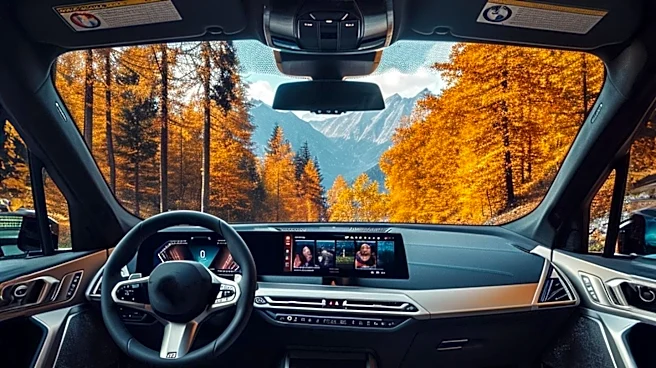
Android Auto users are discovering several settings that can significantly enhance their driving experience. These settings include taskbar widgets, launcher customization, and home screen layout changes. Taskbar widgets allow users to multitask efficiently
by displaying miniature widgets instead of app icons, providing quick access to controls like music playback while using navigation apps. Launcher customization offers users the ability to rearrange and hide apps in the Android Auto app drawer, allowing for a more personalized interface. Additionally, users can change the home screen layout to position media controls closer to the driver, improving accessibility. These settings aim to make Android Auto more user-friendly and adaptable to individual preferences.
Why It's Important?
The ability to customize Android Auto settings is crucial for enhancing user experience and safety. By allowing drivers to tailor the interface to their needs, these settings can reduce distractions and improve focus on the road. The taskbar widgets, for instance, enable seamless multitasking, which is essential for drivers who rely on multiple apps simultaneously. Customizing the launcher and home screen layout ensures that frequently used controls are easily accessible, minimizing the time drivers spend interacting with the screen. This customization not only enhances convenience but also contributes to safer driving practices by reducing the need for drivers to take their eyes off the road.