


What's Happening?
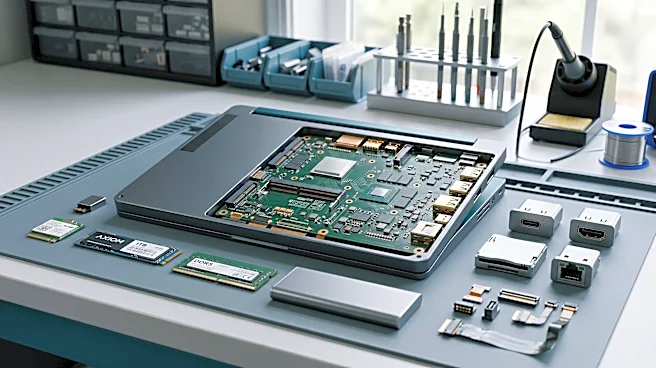
Users of the Framework Laptop 13 Pro, specifically models with an Intel Core Ultra Series 3 processor and BIOS 03.04, are encountering a significant technical issue when using an NVIDIA GeForce RTX 3090 GPU in an external GPU (eGPU) enclosure like the Razer
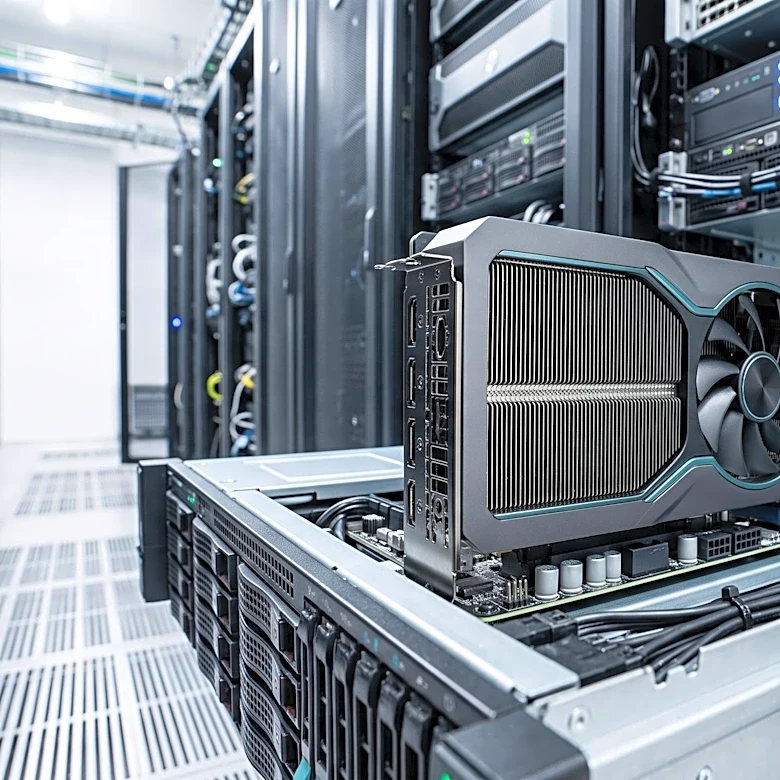
Core X V2. The problem manifests as the RTX 3090 falling off the bus, indicated by an Xid 79 error, particularly when the GSP (GPU System Processor) firmware is active. This failure often occurs during state changes, such as driver startup, GSP boot, or the first Vulkan use after idle. Once the Xid 79 error occurs, the GPU becomes unusable until the eGPU enclosure is power-cycled, as a laptop reboot or PCI function reset does not resolve the issue. This problem has been observed with both open kernel modules (615.78.08) and proprietary drivers (580.178.04) when GSP firmware is enabled. Disabling GSP firmware, however, prevents the failure, suggesting the GSP path itself is the trigger.
Why It's Important?
This technical glitch significantly impacts users who rely on Framework Laptop 13 Pro for demanding graphical tasks, such as gaming, video editing, or 3D rendering, especially those utilizing high-performance eGPUs. The inability to consistently use an external GPU with GSP firmware active undermines the versatility and upgradeability that Framework laptops are known for. For professionals and enthusiasts, this issue can lead to lost productivity and frustration, as it requires frequent power cycling of the eGPU to restore functionality. The problem also highlights potential compatibility challenges between cutting-edge laptop hardware, eGPU enclosures, and NVIDIA's GSP firmware, which could deter potential buyers looking for reliable high-performance mobile workstations. The workaround of disabling GSP firmware comes with its own drawbacks, such as increased power consumption at idle, making it a less-than-ideal long-term solution.
What's Next?
NVIDIA and Framework will likely need to investigate this compatibility issue further. Users are actively reporting similar problems on developer forums and GitHub, indicating a broader pattern. Potential next steps could involve firmware updates for the Framework Laptop's BIOS, driver updates from NVIDIA to address GSP firmware interactions with specific eGPU bridges like the Intel JHL9480, or even updates to the eGPU enclosure's firmware. The community has already identified a temporary workaround by pinning the graphics clock to its maximum in some cases, but a permanent solution is needed. The resolution of this issue is crucial for maintaining user confidence in the Framework ecosystem and ensuring the seamless integration of high-performance external graphics solutions.
Beyond the Headlines
This issue underscores the increasing complexity of modern computing ecosystems, where the interplay between laptop firmware, operating system drivers, eGPU hardware, and GPU firmware can lead to unforeseen compatibility problems. It also highlights the challenges faced by companies like Framework, which prioritize modularity and user repairability, in ensuring broad compatibility with a diverse range of third-party components. The reliance on GSP firmware for future NVIDIA GPUs, particularly Blackwell series, means that this issue could become more prevalent if not addressed. This situation could also influence future eGPU design and driver development, pushing for more robust error handling and compatibility testing across different hardware configurations. The open-source community's involvement in identifying and documenting these issues is critical for driving solutions in such complex technical environments.