



What's Happening?
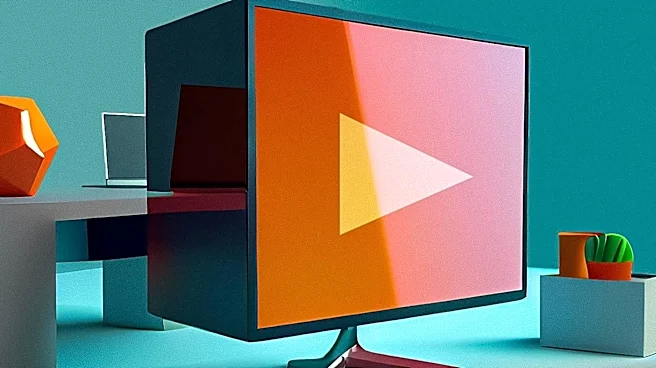
Smart TVs can be effectively utilized as computer monitors, providing a cost-efficient alternative to dedicated PC displays, especially for those seeking larger screens or higher resolutions without the steep price tag. The most straightforward method
involves connecting a PC to a TV using an HDMI cable. For computers with Thunderbolt or DisplayPort, a USB-C-to-HDMI or DisplayPort-to-HDMI adapter is required. Wireless options are also available, with most new smart TVs supporting Apple's AirPlay or Googlecast for screen mirroring. However, wireless connections may introduce input lag or resolution issues. Newer Samsung or LG TVs offer remote PC access through dedicated apps. To optimize the display, users should match the computer's resolution output with the TV's settings and utilize the TV's PC picture mode or Game Mode to reduce input lag and ensure a consistent refresh rate.
Why It's Important?
This capability is significant for consumers and businesses looking to maximize their display options while minimizing costs. High-end computer monitors, particularly those with 4K resolution, high refresh rates, or OLED panels, can be expensive. By repurposing a smart TV, users can achieve a larger screen real estate and often 4K resolution at a fraction of the cost. This is particularly beneficial for tasks that benefit from a larger display, such as video editing, graphic design, or gaming. For remote workers or students, a TV can serve as an emergency backup monitor or a permanent addition to a multi-monitor setup, enhancing productivity and flexibility. The ability to use a TV as a monitor also extends the lifespan and utility of existing electronics, promoting a more sustainable approach to technology consumption.
What's Next?
As smart TV technology continues to advance, we can expect further improvements in their suitability as computer monitors. Future developments may include enhanced input lag reduction, more seamless wireless connectivity, and broader compatibility with various operating systems and display technologies. TV manufacturers might integrate features specifically designed for PC use, such as dedicated PC input modes with optimized settings for text clarity and refresh rates. The increasing adoption of higher refresh rates and advanced panel technologies in TVs will further blur the line between televisions and monitors. This trend could lead to a convergence of display devices, where the distinction between a TV and a monitor becomes less pronounced, offering consumers more versatile and integrated display solutions for both entertainment and productivity.
Beyond the Headlines
The growing trend of using smart TVs as computer monitors highlights a broader shift in consumer electronics towards multi-functional devices and cost-effective solutions. This convergence challenges traditional market segmentation, where TVs and monitors were distinct product categories. It also underscores the increasing demand for flexibility and adaptability in personal technology, as users seek to leverage their existing devices for a wider range of applications. This development could influence how homes and offices are designed, with fewer specialized screens and more versatile displays. Furthermore, it raises questions about the future of dedicated monitor markets, potentially driving innovation in niche areas or forcing price adjustments to remain competitive against the multi-purpose appeal of smart TVs. The emphasis on affordability and versatility reflects a consumer base that values practical utility and smart investment in technology.