






What's Happening?
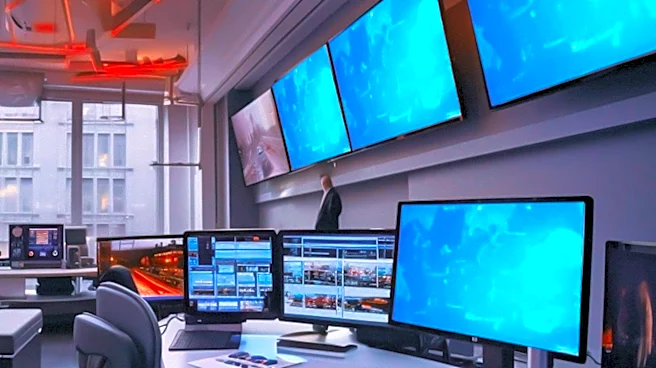
PCWorld provides insights into optimizing multi-monitor setups based on 20 years of experience. The article emphasizes the importance of choosing monitors with matching resolutions and aspect ratios to ensure a seamless visual experience. It highlights
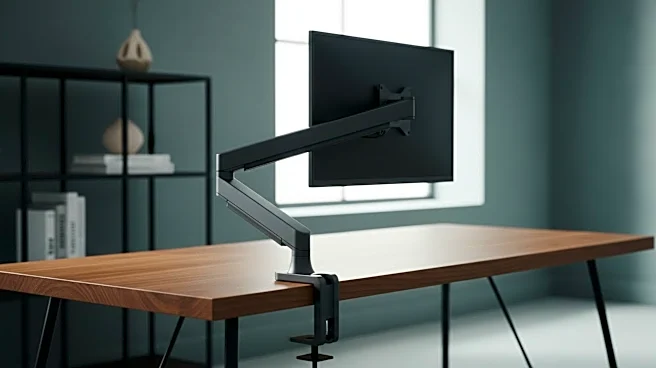
the significance of physical comfort over visual appeal, suggesting that monitors should be positioned parallel to the user's eyes. The article also advises on maintaining consistent angles and distances between monitors for optimal viewing. Additionally, it discusses the benefits of experimenting with different monitor arrangements and the importance of proper lighting to reduce eye strain.
Why It's Important?
As remote work and digital tasks become more prevalent, optimizing multi-monitor setups can significantly enhance productivity and comfort. Properly configured setups can reduce eye strain and improve workflow efficiency, which is crucial for professionals who spend extended periods in front of screens. The article's advice on maintaining physical comfort and experimenting with different configurations can help users create a more ergonomic and efficient workspace. This guidance is particularly relevant for tech enthusiasts and professionals seeking to maximize their digital environments.