






What's Happening?
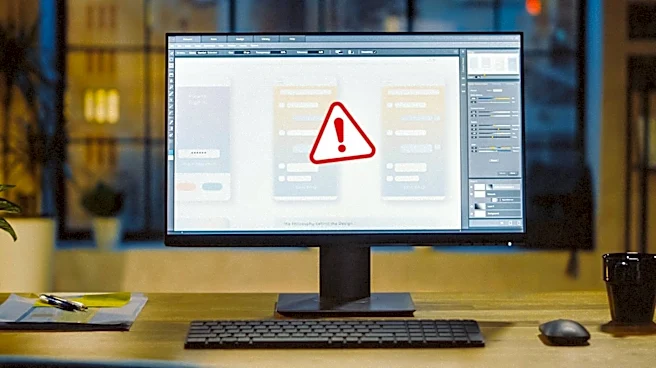
Users of the Cursor IDE are encountering difficulties accessing their local computers when working on projects. The issue manifests with an error message stating, 'Remote control is not enabled for this team. Ask a team admin to turn it on, or switch
to another team.' This occurs despite administrators believing that remote control settings are correctly configured. A specific user reported this problem on July 7, 2026, noting that while Cursor itself functions, the inability to perform actions on the local computer within a project hinders workflow. The core of the problem has been identified as an incorrect setting related to 'Personal Machines' rather than 'Remote Control' for iOS app integration. The 'Personal Machines' setting, which allows projects to run work on a user's computer, was found to be off for the affected team.
Why It's Important?
This technical glitch significantly impacts the productivity of Cursor IDE users, particularly those collaborating in teams or requiring local machine access for project execution. The misdirection provided by the initial error message, pointing to 'Remote Control' settings instead of 'Personal Machines,' creates confusion and delays in troubleshooting. For businesses and development teams relying on Cursor for their coding projects, such an issue can lead to project slowdowns, increased support requests, and potential frustration among developers. The ability to seamlessly integrate local computing resources is crucial for many development workflows, and any impediment to this functionality can have a ripple effect on project timelines and resource allocation. The resolution, involving a specific administrative setting, highlights the importance of clear error messaging and accurate configuration guidance in developer tools.
What's Next?
To resolve the issue, team administrators within Cursor need to navigate to the 'Agents' settings and enable 'Allow Personal Machines' under the 'Personal Machines' section. Once this setting is activated, the project should then prompt the user to approve the use of their computer. This administrative action is expected to restore the functionality, allowing agents to perform actions on the local machine as intended. The incident also suggests a need for Cursor to refine its error messages to more accurately guide users and administrators toward the correct solution, preventing future confusion and streamlining the troubleshooting process for similar issues.
Beyond the Headlines
This situation underscores the broader challenges in managing complex software environments, especially in collaborative development settings. The distinction between 'Remote Control' for mobile app integration and 'Personal Machines' for local project execution highlights the intricate layers of permissions and functionalities within modern IDEs. Such incidents can lead to a re-evaluation of user interface design and error reporting mechanisms in developer tools, emphasizing clarity and precision. For software providers, it's a reminder that even minor mislabeling or ambiguous error messages can significantly impact user experience and operational efficiency, potentially leading to a loss of trust or adoption if not addressed promptly and effectively. The incident also points to the evolving nature of development workflows, where seamless integration between cloud-based tools and local computing resources is increasingly critical.