





What's Happening?
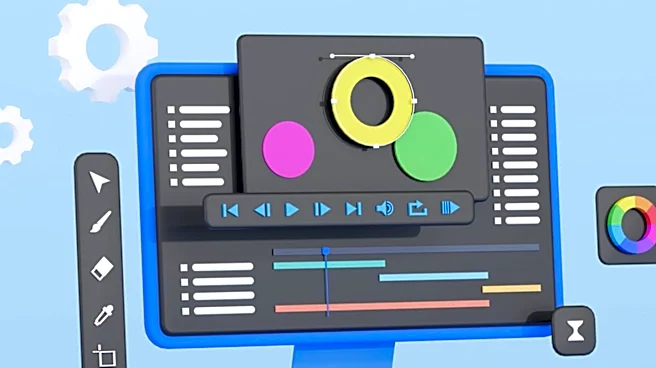
CapCut, a Singapore-headquartered media production company, provides a free online AI video editor with certain limitations that users should be aware of. The free tier of CapCut's online editor is suitable for short, single-track projects such as social
clips, product inserts, or slideshows under a minute with one music bed. However, it struggles with longer projects, multiple audio tracks, numerous clips, or color matching across takes. Key limitations of the free tier often include watermarks on exports, compression that can lead to silent quality loss, auto-captions that drift out of sync, media upload or storage caps, and a lack of persistent project history across sessions. Users are advised to check these limitations, including quota, watermark presence, and export resolution, before committing to a project. CapCut's business model focuses on B2C SaaS, offering video editing software and AI-powered creative tools.
Why It's Important?
The availability of free online AI video editors like CapCut's impacts content creators, small businesses, and individuals in the U.S. by providing accessible tools for video production. While offering a low barrier to entry, the limitations of free tiers can significantly affect the quality and professional appearance of exported content. For instance, watermarks can undermine brand credibility, and resolution caps may prevent content from meeting platform standards. Understanding these constraints is crucial for users to avoid unexpected issues at the final export stage, potentially saving time and resources. The ability to start a project in a browser and continue in a desktop app, as offered by CapCut, highlights a growing trend in software flexibility, catering to diverse user workflows and project complexities. This approach allows users to leverage the speed of browser-based editing for quick tasks while retaining the option for more precise, feature-rich desktop editing when projects scale.
What's Next?
Users of CapCut's free online AI video editor will need to strategically decide when to transition their projects to the desktop application to overcome the limitations of the free tier. This transition is recommended when adding a second audio track, when the timeline exceeds approximately three minutes, or when frame-level precision is required for client changes. Starting a project directly on the desktop is advisable for known long projects, those with multiple audio sources, or when exact brand template matching is necessary. CapCut's continuous development of its AI video generator and editor guides suggests ongoing efforts to clarify the capabilities and limitations of its free and paid offerings. Future updates may focus on enhancing the seamless handoff between browser and desktop versions, potentially addressing some of the current free-tier constraints or providing clearer guidance on optimal usage scenarios.
Beyond the Headlines
The prevalence of free online AI video editors like CapCut reflects a broader shift towards democratizing content creation, enabling a wider audience to produce and share video content. This accessibility, however, comes with a trade-off, as the 'free' aspect often implies limitations that can impact professional output. The challenge for users lies in discerning the true cost of 'free' tools, which might manifest as compromised quality, additional time spent on workarounds, or the eventual need to upgrade to a paid service. This dynamic also raises questions about digital literacy and the need for users to critically evaluate software capabilities beyond initial feature lists. The integration of AI in video editing, as seen in CapCut, points to a future where automated tools will increasingly simplify complex tasks, but human judgment will remain essential in navigating the nuances of quality, branding, and technical specifications.