




The Power of Layered Lighting
A well-lit office isn't about having one powerful lamp; it's about combining different types of light to create a balanced and adaptable environment. Professional designers use a technique called layering, which involves three distinct types of lighting:
ambient, task, and accent. Ambient light is the general, overall illumination for a room, the base layer that lets you navigate the space safely. Task lighting is a focused, brighter light for specific activities like reading or computer work. Accent lighting is used to highlight specific features, like artwork or architectural details, adding depth and reducing visual fatigue. By combining these three layers, you can create a workspace that is not only functional but also comfortable and visually interesting, free from the harsh shadows and gloom of a single-source setup.
Building Your Base: Ambient Light
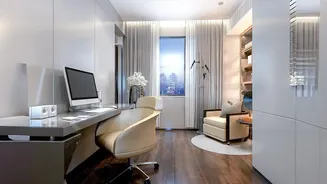
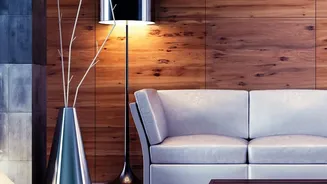
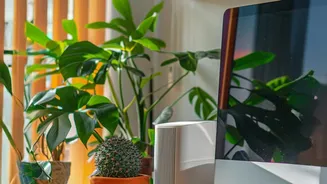
Ambient light is the foundation of your office's illumination. Its job is to provide a comfortable level of brightness throughout the entire space, reducing the harsh contrast between a bright computer screen and a dark room, which can cause significant eye strain. Good sources of ambient light include ceiling-mounted fixtures that diffuse light downwards, floor lamps that bounce light off the ceiling and walls, or even natural light from a window managed with sheer curtains to soften direct sun. The goal is to create an even, soft glow that prevents dark corners and makes the room feel welcoming. While it sets the overall tone, ambient light alone is not sufficient for focused work.
Focusing In: Essential Task Lighting
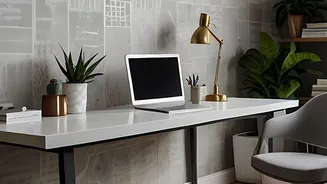
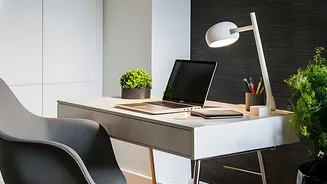
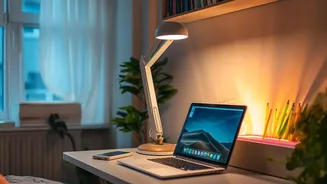
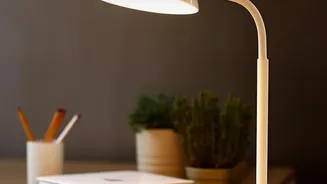
Task lighting is arguably the most critical layer for productivity and preventing eye fatigue. This is your workhorse light, providing direct, focused illumination right where you need it for reading documents and working on a computer. An adjustable desk lamp is the most common form of task lighting, allowing you to direct a strong, glare-free beam onto your work surface. For maximum comfort, place the task lamp on the side opposite your dominant hand to prevent casting shadows as you write. Proper task lighting should be bright enough to prevent squinting but positioned carefully to avoid creating glare on your monitor. Poorly managed light, including relying only on an overhead fixture, is a leading cause of Computer Vision Syndrome, which includes symptoms like headaches and blurred vision.
Choosing the Right 'Color' of Light
Not all light is created equal. The color temperature, measured in Kelvin (K), dramatically affects your mood and alertness. For a home office, a cooler, neutral white light that mimics natural daylight is generally recommended to enhance focus and energy. Lights in the 4000K to 5000K range are considered ideal for daytime productivity, providing a crisp, clear light that helps you stay alert. Warmer, yellowish lights (around 3000K) are more relaxing and better suited for winding down in the evening. The most versatile solution is tunable-white lighting, which allows you to adjust the color temperature throughout the day—cooler tones in the morning to boost alertness and warmer tones in the evening to prepare for rest.
Positioning to Prevent Glare
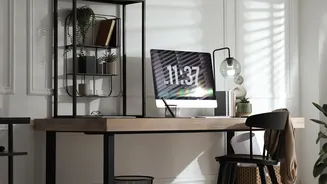
Even with the perfect bulbs, poor placement can ruin your setup. The primary enemy in any home office is glare—the reflection of light off your computer screen. To combat this, avoid placing your monitor directly in front of or behind a window. Your desk should ideally be positioned at a right angle to any window. Likewise, try to ensure your primary overhead light is not directly above your screen. When positioning a desk lamp, place it to the side of your monitor, not behind or in front of it, to prevent reflections. A simple test is to sit at your desk and look at your dark monitor; if you can see a reflection of a light source, it's in a position that can cause glare and eye strain.