




The Old Way: A Steep and Costly Climb
Traditionally, restoring a damaged photograph was a meticulous, manual process. It required expensive software like Adobe Photoshop and, more importantly, a deep understanding of its complex tools. An expert would spend hours with digital clone stamps
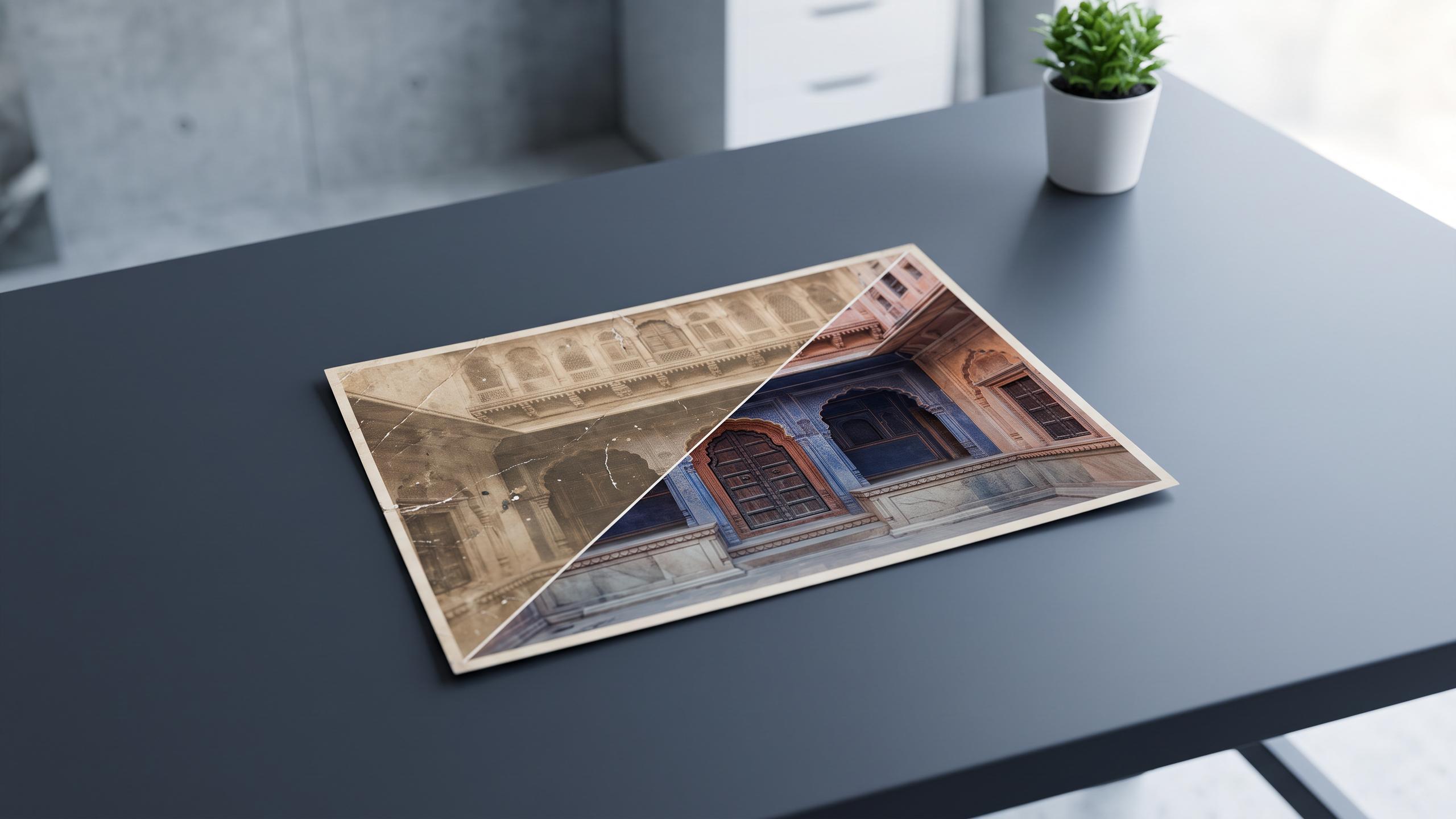
and healing brushes to painstakingly paint over scratches and tears, pixel by pixel. Correcting faded or shifted colors demanded a trained eye for balancing levels and curves. This level of skill took years to develop, and hiring a professional could be costly, making high-quality restoration a niche service. For the average person with a treasured family album, achieving a clean, vibrant result on their own was often out of reach.
Enter AI: Your Digital Art Historian
AI image editing plugins have completely changed the landscape. These tools work by using machine learning models trained on millions of pairs of damaged and pristine images. Think of the AI as a digital art historian that has studied countless photographs. It has learned to recognize the difference between film grain and unwanted digital noise, identify the subtle textures of skin and fabric, and predict what a missing piece of a photo should look like based on the surrounding context. When you run a plugin, it isn't just applying a simple filter; it's using this vast knowledge to intelligently reconstruct your image, automating tasks that once took immense manual effort.
From Clicks to Clarity: What AI Can Do
The power of these plugins lies in their ability to tackle multiple complex tasks with startling simplicity. Users are typically presented with straightforward sliders and one-click buttons. Key functions include: scratch and blemish removal, where the AI detects and seamlessly fills in cracks and spots; colorization, which analyzes black-and-white photos to apply natural, plausible colors; and sharpening, which enhances blurry details, especially in faces, often with dedicated facial reconstruction models. Many tools, such as Topaz Photo AI, Luminar Neo, and Remini, bundle these features into an intuitive package, making advanced editing techniques accessible to everyone, regardless of skill level.
Intuitive Tools, Professional Output
The "no advanced skills required" claim holds true because the user's role has fundamentally shifted. Instead of being a digital surgeon, the user is now a director. You upload the photo and let the AI provide a restored version, then use simple controls to fine-tune the result. For example, you might adjust a slider for "Noise Reduction" or "Face Recovery" until the image looks right to you. This approach democratizes photo editing, allowing hobbyists, genealogists, and families to achieve results that were previously only possible for professionals. The software handles the technical execution, freeing you to focus on the final creative outcome.
The Verdict on 'Professional' Results
But are the results truly professional? For most common restoration needs—like fixing a moderately scratched or faded family portrait—the answer is increasingly yes. The output from leading AI tools can often be indistinguishable from, or even superior to, what an intermediate user could accomplish manually. However, it's important to understand the limitations. AI makes highly educated guesses, especially when reconstructing large missing areas or severely damaged faces. While these guesses are often impressive, a professional restorer may still be needed for historically significant images or cases requiring nuanced interpretation. Even so, many professionals now use AI plugins as a starting point to dramatically speed up their own workflows, letting the tool handle the initial heavy lifting before they apply their expert finishing touches.