






The Familiar Chaos of Group Planning
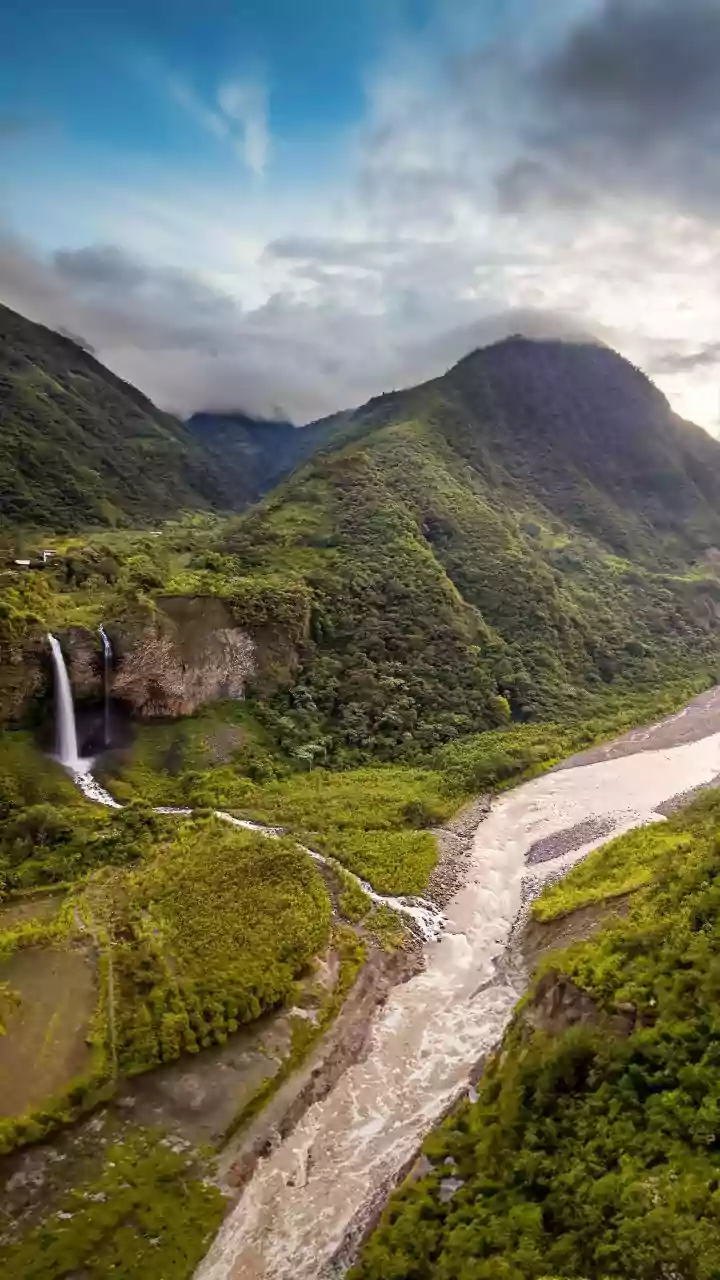
Every great group adventure begins with an explosion of enthusiasm, quickly followed by a logistical nightmare. The 'Weekend Getaway' group chat becomes a digital free-for-all. Rahul shares a link to a hidden waterfall, Priya suggests a famous dhaba for lunch,
and Amit keeps asking for the final hotel location. Screenshots fly back and forth, addresses get buried under memes, and by the time you're ready to leave, you're scrolling through hundreds of messages just to find the first meeting point. This confusion doesn't just waste time; it adds a layer of stress to what should be a fun experience. The endless 'Are we there yet?' and 'Where are you guys?' calls during the drive are a direct result of this fragmented planning.
The Shared Map: Your Single Source of Truth
Imagine a single, visual dashboard for your entire trip, accessible to everyone in your group. This is the power of a shared map. Instead of a messy chat history, you have a living document where every key location—from meeting points and coffee stops to hotels and tourist spots—is neatly pinned. Platforms like Google Maps have evolved far beyond simple navigation. They now offer collaborative tools designed specifically to solve this group coordination problem. By centralising all location-based information onto a shared map, you create a 'single source of truth'. Everyone sees the same plan, updated in real-time. No more debates over which link is the correct one or what the final route is. The map becomes your trip's undisputed guide.
Step 1: Create a Collaborative List
The foundation of your organised trip is a shared list. In Google Maps, you can create a new list (e.g., 'Monsoon Drive to Lonavala') and set it to 'Shared', allowing you to invite friends to view or, even better, contribute. This is where the magic begins. As friends suggest places, instead of dropping links in the chat, they can search for the location on the map and add it directly to the shared list. You can pin the starting point, designated breakfast halt, scenic viewpoints, the final resort, and even essential petrol pumps. Each pinned location can have notes, so you can add details like 'Meet here at 6 AM' or 'Try the vada pav here'. This collaborative effort ensures everyone's suggestions are captured and organised visually, transforming planning from a chore into a fun, collective activity.
Step 2: Plot the Definitive Multi-Stop Route
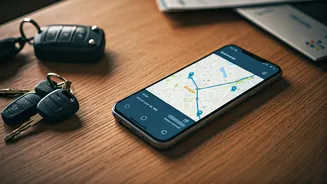
Once your key locations are pinned, you can build the master route. One of the most underutilised features in mapping apps is the ability to add multiple stops. Instead of just navigating from Point A to Point B, you can create a journey that includes all your planned halts. Start with your departure point, then add the breakfast dhaba, the scenic viewpoint, and finally the destination. The app will calculate the total drive time, including the stops, giving everyone a realistic timeline. You can then share this specific multi-stop route with the group. On the day of the drive, everyone can pull up the exact same itinerary, ensuring the convoy stays together and follows the intended path without confusion.
Step 3: Use Live Location for Day-Of Sanity
Even with the best plan, things happen. Someone gets stuck in traffic, another car needs to refuel. This is where real-time location sharing becomes invaluable. While apps like WhatsApp offer this feature, using the live location sharing within Google Maps keeps everything in one place. Before you set off, have everyone in the convoy share their live location for the duration of the drive. Now, you can see exactly where each car is on the map in real-time. This eliminates the need for constant phone calls and texts. A quick glance at the map tells you if you need to slow down to let others catch up or if it's safe to proceed to the next stop. It’s the ultimate tool for keeping the group connected and coordinated on the move.
Beyond Road Trips: Other Smart Uses
This method isn't just for epic road trips. You can apply the same principles to a variety of group activities. Planning a food crawl through old Delhi? Pin every chaat stall and kebab joint on a shared list. Coordinating pickups and drop-offs for a friend's wedding Sangeet? Create a multi-stop route for the carpool. Organising a neighbourhood cleanup or a donation drive? Map out key areas or collection points for all the volunteers to see. Any event that involves multiple people moving between multiple locations can be made simpler, smoother, and far more enjoyable with a well-organised shared map.