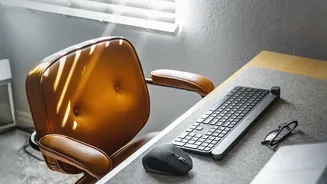





The Foundation: Your Chair and Table
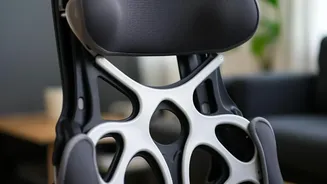
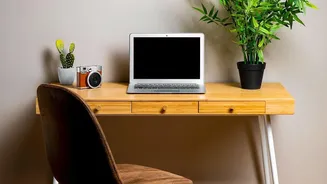
The core of your workstation is your chair and table. Even if they aren't adjustable, you can make them work for you. The goal is to have your thighs parallel to the floor with your feet resting flat. If your chair is too high, use a footrest; a stack
of sturdy books or a small stool works perfectly. If the chair is too low, add a firm cushion to sit on. Your desk should be at a height where your elbows are at a 90-degree angle when you type. If your table is too low, you can place blocks under its legs. For lower back support on a standard dining chair, roll up a towel or small blanket and place it in the curve of your lower back. This simple addition helps you maintain a straight, supported posture throughout the day.
The Centrepiece: Positioning Your Laptop
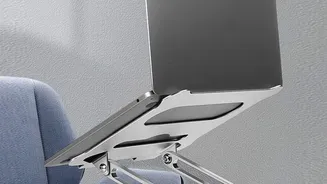
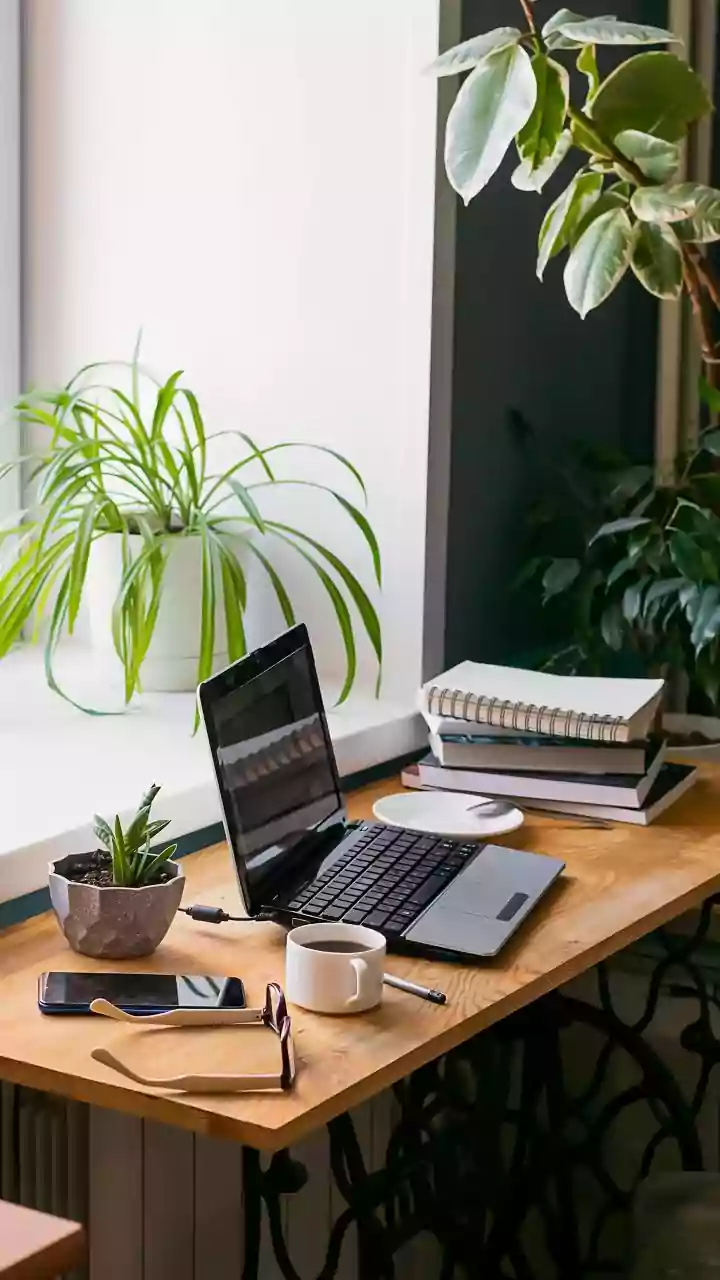
A laptop’s portability is its biggest ergonomic challenge. Using it flat on a table forces you to hunch over, straining your neck and back. The most crucial adjustment is to raise your laptop so that the top of the screen is at or slightly below your eye level. You don't need a fancy stand; a stable stack of books or reams of paper will do the job perfectly. Once the laptop is elevated, its built-in keyboard and trackpad will be at an awkward angle. To solve this, you must use an external keyboard and mouse. This allows you to keep the screen at eye level while your arms and wrists maintain a comfortable and neutral position.
Mastering Your Posture
With your equipment in place, focus on your posture. Sit back in your chair so your spine is fully supported. Keep your head aligned with your spine, avoiding the common 'tech neck' where the chin juts forward. Your shoulders should be relaxed, not hunched up towards your ears. Keep your elbows tucked in close to your body. Your wrists should be straight, not bent up or down, as you type or use the mouse. There should be a small gap, about two fingers wide, between the front edge of your chair and the back of your knees to ensure good circulation. This neutral posture reduces strain and helps prevent long-term aches and pains.
Optimising Your Environment
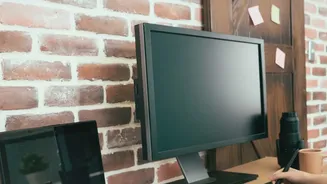
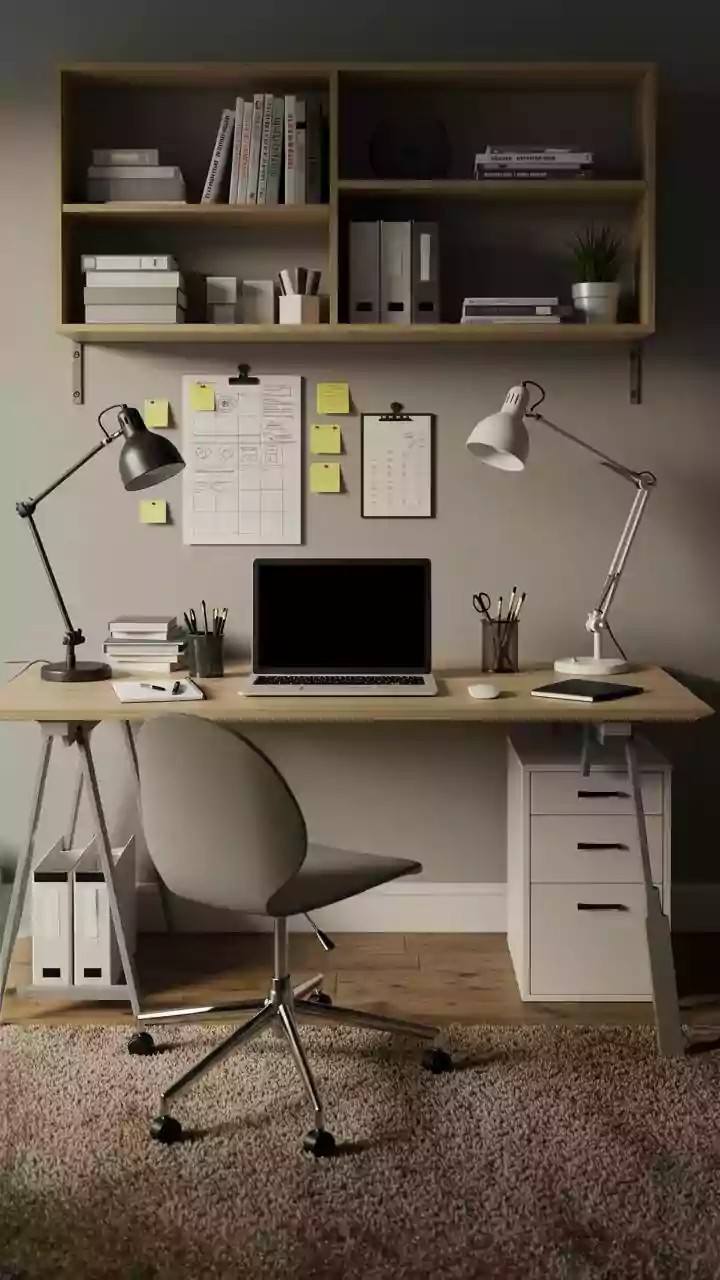
Your immediate surroundings play a significant role in your focus. If possible, set up your workstation near a window for natural light, but position your screen to avoid glare. A desk placed perpendicular to a window is often ideal. A cluttered desk can lead to a cluttered mind, so take a few minutes to organize your space. Keep only the essentials within arm's reach, like a notepad, a pen, and a glass of water. Use simple cable ties to manage cords and prevent a tangled mess. A clean, organised space reduces distractions and helps you concentrate on the task at hand.
Stay Healthy, Stay Productive
An ergonomic setup is not static; your body needs to move. Our bodies are not designed to sit in one position all day. Make it a habit to take short breaks every 20 to 30 minutes. Stand up, walk around your home, and do simple stretches for your neck, shoulders, and wrists. To combat eye strain, follow the 20-20-20 rule: every 20 minutes, look at something 20 feet away for 20 seconds. Also, remember to stay hydrated throughout the day. These small habits are just as important as your physical setup for maintaining long-term health and productivity at your simple workstation.