
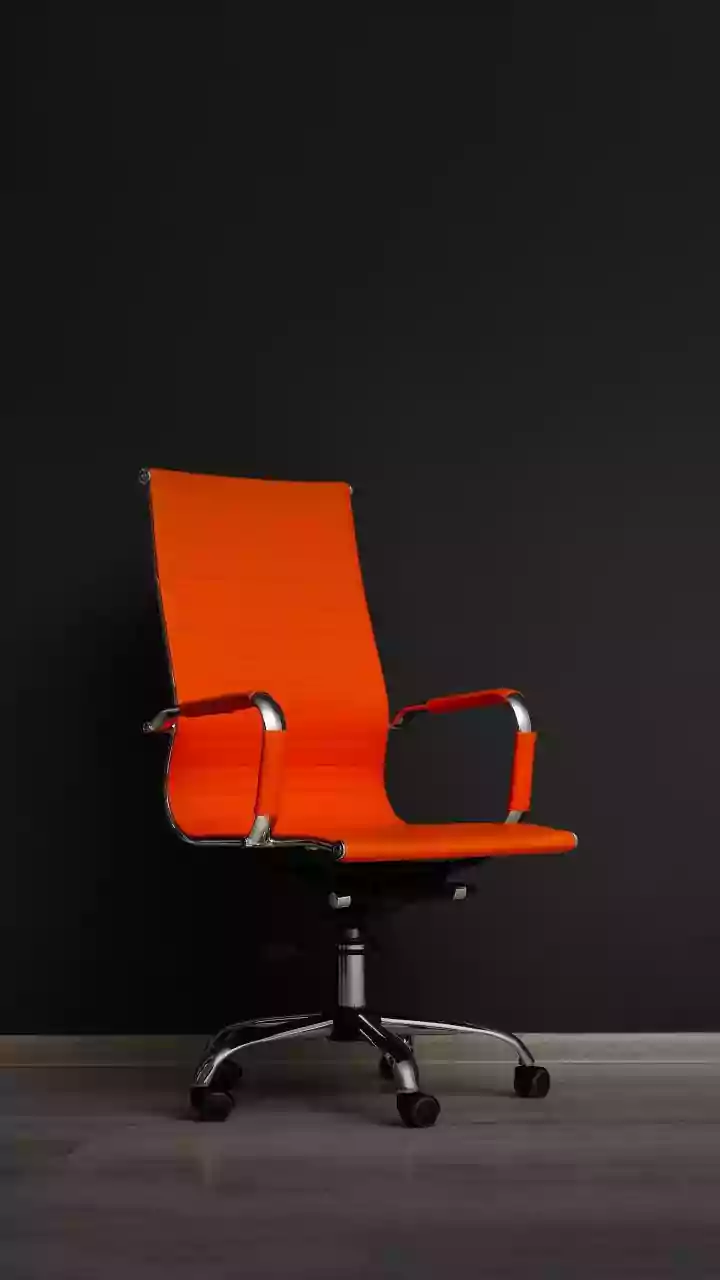



Your Chair: The Foundation of Good Posture
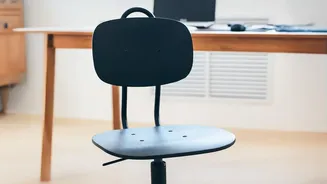
Your chair is the most critical element in preventing back pain. Start by adjusting the height so your feet rest flat on the floor, with your knees level with or slightly below your hips. Your thighs should be parallel to the ground. Sit with your hips pushed
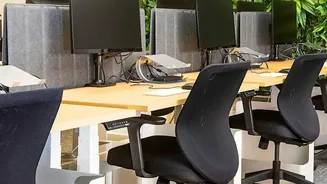
as far back in the chair as possible. This allows your lower back to make contact with the chair's lumbar support, which is crucial for maintaining the natural curve of your spine. If your chair lacks built-in support, a rolled-up towel or a small cushion placed at the small of your back is an effective substitute. Finally, adjust the backrest to a slight recline of about 100 to 110 degrees to reduce pressure on your spinal discs. Your armrests should be positioned so your shoulders are relaxed and your elbows bend at a comfortable 90-degree angle.
Desk and Monitor: Aligning Your View
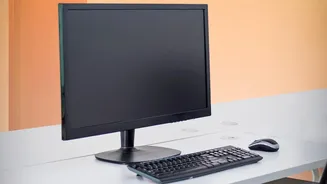
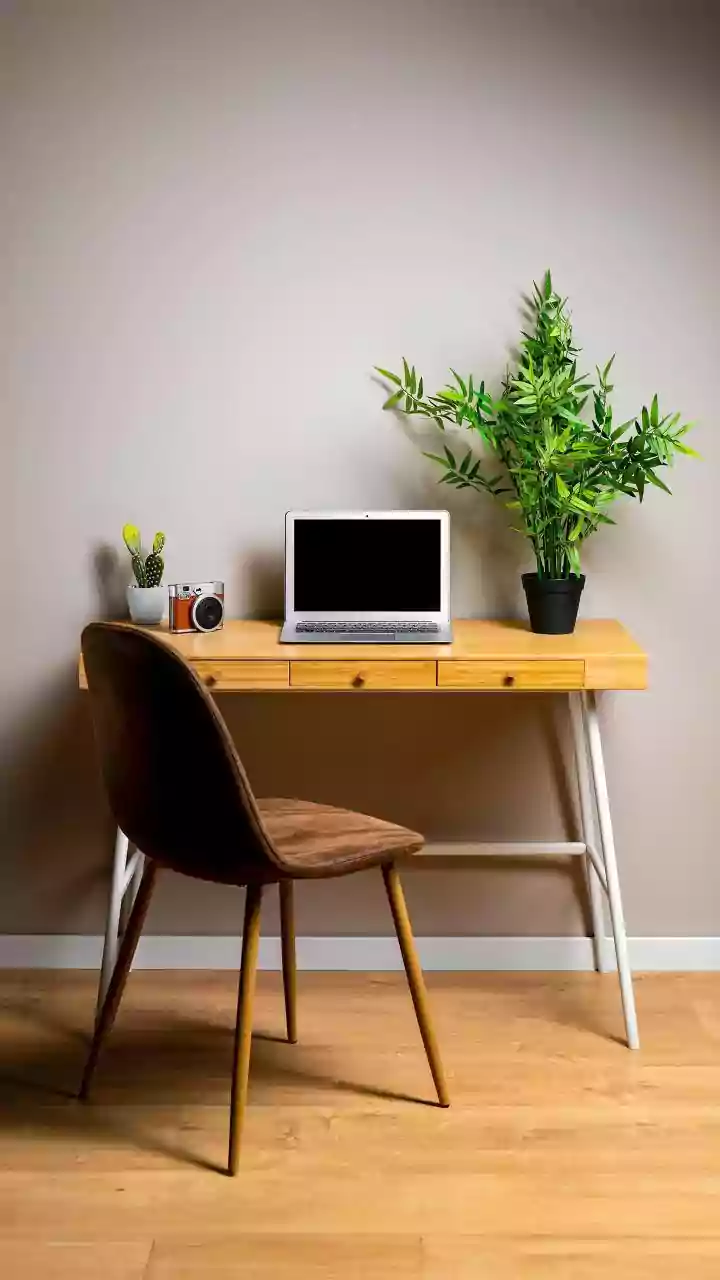
Once your chair is set, turn your attention to your desk and screen. Your desk should be at a height that allows your elbows to maintain that 90-degree angle while your shoulders remain relaxed. Your forearms should rest comfortably without you needing to hunch forward. The top of your computer monitor should be at or slightly below your eye level, and about an arm's length away. This positioning prevents you from craning your neck up or, more commonly, looking down for extended periods, a primary cause of neck and upper back strain. If you use a laptop, propping it up on a stand or a stack of books to raise the screen is essential. Using a separate keyboard and mouse will then allow your arms and wrists to maintain a neutral, comfortable position.
Keyboard and Mouse: Mind Your Wrists
Repetitive strain from an awkward keyboard and mouse setup can lead to wrist and forearm pain that radiates upward. Position your keyboard so it's just below elbow level, either flat on the desk or sloping gently away from you. Your wrists should remain in a neutral, straight position, not bent up or down. Keep your mouse close to your keyboard so you don't have to over-reach, which can strain your shoulder. An ergonomic mouse and keyboard are designed to fit the natural position of your hands and can be a worthwhile investment if you spend most of your day typing.
Movement: The Best Posture is Your Next Posture
Even the most perfectly ergonomic setup cannot eliminate the risks of a sedentary workday. Prolonged sitting puts pressure on your spinal discs, shortens your hip flexors, and reduces circulation. To counteract this, it is crucial to build movement into your day. Experts recommend taking a short break to stand, stretch, and walk around for a minute or two every 30 to 60 minutes. These micro-breaks help reset your posture, relieve muscle tension, and improve blood flow. Simple actions like walking during a phone call, doing gentle standing backbends, or performing seated leg raises can make a significant difference. Alternating between sitting and standing, if you have an adjustable desk, is also highly effective at reducing the static load on your spine.