







Why Your Feed Feels Off
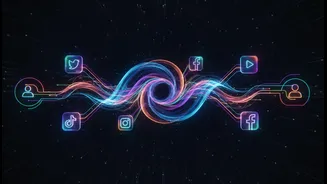
Social media platforms don't charge you a fee because you are not the customer—advertisers are. The product being sold is your attention. To maximize this, platforms use complex algorithms to decide what you see. These systems analyze your likes, comments,
shares, and even how long you pause on a post to build a profile of your interests. The goal is to keep you scrolling by showing you content it predicts you'll engage with, whether it's from accounts you follow or not. This often leads to a feed filled with sensational content, suggested posts, and ads, while posts from sources you deliberately chose to follow get buried. The result is a less satisfying and often more frustrating experience, where your information diet is dictated by a machine built to sell ads.
The Classic Solution: Rediscovering RSS
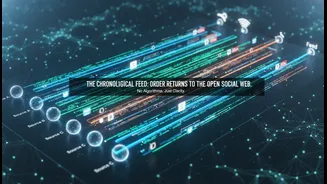
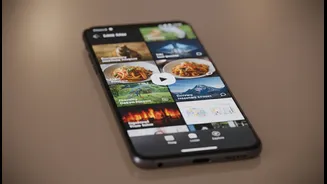
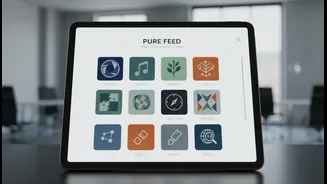
To escape the algorithm, you can turn to a technology that predates modern social media: Really Simple Syndication, or RSS. Think of it as creating your own personal newspaper. An RSS reader is an app that lets you subscribe to the content feeds of your favorite websites, blogs, and even some newsletters and social media accounts. Instead of visiting dozens of different sites, new articles and posts from your chosen sources flow into one single, unified feed. Crucially, this feed is almost always chronological and completely free of algorithmic manipulation. You see everything from the sources you picked, in the order it was published. It’s a return to a more intentional way of consuming content online.
Choosing Your Custom Feed Reader
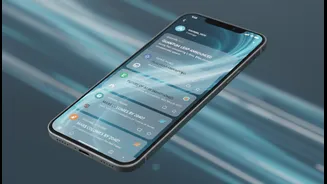
Getting started with RSS requires an app, known as an RSS reader. Many excellent options are available, most of which offer free plans that are perfect for casual users. Feedly is a popular, all-around choice with a clean interface and robust mobile apps for reading on the go. Inoreader is a powerful alternative known for its search, archiving, and automation capabilities, allowing you to create rules that filter or highlight articles. For those who value filtering and community features, NewsBlur allows you to train it to hide stories you're not interested in and see what other users with similar interests are reading. Other notable readers include Feedbin and even self-hosted options like FreshRSS for more technical users.
Finding and Adding Your Sources
Once you've chosen a reader, building your feed is straightforward. Most modern RSS apps can find a website's feed for you; you just need to paste the site's main URL. Look for the small RSS icon on websites, or simply search the site's name within your reader. Beyond major news outlets and blogs, many other sources offer RSS feeds. You can subscribe to YouTube channels, podcasts, and newsletters to read them in your feed instead of your inbox. Even some decentralized social media platforms like Mastodon and Bluesky use RSS, allowing you to follow specific users without needing an account. Some tools even let you generate feeds for websites that don't officially offer them, giving you complete control over your source list.
Cleaning Up Your Existing Social Media
While RSS is fantastic for blogs and news, you may still want to use platforms like Instagram or Reddit. Even here, you can take steps to curate a better experience. On Reddit, you can create custom feeds (or 'multireddits') that group specific subreddits together, letting you view a curated stream separate from the main homepage. On platforms like Instagram and Facebook, you can aggressively use the 'Mute' and 'Unfollow' functions to train the algorithm to show you less of what you don't want to see. Creating lists on platforms that support them, like X (formerly Twitter), is another effective way to see a chronological feed from only the accounts you select. The key is to shift from a passive consumer to an active curator of your digital space.