




The Most Common Mistake: AY vs FY
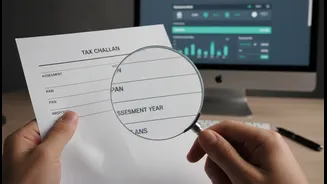
The single most frequent error taxpayers make is confusing the Assessment Year (AY) with the Financial Year (FY). It's a simple mistake with significant consequences. The Financial Year is the period when you earn your income (e.g., April 1, 2025, to
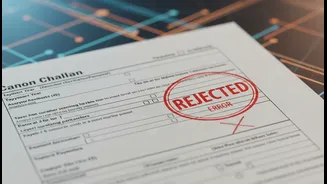
March 31, 2026). The Assessment Year is the following year, when this income is assessed and taxed (e.g., April 1, 2026, to March 31, 2027). When paying self-assessment tax, you must select the correct Assessment Year. For income earned in FY 2025-26, you should select AY 2026-27. Selecting the wrong AY can lead to your payment not being reflected correctly, causing potential delays, tax notices, and unnecessary stress.
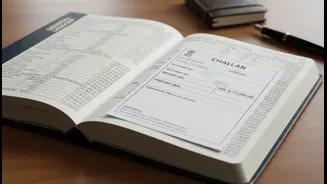
Decoding Challan and Payment Codes
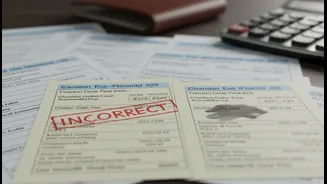
The tax portal uses specific codes for different types of payments. Choosing the wrong one is another common pitfall. The main ones to know are Advance Tax (Minor Head 100), Self-Assessment Tax (Minor Head 300), and Tax on Regular Assessment (Minor Head 400). For instance, if you are paying tax on your own before filing your return, you should use the Self-Assessment Tax challan (ITNS 280). Using the wrong challan, like one for TDS/TCS (ITNS 281), means the payment goes into the wrong government account and won't be credited against your PAN for your ITR. This can make it seem like you haven't paid your taxes at all, leading to demand notices.
Mismatched Personal and PAN Details
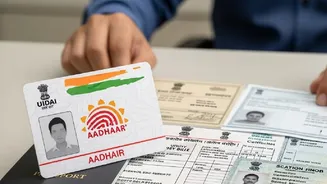
A simple typo can cause major issues. When making a tax payment, your name, PAN, and address must exactly match the details on your PAN card and in your Income Tax Department profile. Any mismatch, however minor, can lead to the payment being un-mappable to your account. This is especially critical with the increased use of data analytics by the tax department to cross-verify information. Always double-check your PAN and personal details before submitting any payment to ensure it is credited to the right person without any hitches.
How to Correct a Payment Error
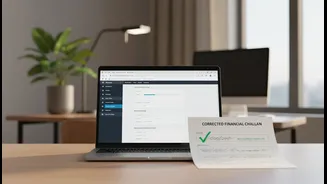
Realising you've made a mistake can be worrying, but many errors can be rectified. The Income Tax Department has introduced an online facility on the e-filing portal to correct certain challan mistakes. For challans paid for AY 2020-21 onwards, you can request corrections for the Assessment Year, Major Head (type of tax), and Minor Head (type of payment). To do this, log in to the e-filing portal, go to 'Services', and select 'Challan Correction'. You can then raise a request to amend the details. However, there are time limits. For example, a correction in the Assessment Year must typically be requested within 7 days of payment. For more complex errors, like a payment made against a TAN instead of a PAN, you may need to approach your Assessing Officer directly.
The Best Defence: Prevention
The easiest way to deal with payment errors is to avoid them in the first place. Before making any tax payment, take a moment to cross-verify everything. Ensure your Form 26AS and Annual Information Statement (AIS) are reconciled with your income details. When on the payment page, pause and confirm the Assessment Year, your PAN, the challan number, and the payment codes. It is also wise to avoid waiting until the last minute to pay taxes or file your return. Rushing often leads to careless mistakes. By being diligent and methodical, you can ensure your tax planning and payment process is smooth and error-free, saving you from the hassle of rectification procedures and potential penalties.