



Decoding the Clicks and Creaks
The medical term for that clicking or crunching sound in your joints is 'crepitus'. Often, it's just harmless gas bubbles popping in the synovial fluid that lubricates your joints. However, if the sound is consistent and accompanied by pain or swelling,
it could signal something more. Chronic poor posture can contribute to these sounds. When you slouch, you create muscle imbalances and uneven weight distribution across your body. This can put extra stress on your knees, hips, and ankles, leading to misalignment and increased strain on the joint. Over time, this added pressure can wear on cartilage, a potential cause of crepitus. What starts as a simple click could be an early sign of how your daily habits are affecting your joints.
The Silent Damage of Slouching
Slouching feels comfortable because it requires less muscle effort than sitting up straight, but it comes at a cost. When you hunch forward, you're putting your spine, shoulders, and neck in a compromised position. This can lead to a cascade of issues, including chronic back and neck pain, muscle strain, and tension headaches. But the effects don't stop there. Poor posture can compress your internal organs, potentially affecting digestion and leading to issues like acid reflux. It can also impair your lung function by restricting your diaphragm's ability to expand fully, making it harder to take deep breaths. What feels like a relaxed position on the couch or at your desk is actually forcing your body to work harder in ways that can have long-term consequences.
The Desk-Bound Dilemma
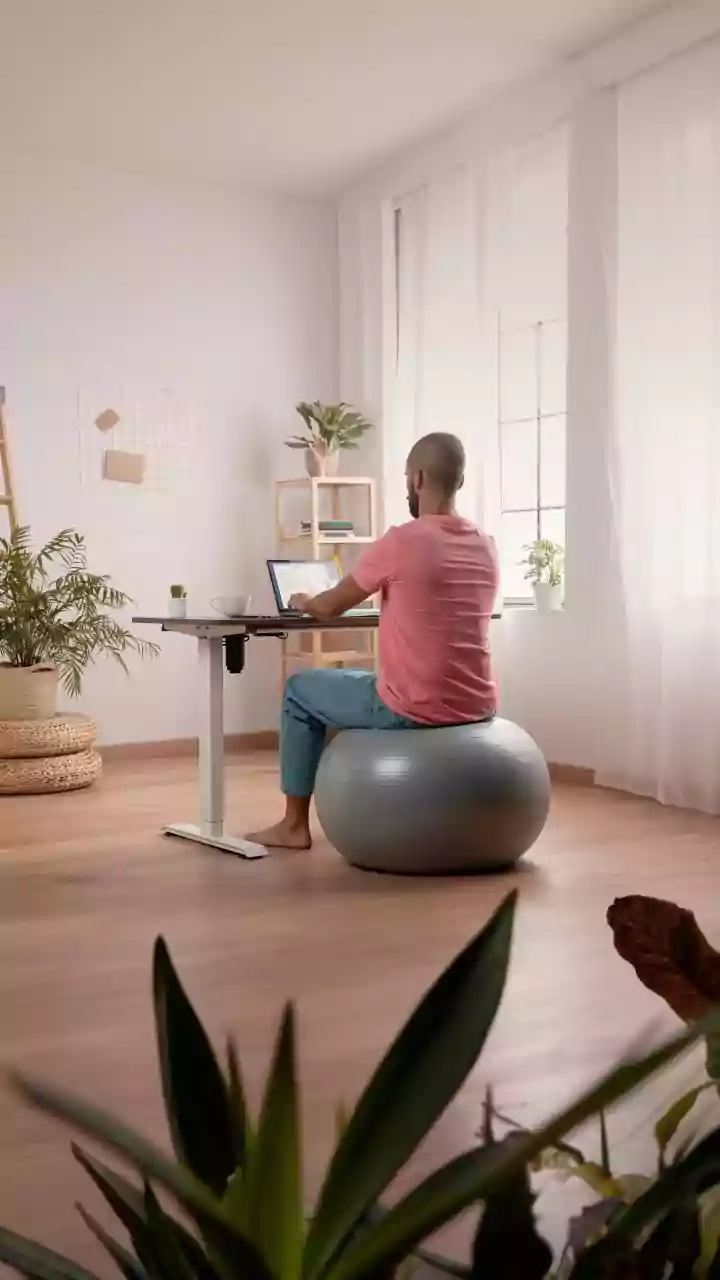
For many, the primary source of poor ergonomic habits is the workstation. Whether at home or in an office, spending hours in the same position can lead to strain. Common mistakes include having your monitor too low, which encourages a forward-head posture, or using a chair that doesn't provide adequate lumbar support, causing you to slump. Typing with your wrists at an awkward angle or sitting so your feet don't rest flat on the floor can also create problems. The ideal setup follows the 90-degree rule: your elbows, hips, and knees should all be bent at roughly a 90-degree angle. Your monitor should be positioned so the top of the screen is at or just below eye level, preventing you from hunching your neck to see it properly.
Simple Fixes for Your Workspace
You don't need to buy expensive equipment to improve your ergonomics. Simple adjustments can make a world of difference. If your monitor is too low, use a stack of books to raise it to eye level. If your chair lacks lower back support, a rolled-up towel or small cushion can provide the necessary curve for your spine. Ensure your feet are flat on the floor; if they don't reach, use a footrest or even a small box. Your keyboard and mouse should be close enough that your elbows can stay near your body, preventing shoulder strain. The goal is to arrange your space so it fits your body, not the other way around.
Beyond the Desk: Movement is Key
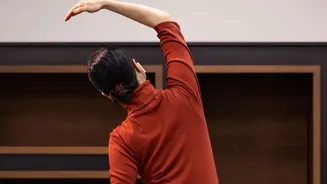
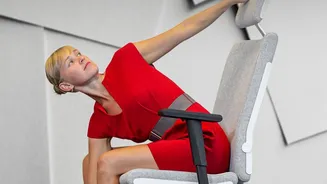
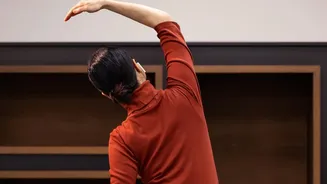
Even the perfect ergonomic setup isn't a cure for a sedentary day. The human body is designed to move, and staying in one position for too long—even a good one—causes muscle fatigue and stiffness. Experts recommend following the 20-20-20 rule: every 20 minutes, look at something 20 feet away for 20 seconds to reduce eye strain. More importantly, get up and move around for a few minutes at least once every hour. Simple stretches at your desk, like shoulder rolls, neck tilts, and gentle spinal twists, can relieve tension and improve circulation. Alternating between sitting and standing, if possible, engages different muscle groups and prevents the static load that leads to discomfort.