



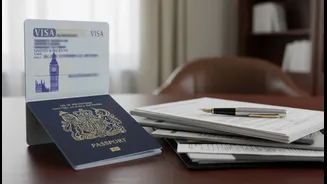


What Exactly is a UK eVisa?
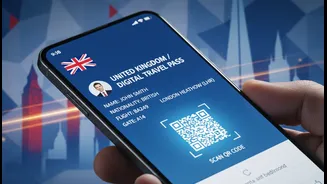
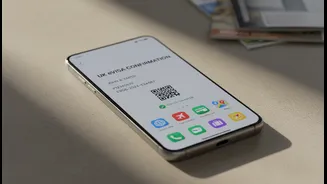
A UK eVisa is not a document you print or a file you download; it is a secure, digital record of your permission to be in the United Kingdom. This online status replaces older physical documents like Biometric Residence Permits (BRPs) and visa stickers
(vignettes) in passports. Your eVisa is linked directly to the passport you used in your application and is held in your personal UK Visas and Immigration (UKVI) account. This digital shift is designed to make proving your status faster and more secure, as it can't be lost, stolen, or damaged like a physical card. For anyone applying for a UK visa from India, you will now be issued an eVisa upon successful application.
The New Digital Verification Process
A central part of the new system is the 'UK Immigration: ID Check' mobile app. During your visa application or when creating your UKVI account to view your eVisa, you will be prompted to use this app to verify your identity. This process typically involves several steps performed entirely on your phone: taking a photo of your identity document (like your passport), scanning the document's embedded biometric chip, and completing a 'liveness' check by scanning your face. This remote verification replaces the need for some in-person appointments, streamlining the process. Once completed, your identity is linked to your UKVI account, giving you access to your eVisa.
Why Your Smartphone is Now Essential
Under the eVisa system, your smartphone is no longer just a communication device—it's your key to managing your immigration status. The most critical function is its ability to read the biometric chip in your modern passport using Near-Field Communication (NFC) technology. This is the same technology used for contactless payments. You'll need an NFC-capable smartphone (most modern Android phones and iPhone 7 or newer models) to complete the identity verification on the 'UK Immigration: ID Check' app. Beyond the application, your phone is how you access your UKVI account to view your eVisa or generate a 'share code'. This code is what you will give to employers or landlords to prove your right to work or rent in the UK. Airlines will also verify your status digitally before you board your flight to the UK.
How to Prepare for the Digital Shift
To ensure a smooth journey, preparation is key. First, confirm your smartphone has NFC capabilities; this can usually be found in your phone's connection settings. Make sure your phone's operating system is up to date, as the ID Check app requires recent versions of Android or iOS. Before starting your application, ensure you are in a well-lit area to take clear photos of yourself and your documents. It's also wise to remove your phone from its case, as this can interfere with the NFC scanner's ability to read the chip in your passport. Finally, always travel with the same passport that is linked to your eVisa and keep your contact details in your UKVI account updated, as this is how you will receive important notifications.
What If You Don't Have a Suitable Smartphone?
The UK government acknowledges that not everyone may have access to a smartphone with the required features. UKCISA, an advisory body for international students, notes that official guidance allows for the use of a friend or family member's smartphone to complete the identity verification process. The app does not store your personal information on the phone once the process is complete, ensuring security. For those who are unable to use the app, for instance, if their identity document does not have a biometric chip, there are alternative web-based routes to link your account, though using the app is the primary method. It's crucial to follow the specific instructions provided during your online application on the GOV.UK website.