

Your Digital Window to the Cosmos
The first step is to turn your phone into a portable planetarium. Dozens of stargazing apps use your phone's location and internal sensors to create a real-time map of the sky. You simply point your phone upwards, and the app will identify stars, constellations,
planets, and even satellites. For beginners, the best apps are free and easy to navigate. Some highly-rated free options include SkyView Lite, Star Walk 2, and Stellarium Mobile Free. These apps provide a fantastic augmented reality (AR) experience, overlaying information directly onto your view of the night sky. Before you head out, download one of these and allow it to access your location for the most accurate sky map. Most offer a simple, point-and-see interface that makes identifying celestial objects incredibly intuitive for newcomers.
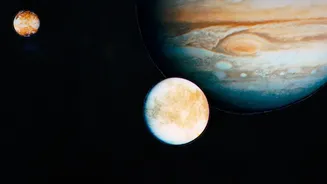
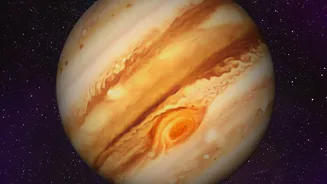
Locating the Gas Giants: Jupiter and Saturn
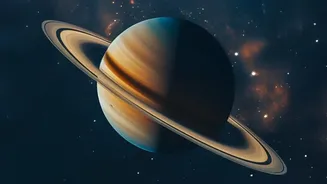
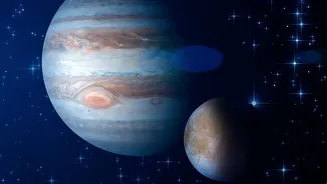
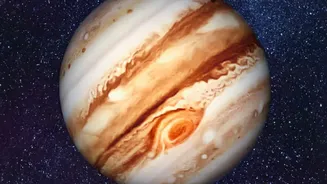
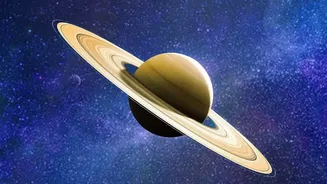
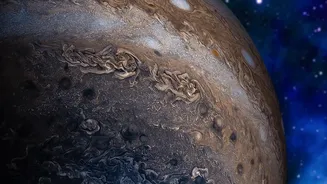
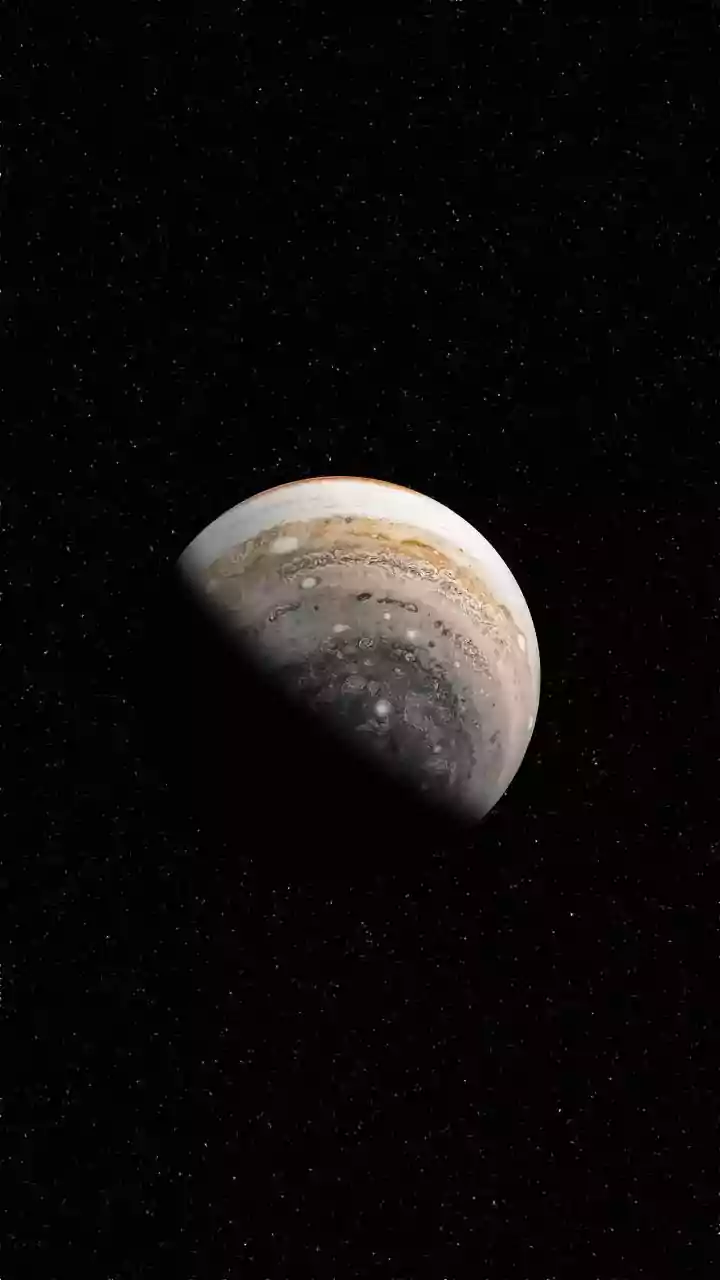
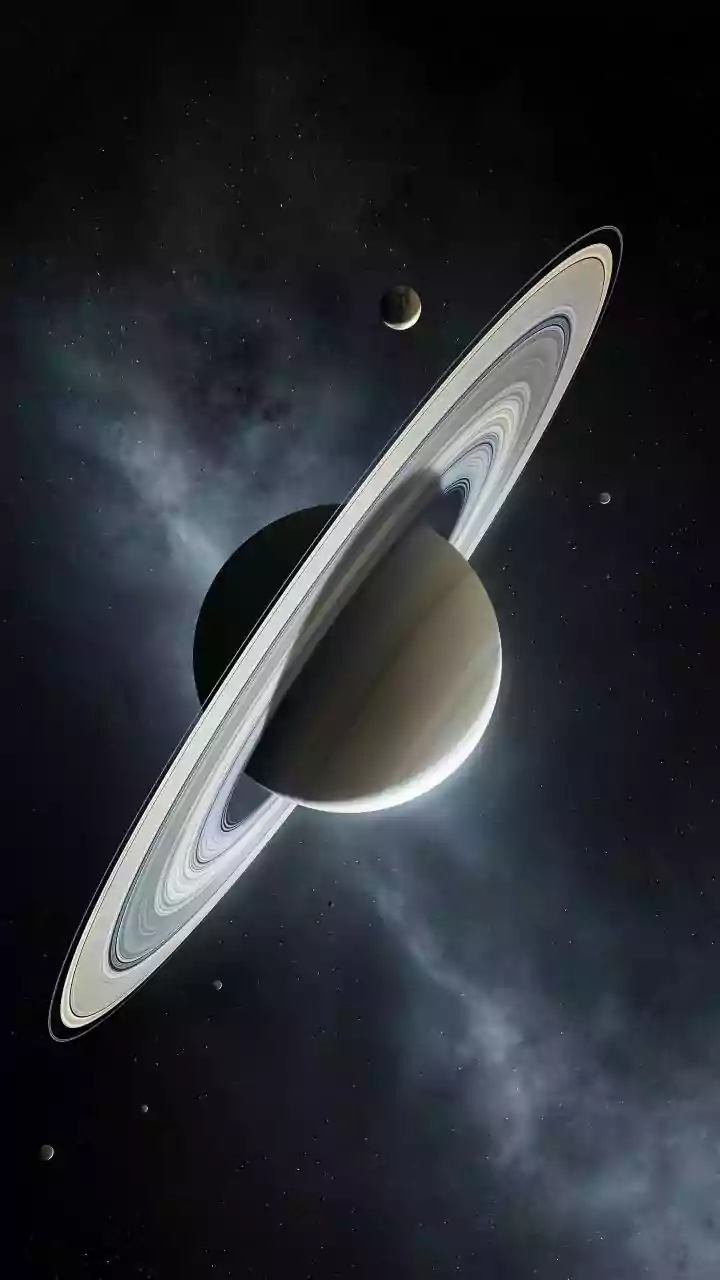
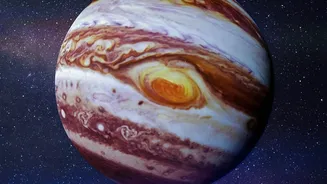
Jupiter and Saturn are two of the most rewarding planets to spot for the first time. They appear as exceptionally bright, steady stars that don't twinkle as much as distant suns. In late August 2026, both planets are visible in the sky. Saturn rises in the mid-evening and will be high in the southern sky after midnight. Jupiter returns to the morning sky, though it remains quite low to the eastern horizon just before sunrise. Using your app makes finding them simple. Open your chosen app (like SkyView Lite or Stellarium) and use its search function. Type in "Jupiter" or "Saturn," and an arrow will typically appear on your screen, guiding you to point your phone in the correct direction. As you move your phone to follow the arrow, you’ll see the planet appear on your screen, perfectly aligned with its actual position in the sky. Even if you can't see it immediately with your naked eye, the app confirms you're looking in the right place. Saturn is generally easy to spot with the naked eye once you know where to look.
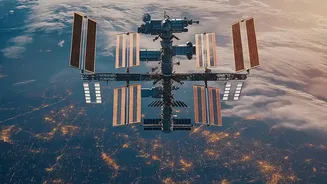
Catching a Glimpse of the ISS
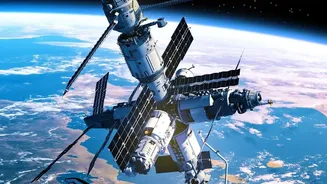
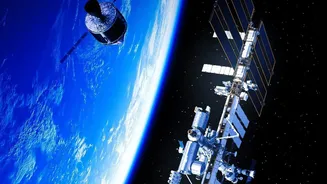
Unlike the slow-moving planets, the International Space Station (ISS) zips across the sky in a matter of minutes. Spotting it is all about timing. The ISS looks like a very bright, fast-moving star or airplane (but without flashing lights) and is only visible when it's dark where you are but the station itself is still lit by the sun. For this task, a dedicated tracker app is best. The official NASA App and ISS Detector are excellent free choices. These apps will do more than just show you where the ISS is in real-time; they will send you notifications for upcoming visible passes over your specific location. A typical notification might tell you that a pass will start at 9:15 PM, last for four minutes, and travel from northwest to southeast. When the time comes, you just go outside, face the correct direction, and watch for its silent, brilliant glide across the stars. It’s a genuinely thrilling sight, knowing you are watching astronauts orbiting the Earth.
Tips for the Best Viewing Experience
To make your first stargazing session a success, a few simple tips can make a world of difference. First, get away from city lights if possible. Light pollution washes out dimmer objects, and even a short drive to a darker park can dramatically improve your view. If you're stuck in the city, try to find an open space and turn off any nearby house or porch lights. Second, give your eyes time to adjust. It can take up to 20 minutes for your eyes to fully adapt to the dark, so avoid looking at your bright phone screen constantly. Many apps have a 'red light' or 'night mode' that preserves your night vision. Finally, be patient. Celestial objects rise and set just like the sun and moon. What might not be visible at 9 PM could be perfectly positioned by 11 PM. Use your app to check the best viewing times for your targets.