








First, Create a Master Document List
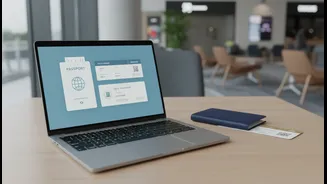
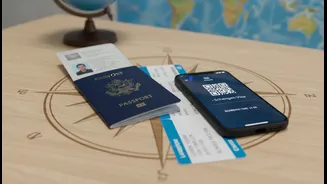
Before you scan or download anything, know what you need. A lost passport abroad is a nightmare, but a digital copy can speed up the replacement process significantly. Your essential digital checklist should include: your passport, any necessary visas,
driver's licence, and birth certificate. Also, gather all booking confirmations, including flights, hotels, and car rentals. Don't forget copies of your travel insurance policy, any medical prescriptions, and event tickets. For extra security, consider making digital copies of the front and back of your credit cards. While digital versions are backups and not replacements for official documents, they are invaluable in an emergency.
Choose Your Digital Vault
Once you have your files, you need a secure place to store them. General-purpose cloud services like Google Drive, iCloud, or Dropbox are popular choices. You can create a single master folder for your trip and then share it with a trusted family member or friend back home as a backup. For greater security, especially for sensitive items like passports, consider using a dedicated digital vault app. Look for apps that offer strong encryption (like AES-256), password protection, and biometric login features. Some travel-specific apps like TripIt or Kayak not only store documents but also organise your entire itinerary, sending you updates on flight changes.
Prioritise Security and Encryption
Your personal data is valuable, so protecting your digital documents is crucial. Avoid simply storing sensitive files in an open email inbox or your phone's photo gallery. Always use password protection for the services and apps where you store documents. For an extra layer of safety, enable two-factor authentication (MFA) on your cloud accounts. When travelling, be wary of public Wi-Fi. A Virtual Private Network (VPN) encrypts your connection, making it much safer to access your files from a hotel or airport network. Some security experts even recommend disabling auto-connect for Wi-Fi and Bluetooth to prevent your devices from joining unsecured networks without your knowledge.
Make Offline Access Your Best Friend
You cannot assume you will have reliable internet access the moment you need a document. Airport Wi-Fi can be notoriously unreliable, and international data can be expensive. Before you leave, ensure your most important files are saved for offline access. Most cloud storage and travel apps allow you to select specific files or folders to store directly on your device. Taking a screenshot of your mobile boarding pass is a simple but effective trick. This ensures you can pull up your ticket at security or the gate, even with zero bars of signal, preventing a last-minute panic.
Organise with a Simple System
A messy digital folder is only slightly better than a messy backpack. A few seconds of organisation can save minutes of frantic searching at a check-in desk. Create sub-folders for different categories like 'Flights', 'Hotels', and 'Identification'. Use clear, consistent file names. For example, instead of 'Scan_001.pdf', name your file 'Passport_JohnSmith.pdf'. This simple habit turns a digital junk drawer into an efficient and reliable tool. Some travellers also find it useful to keep an archive folder of old documents, as they are sometimes requested for visa applications.
Don't Forget the Physical Backup
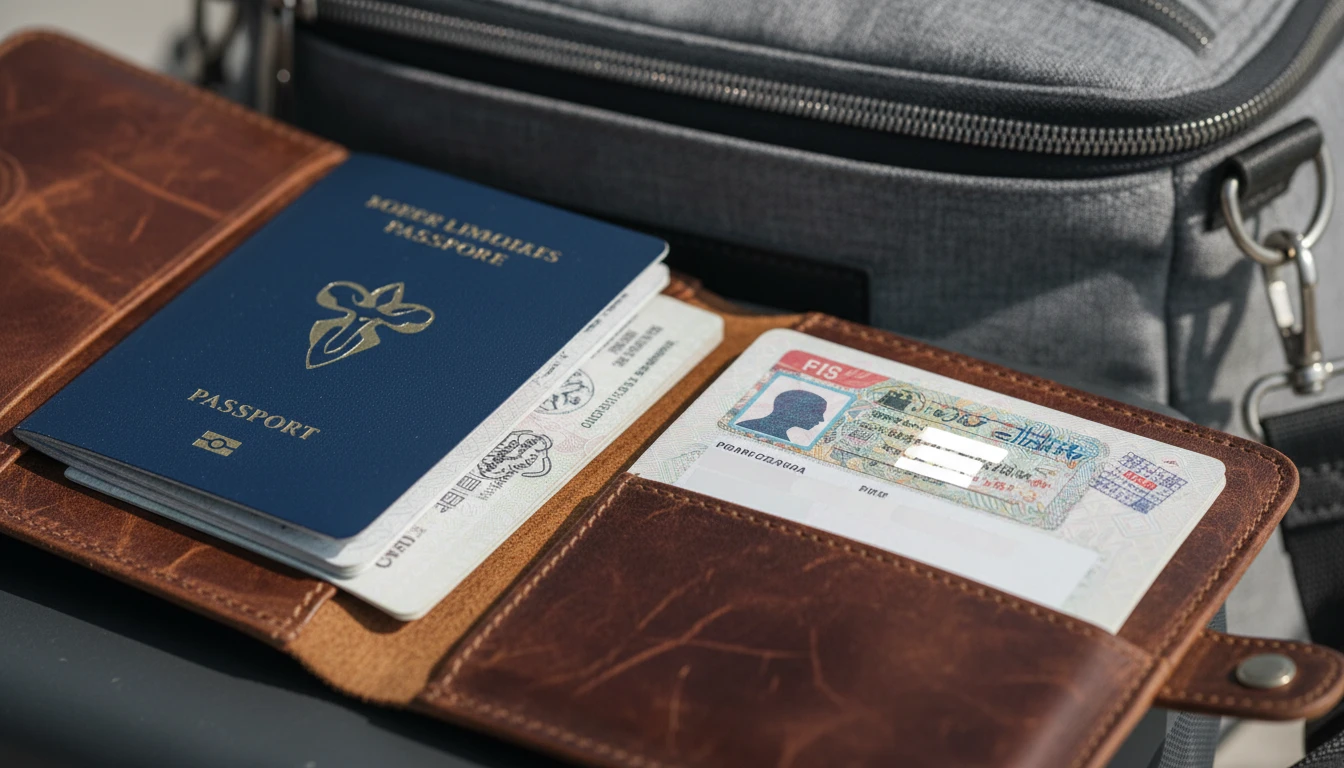
In a world of digital convenience, it might sound old-fashioned, but having a few physical printouts is still a wise strategy. Digital systems can fail: a phone can be lost, stolen, or run out of battery. A single paper copy of your passport ID page, visa, and key hotel confirmations, kept in a separate bag from the originals, provides a crucial fallback. Think of it as the ultimate insurance policy. Your digital documents are for convenience and recovery in 99% of situations, but a physical backup is for that final 1% where technology fails you completely.