



The Challenge of the Fast-Talking Professor
University lectures are the cornerstone of higher education, but they often present a significant challenge: information density. Professors, passionate about their subject, can deliver complex information at a rapid pace. For students, trying to listen,
comprehend, and write comprehensive notes all at once can feel like an impossible task. This frantic scribbling often leads to incomplete notes, missed nuances, and a weaker grasp of the material. Studies have even suggested that verbatim transcription can hinder learning because the student is focused on capturing words rather than processing concepts. The dream has always been a personal assistant that can flawlessly record the lecture, allowing the student to focus entirely on understanding the content in the moment. With recent advancements in artificial intelligence, that dream is becoming a practical reality.
Why Offline AI Is a Game Changer for Students
While cloud-based AI transcription has been available for years, offline tools represent a significant leap forward for students. The primary benefit is privacy. When a tool runs entirely on your laptop or device, your lecture recordings and the resulting transcripts never leave your possession. This is crucial for sensitive research discussions or simply for peace of mind. Another key advantage is accessibility. University lecture halls and libraries can have spotty Wi-Fi, but an offline tool works anywhere, anytime, ensuring you never miss a recording because of a poor connection. These tools use powerful, compact AI models, such as versions of OpenAI's Whisper, that are downloaded to run locally on your machine. This means all the processing happens on your device, offering reliability that online services can't always guarantee.
From Raw Text to Structured Summary
The headline's promise of a "structured summary" requires a closer look. Most offline speech-to-text tools excel at the first, crucial step: transcription. They convert the spoken lecture into a wall of written text with remarkable accuracy, even handling different speakers and some background noise. An hour-long lecture can often be transcribed in just a few minutes. However, turning this raw transcript into a structured summary is typically a second step. Many modern AI note-taking applications build on this by using Large Language Models (LLMs) to then process the transcript. After the transcription is complete, you can use AI features to identify key points, generate summaries, define key terms, or even create flashcards and practice quizzes from the lecture content. So, it's not a single magic button, but a powerful two-stage process: first capture, then comprehend.
Choosing the Right Tool for the Job
The market for AI note-taking is exploding, with tools catering to different needs. Some apps are built specifically for students, integrating transcription with study aids like mind maps and quizzes. Others, like the popular open-source audio editor Audacity, have incorporated free offline transcription features via plugins. When choosing a tool, consider a few factors. First, what is the accuracy for fast, academic speech? Many tools offer free trials, so test them with a sample lecture. Second, what happens after the transcription? Look for tools that offer summarization, keyword extraction, and export options that fit your study workflow. Some platforms, like Otter.ai, are known for excellent real-time transcription, while others, like SpeakApp AI, focus on offline functionality. The key is to find a tool that complements your study habits, rather than just giving you a transcript you never read.
Getting the Best Possible Results
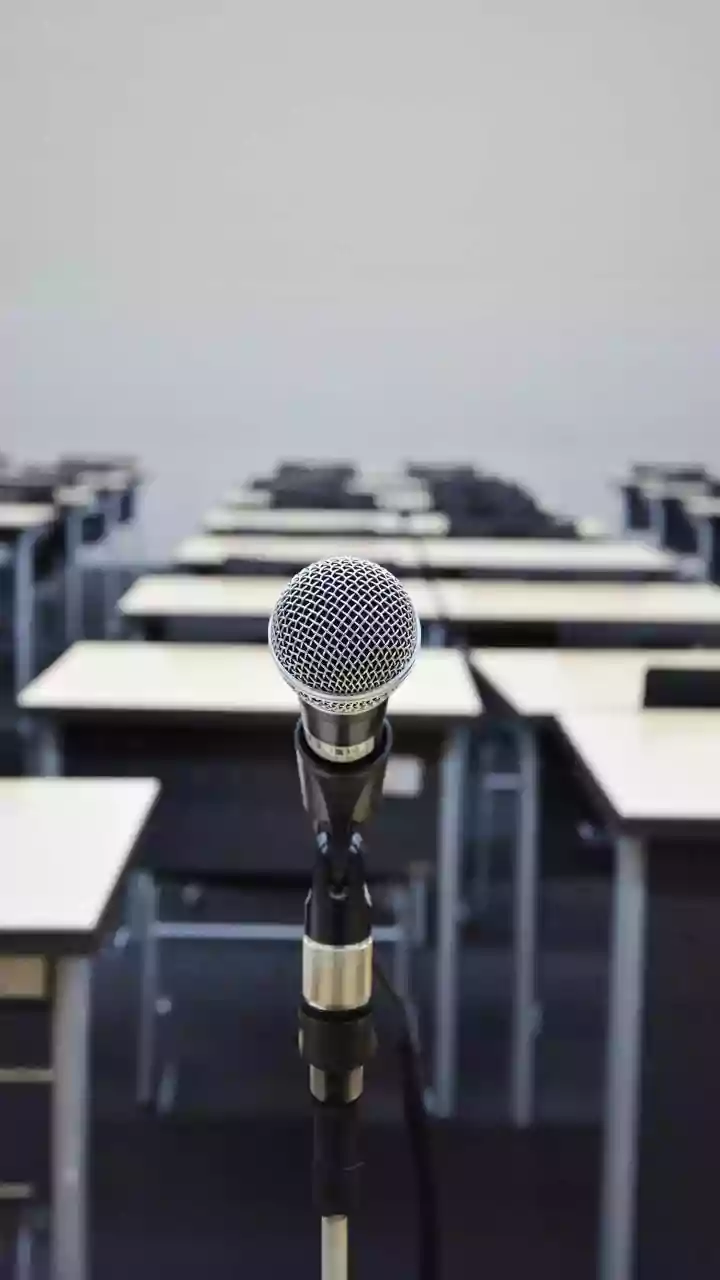
Even the best AI is not magic; the quality of the output depends on the quality of the input. To get a clean transcript, ensure you capture clear audio. Sit closer to the front of the lecture hall if possible, and use a decent quality microphone rather than relying solely on your laptop's built-in one. Even a simple external mic can dramatically reduce background noise and improve clarity. Once you have the transcript, don't treat it as a finished product. Use it as a searchable, editable foundation. Correct any errors in key terms or names. Then, engage with the text using the AI's summarization features or your own critical reading. Highlight, annotate, and pull out the core arguments. The goal of these tools isn't to replace the act of studying, but to supercharge it by removing the mechanical friction of note-taking.