





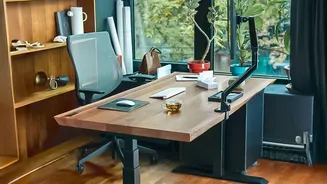

Start With Your Chair
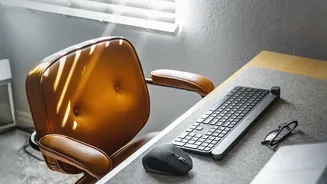
Your chair is the foundation of your workspace, and it's the first thing you should address. Before considering a new purchase, focus on adjusting what you have. Your primary goal is to achieve a neutral posture. Start by adjusting the seat height so
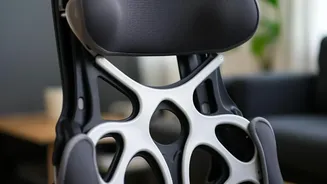
your feet rest flat on the floor with your knees at roughly a 90-degree angle. Your thighs should be parallel to the ground. If your chair is too high and your feet dangle, use a footrest or even a sturdy stack of books to provide support. Next, focus on your back. Push your hips as far back in the chair as they can go to prevent slouching. A good chair should offer lumbar support that fits the natural curve of your lower back. If your chair lacks this, a small pillow or a rolled-up towel can make a significant difference. Finally, check your armrests. They should be positioned so your shoulders are relaxed and your elbows are close to your body, bent at about 90 degrees. If the armrests force your shoulders up or prevent you from getting close to your desk, it's better to lower or remove them entirely.
Fix Your Monitor Position
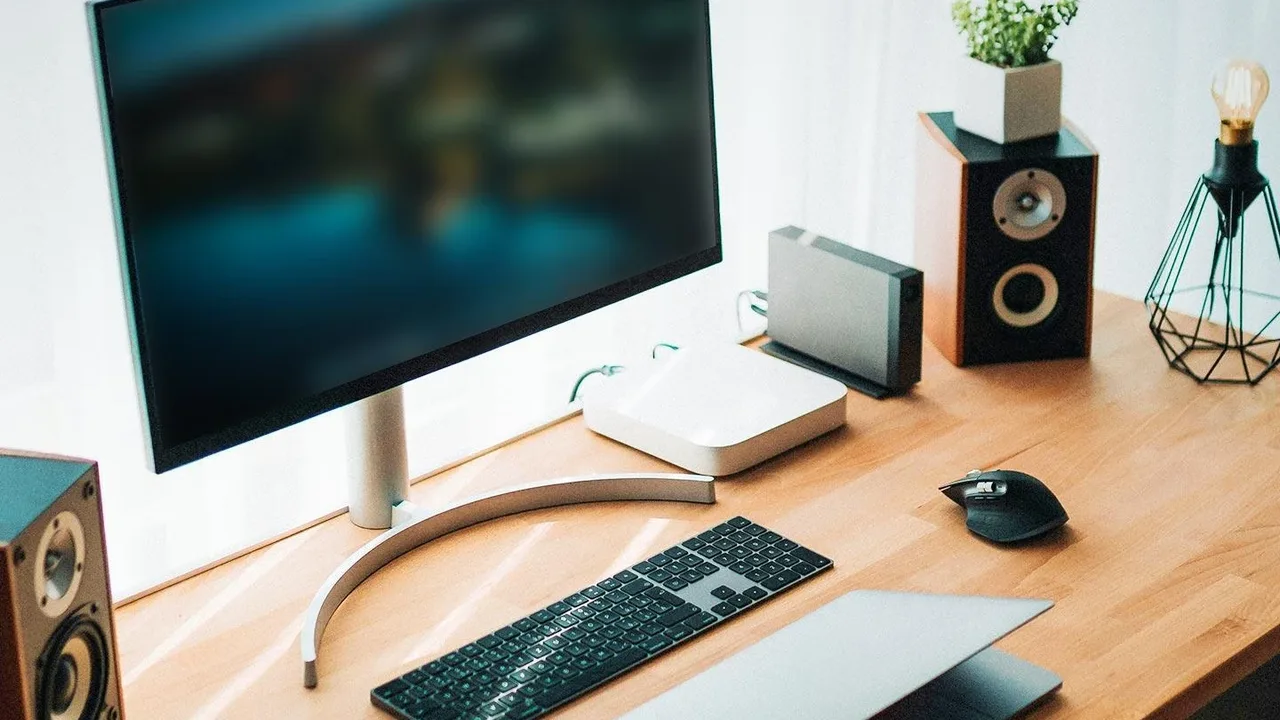
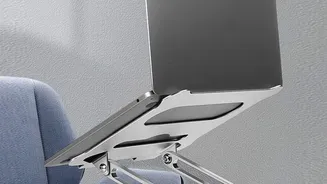
The second most critical change is your screen placement. Hunching over a laptop or craning your neck to see a monitor is a direct path to shoulder and neck pain. The ideal position for your monitor is directly in front of you, at about an arm's length away. When you look straight ahead, your eyes should be level with the top third of the screen. This allows you to view the entire screen by glancing slightly downward, without having to tilt your head. For most people, especially laptop users, this means the screen is far too low. The fix is simple and free: use a stack of books, a sturdy box, or a dedicated monitor stand to elevate your screen to the proper height. If you use a laptop, investing in an external keyboard and mouse is essential. This allows you to raise the laptop screen to eye level while keeping your hands and wrists in a comfortable typing position.
Adjust Your Keyboard and Mouse
With your chair and monitor set, it's time to bring your keyboard and mouse into alignment. Incorrect placement is a common cause of wrist, arm, and shoulder strain. Your keyboard and mouse should be on the same level surface and close enough to you that you can use them with relaxed shoulders and elbows bent at approximately 90 degrees. Your forearms should be roughly parallel to the floor, and your wrists should be straight, not bent upwards or downwards. Many people work at desks or tables that are too high, forcing them to raise their shoulders to type. If this is your situation and you cannot lower the desk, the best solution is to raise your chair to achieve the correct arm posture and then use a footrest to support your feet. Ensure your mouse is close to your keyboard to avoid reaching, which puts a continuous load on your shoulder. A cluttered desk can also force you into awkward reaching patterns, so keeping your primary work tools within easy reach is a simple but effective habit.
Re-evaluate Your Lighting
Often overlooked, poor lighting is a major source of discomfort, causing eye strain and headaches. Relying solely on a single overhead light can create glare on your screen, forcing you to squint or shift into an awkward position to see clearly. The best setup involves layered lighting. Position your desk so that strong light sources, like a window, are to the side of your monitor, not directly behind or in front of it. This minimizes glare. Then, add a dedicated desk lamp, known as task lighting, to illuminate your immediate workspace without shining directly onto the screen. Opt for lamps with a warm-toned light, which can create a more inviting and less sterile atmosphere than harsh, cool fluorescents. Following the '20-20-20' rule can also give your eyes a much-needed break: every 20 minutes, look at something 20 feet away for at least 20 seconds.
Build in Movement
The most ergonomic setup is still unhealthy if you remain static in it for hours. The final, crucial change is not to your equipment, but to your routine. Your body is designed to move. Prolonged sitting, even in a perfect posture, can lead to stiffness and discomfort. Set a timer to remind yourself to get up and take a short movement break at least once an hour. This could be as simple as walking to the kitchen for a glass of water, doing a few simple stretches, or just standing up while you take a phone call. Some people find success with a sit-stand desk, which allows for easy posture variation throughout the day. Even without one, you can create 'micro-breaks' by simply changing your position in your chair, stretching your wrists, or rolling your shoulders every 15 to 20 minutes. Making movement a non-negotiable part of your workday is a free and powerful way to combat the physical strain of desk work.