



Your Pocket Planetarium
The secret to urban astronomy lies in technology you already own. Modern smartphone apps use your phone's GPS and compass to know your exact location and the direction you're pointing. They then use augmented reality (AR) to overlay a detailed star map
onto your camera's view. When you point your phone at a bright dot in the sky, the app can tell you if you're looking at a distant star, a satellite, or a planet in our own solar system. It’s like having a personal planetarium that cuts through the visual noise of the city, showing you exactly what’s hidden in plain sight.
Choosing Your Digital Telescope
A great number of excellent, free, and user-friendly apps can turn you into an amateur astronomer. Star Walk 2 is often recommended for beginners because its AR overlays are easy to use and it provides rich detail on stars and planets. Another fantastic option is SkyView Lite, which excels at using your camera to spot and identify celestial bodies, including the International Space Station (ISS). For those who want a simple, effective tool, Star Chart and the open-source Sky Map (formerly Google Sky) are also excellent free choices that show you exactly what you're looking at in real time. Many of these apps are available for both Android and iOS devices.
This Month’s Brightest Planets
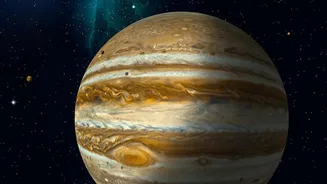
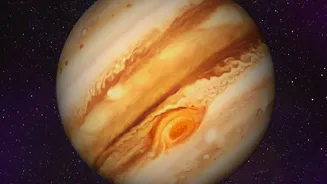
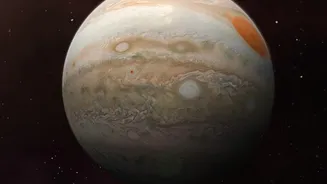
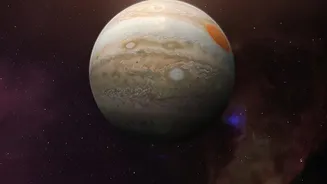
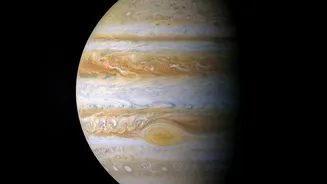
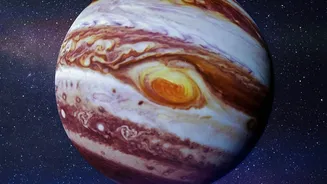
September 2026 is a brilliant month for planet-spotting. All five planets visible to the naked eye—Mercury, Venus, Mars, Jupiter, and Saturn—will make an appearance. Venus will be the easiest to spot, reaching its peak brilliance and dominating the western sky just after sunset. Mars and Jupiter will be visible in the hours before sunrise, appearing in the eastern sky. Saturn will be visible for most of the night. While you might need binoculars to spot Mercury, which appears low on the horizon, the other planets are bright enough to be seen with the naked eye once you know where to look.
A Step-by-Step Guide for Urban Astronomers
Ready to start your cosmic journey? First, download one of the recommended apps and grant it location access. This is crucial for the app to create an accurate map of your sky. Next, find the best possible viewing spot you have, whether it’s a balcony, a rooftop, or a nearby park with fewer direct streetlights. Give your eyes about 15-20 minutes to adjust to the darkness; this will dramatically increase how much you can see. Then, simply open your app and point your phone towards the brightest objects you see. The AR feature will identify them for you. You'll quickly learn to distinguish planets, which often shine with a steady light, from stars, which tend to twinkle.
Tips for Beating City Lights
Light pollution is the biggest challenge for city stargazers, but there are ways to work around it. Many astronomy apps feature a 'red light mode,' which turns the interface red to preserve your night vision. Using it will stop your phone's bright screen from repeatedly making your pupils contract. Another simple trick is to find a spot where buildings block the glare from major roads or commercial areas. Even cupping your hands around your eyes can help shield them from ambient light and focus your vision on the sky. For planets like Venus and Jupiter, their brightness often allows them to cut through even significant light pollution, making them perfect targets for beginners.