


That tired, gritty feeling in your eyes after a long day on the laptop is all too common. Known as digital eye strain, it often stems from a combination of poor screen setup, glare, and improper brightness, which can lead to discomfort and headaches.
Why Your Setup Matters
Digital eye strain, or Computer Vision Syndrome, includes symptoms like dry eyes, blurred vision, and neck pain. These issues are often caused by a workspace that isn't ergonomically sound. When your screen position is off, your lighting creates glare, or your brightness is mismatched with the room, your eyes and body have to work harder to compensate, leading to fatigue. Fortunately, you can significantly improve your comfort with a few simple adjustments to your environment and device settings.
Position Your Screen for Success
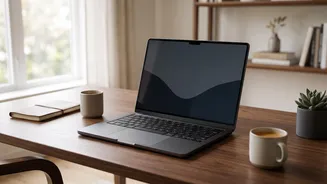
The physical placement of your laptop is one of the most critical factors for preventing eye and neck strain. For optimal comfort, position your screen about an arm's length away, which is typically 50 to 70 centimetres. The top of your screen should be at or slightly below your eye level, which encourages a more natural and relaxed downward gaze of about 10 to 20 degrees. If you use a laptop, this almost always means placing it on a stand or a stack of books and using an external keyboard and mouse to maintain good posture.
Conquer Reflections and Glare
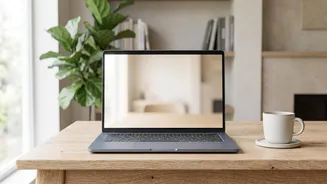
Glare from windows and overhead lights forces your eyes to work harder to see the screen. The best way to combat this is to position your workstation so that windows are to your side, not directly in front of you or behind you. Sitting with your back to a window will cause reflections on your screen, while facing a window creates a harsh contrast between the bright background and your dimmer screen. If you can't move your desk, use blinds, curtains, or light-filtering shades to diffuse the incoming sunlight. Anti-glare screen protectors are another effective solution, as they scatter reflected light.
Find the Right Brightness Level
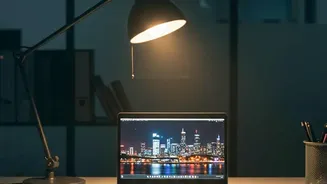
Your screen should not be the brightest or dimmest object in the room. The key is to match your screen's brightness to the ambient light around you. In a well-lit room, you'll need to increase the brightness to make text readable without straining. In a darker environment, you should dim the screen to avoid it feeling harsh and causing fatigue. A good rule of thumb is to hold up a white piece of paper next to your monitor; the brightness of the screen's white background should be similar to the paper. Many devices now have an 'adaptive brightness' feature that automatically adjusts this for you. For typical indoor use, a brightness level between 250 and 350 nits (a unit of luminance) is often recommended.
Adopt Eye Friendly Habits
Beyond your setup, small habits can provide significant relief. Practice the 20ndary rule : every twenty minutes , look at something twenty feet away for at least twenty seconds . This helps relax your eye 's focusing muscles . It is also important to blink frequently , as people tend to blink less while staring at screens , which leads to dry , irritated eyes . If text seems too small , increase the font size or use your device ' s zoom feature rather than leaning in closer . Finally , keep your screen clean from dust and smudges , as a dirty screen can reduce clarity and increase strain .