



Why Start with the Gas Giants?
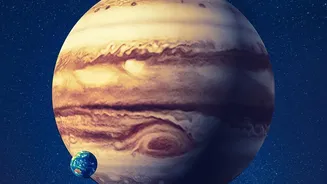
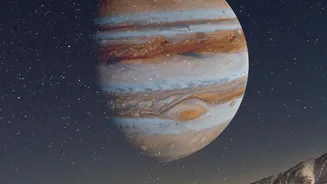
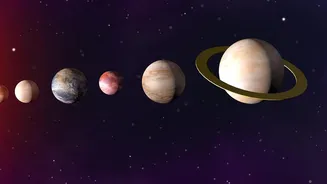
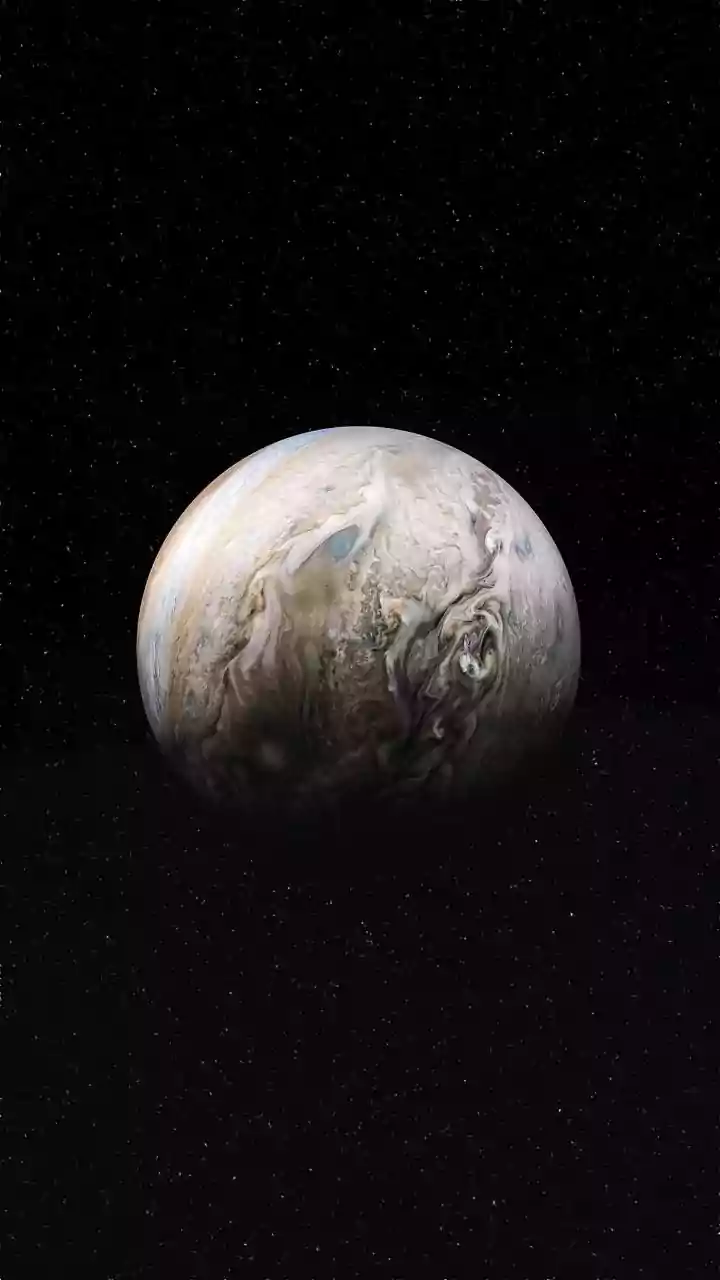
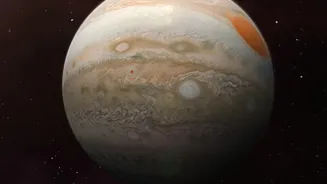
Jupiter and Saturn are perfect targets for aspiring urban astronomers. As the two largest planets in our solar system, they are among the brightest objects in the night sky. Unlike distant stars that twinkle due to atmospheric turbulence, planets shine
with a steadier, more constant light, making them easier to distinguish. Jupiter, in particular, is often brighter than any star, while Saturn has a distinct yellowish tint. September 2026 is a fantastic time for viewing, as both planets are well-positioned. Saturn will be visible for most of the night, while Jupiter will be a brilliant beacon in the hours before sunrise, making them rewarding sights even for the naked eye.
Your Digital Telescope: The Magic of Astronomy Apps
The biggest challenge for any city-based stargazer is light pollution. The glow from streetlights, buildings, and traffic can wash out all but the brightest celestial bodies. This is where mobile astronomy apps become essential. These apps use your phone's GPS and compass to create a real-time map of the sky above you. Simply point your phone towards the sky, and the app will identify stars, constellations, and, most importantly, planets. It’s like having a personal planetarium and an expert astronomer guiding you. Many apps even feature an augmented reality (AR) mode, which overlays the star map onto your camera's view, making identification foolproof.
Top Apps to Download Before You Start
There is a constellation of apps to choose from, but a few stand out for their user-friendly interfaces and powerful free features. Star Walk 2 is often recommended for beginners due to its beautiful visuals and ease of use. Stellarium Mobile is another excellent choice, known for its realistic sky depiction and massive database of celestial objects. SkyView offers a simple point-and-identify experience that is great for getting quick information. For those wanting comprehensive data, Sky Tonight is a fantastic free option that even provides forecasts for stargazing conditions based on weather and light pollution. Most of these are available on both iOS and Android and offer robust free versions that are more than enough to get you started.
Step-by-Step: Finding Your Planets
Ready to go planet-hunting? First, download your chosen app and grant it location access. This is crucial for the app to know what sky you're looking at. Open the app and use its search function. Type in “Saturn” or “Jupiter.” The app will likely display an arrow or guide on the screen, directing you where to point your phone. Follow the arrow until the planet is centered on your screen. Now, lower your phone and look in that same direction with your own eyes. You should see a bright, non-twinkling point of light. That’s it! That’s your planet. For Jupiter, look towards the eastern sky a few hours before sunrise. For Saturn, which is visible most of the night, look towards the southern sky in the early morning hours for the best view.
Tips for the Best Urban Viewing Experience
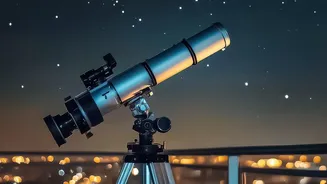
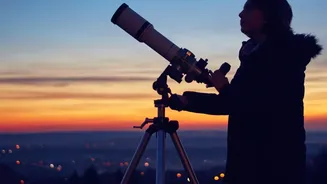
To make the most of your stargazing session, a little preparation goes a long way. Find the darkest spot you can, whether it's a balcony, a rooftop, or a nearby park with minimal direct lighting. Give your eyes at least 15-20 minutes to adjust to the darkness; this will dramatically increase what you can see. Avoid looking at your bright phone screen during this time. Many apps have a 'red light mode' which helps preserve your night vision. Finally, be patient. While apps show you exactly where to look, it can take a moment to spot the planet against the city's glow. Binoculars, even a basic pair, can significantly enhance your view, potentially revealing Jupiter's largest moons or giving Saturn a more distinct, elongated shape.