


Start with Your Foundation: Chair Height
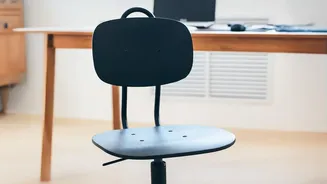
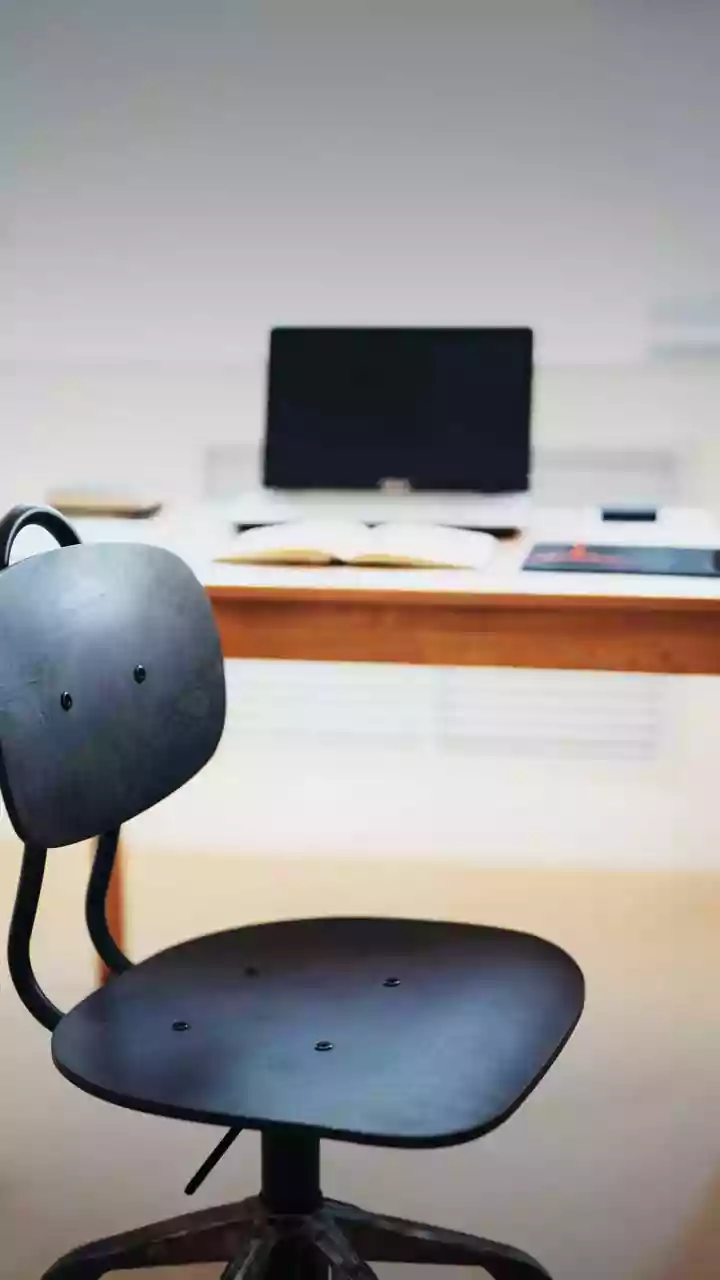
The relationship between your chair and the floor is the bedrock of good posture. Your goal is to create a stable base that minimizes strain. Adjust your chair height so that your feet can rest flat on the floor. Your knees should be bent at roughly a 90-degree
angle, and your hips should be level with or slightly higher than your knees. This position helps distribute your weight evenly and prevents the lower back from taking on too much pressure. If your feet don't reach the floor, use a footrest or a sturdy stack of books to bring the ground up to you. Avoid crossing your legs, as this can create an imbalance and strain your spine.
Support Your Spine's Natural Curve
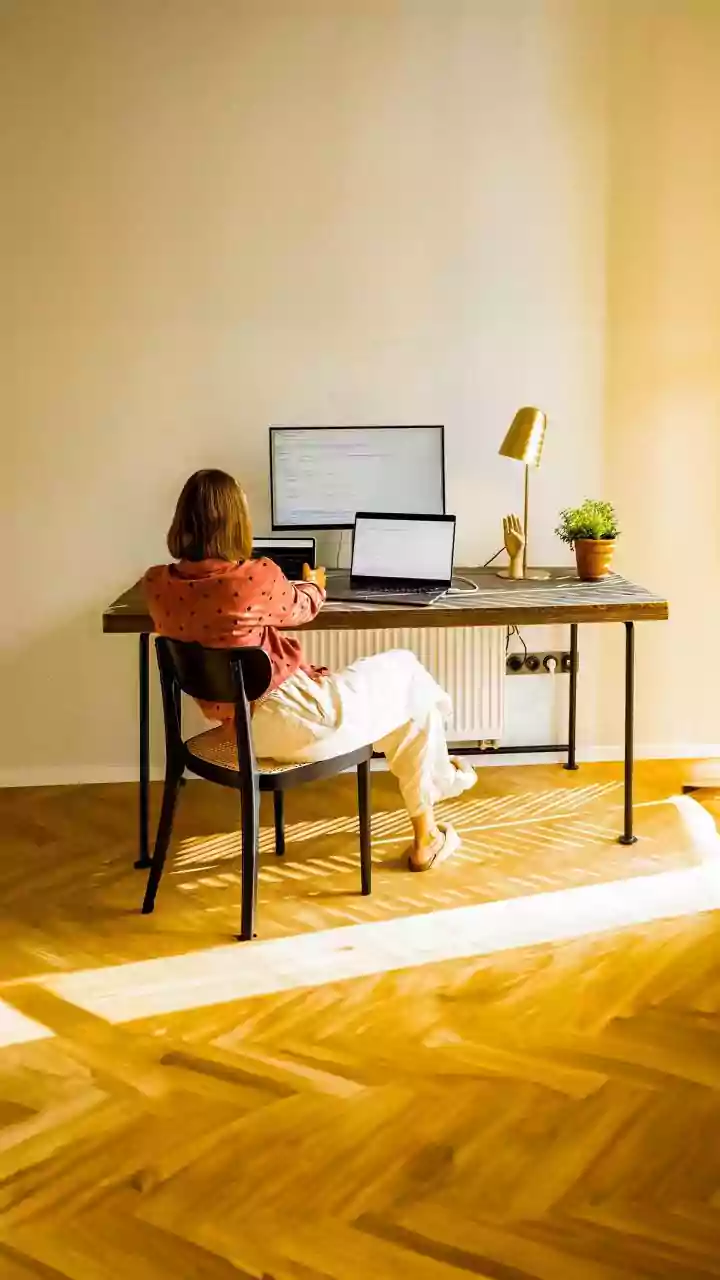
Most chairs, especially dining chairs repurposed for work, lack proper lumbar support. This forces the natural S-curve of your lower back to flatten into a C-shape, straining muscles and spinal discs. To counteract this, you need to provide support for the small of your back. While ergonomic chairs have this built-in, you can create a DIY solution easily. A rolled-up towel, a small cushion, or even a full roll of paper towels can be placed in the curve of your lower back. This simple addition helps maintain the spine's natural alignment, taking significant pressure off your lumbar region.
Position Your Monitor at Eye Level
If your monitor is too low, you'll inevitably hunch forward, straining your neck and upper back. This forward head posture puts immense pressure on your cervical spine. The rule of thumb is to position your monitor so the top edge of the screen is at or just slightly below your eye level. This allows you to maintain a neutral neck position, with your eyes gazing slightly downward toward the center of the screen. The monitor should also be about an arm's length away. If you work on a laptop, using a separate stand or even a stack of books to elevate the screen is crucial. Pair it with an external keyboard and mouse to complete the setup.
Align Your Arms and Wrists
Just as your legs need to be at a 90-degree angle, so do your arms. Adjust your desk or chair height so that when you type, your elbows are bent at approximately a 90-degree angle. Your shoulders should be relaxed, not hunched up toward your ears. Your keyboard and mouse should be close enough that your wrists can remain straight and your forearms are roughly parallel to the floor. This prevents you from reaching and straining your shoulders, and it also helps prevent wrist and forearm issues like carpal tunnel syndrome.
Make Movement a Priority
Even the most perfectly ergonomic setup can't defeat the negative effects of remaining static for hours. Prolonged sitting reduces blood flow and puts stress on your joints and muscles. Experts agree that the best posture is your next posture. Set a reminder to get up, stretch, and walk around for a few minutes at least once every hour. Simple actions like standing during a phone call, doing a few gentle stretches, or just walking to the kitchen for a glass of water can significantly reduce stiffness, improve circulation, and give your back a much-needed break from the sitting position.