





Why The City Glow Doesn't End The Show
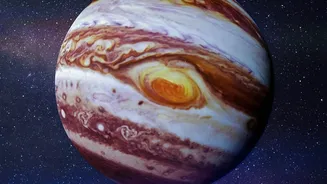
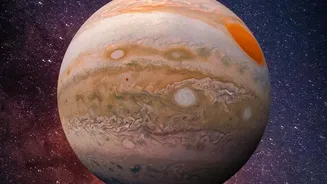
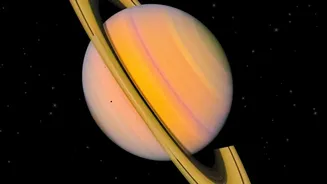
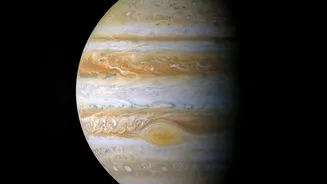
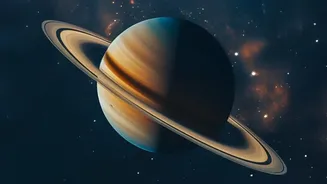
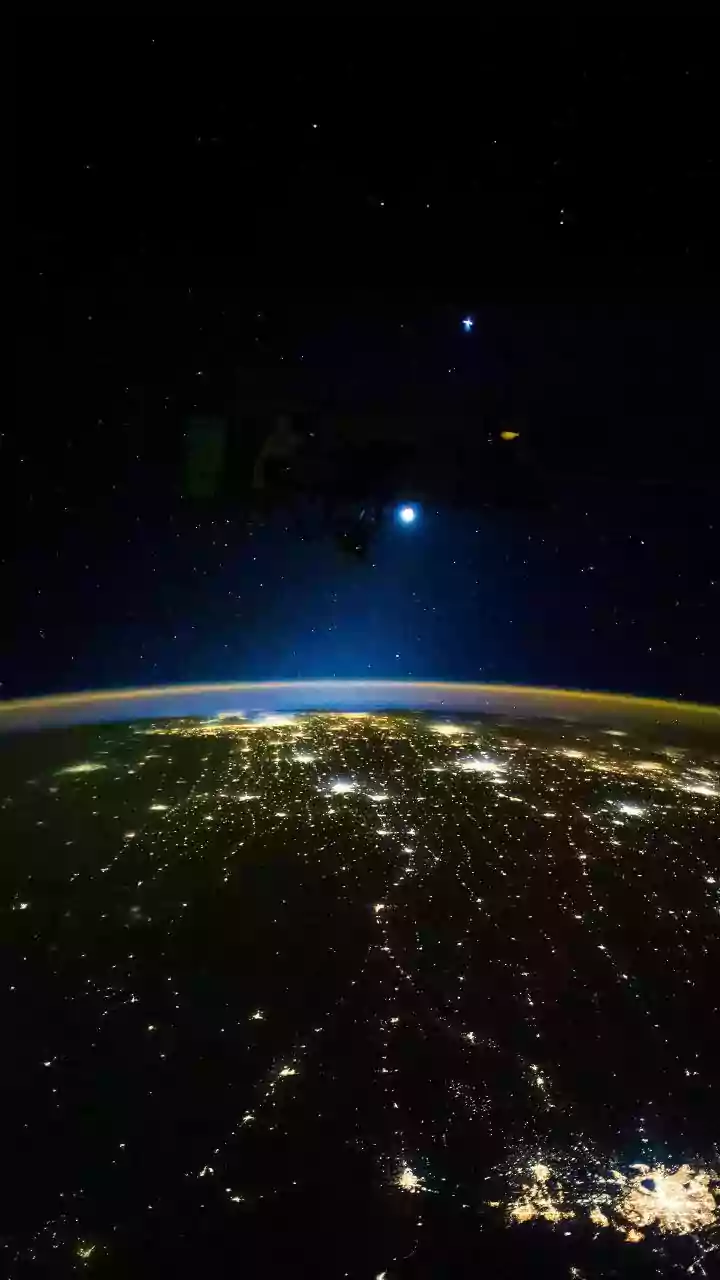
Urban light pollution is a real challenge for astronomers, washing out faint stars and distant galaxies. However, the planets in our own solar system—like Venus, Mars, Jupiter, and Saturn—are incredibly bright. They are often bright enough to cut through
the skyglow of a major city. Unlike distant stars that twinkle, planets shine with a steady, unwavering light. This makes them surprisingly accessible targets for urban skywatchers. The main difficulty isn't that they are invisible, but that they are easily mistaken for bright stars or even airplanes. This is where technology provides a simple and elegant solution.
Your Phone is Now a Pocket Planetarium
Modern stargazing apps transform your phone into a powerful tool for navigating the night sky. They use a combination of your phone's built-in GPS to determine your precise location, a compass to know which direction you're pointing, and the device's clock to know the exact time. With this data, the app can generate an accurate map of the sky directly above you. Many apps feature an augmented reality (AR) mode, which overlays this star map onto your phone’s camera view. As you move your phone across the sky, the app identifies planets, stars, and constellations in real time, essentially labeling the cosmos for you.
Top Apps to Get You Started
Dozens of astronomy apps are available, but a few stand out for their beginner-friendly interfaces and powerful features. Star Walk 2 is often recommended for beginners due to its appealing visuals and easy-to-use AR overlays. SkyView Lite is another excellent free option that excels at identifying objects and providing detailed information with a simple point-and-view interface. For those wanting a highly realistic depiction of the sky, Stellarium Mobile is a fantastic choice, offering a massive database of celestial objects and precise sky maps. Most of these apps have free versions that are more than powerful enough to help you find your first planet.
Making Your First Sighting: A Quick Guide
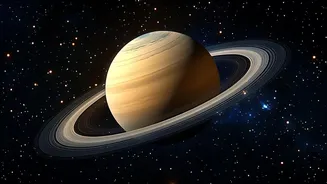
Ready to try it out? First, find the best possible viewing spot. A rooftop, a park, or even a balcony that is shielded from direct streetlights will work. Open your chosen app and give it a moment to calibrate to your location. Point your phone towards the brightest "star" you can see. The app will immediately tell you if you are looking at a star like Sirius or a planet like Jupiter. The AR view helps you confirm by overlaying the planet's name and information directly on your screen. You can also use the app's search function to ask, "Where is Saturn?" and it will guide you to its current position in the sky.
Tips for a Better Urban Viewing Experience
To improve your chances of a great sighting, a little planning goes a long way. Check the weather for a clear, dry night, as humidity and dust can worsen the effects of light pollution. If possible, observe later in the evening, after 11 p.m., when some city lights and traffic may have diminished. Give your eyes about 15-20 minutes to adjust to the darkness, away from your phone screen. Many apps include a red-light "night mode" that helps preserve your night vision while using the app. Finally, focus on objects that are higher in the sky, as looking straight up takes you through the thinnest layer of Earth's atmosphere and away from the worst of the horizon glow.