



A Celestial Show Above India
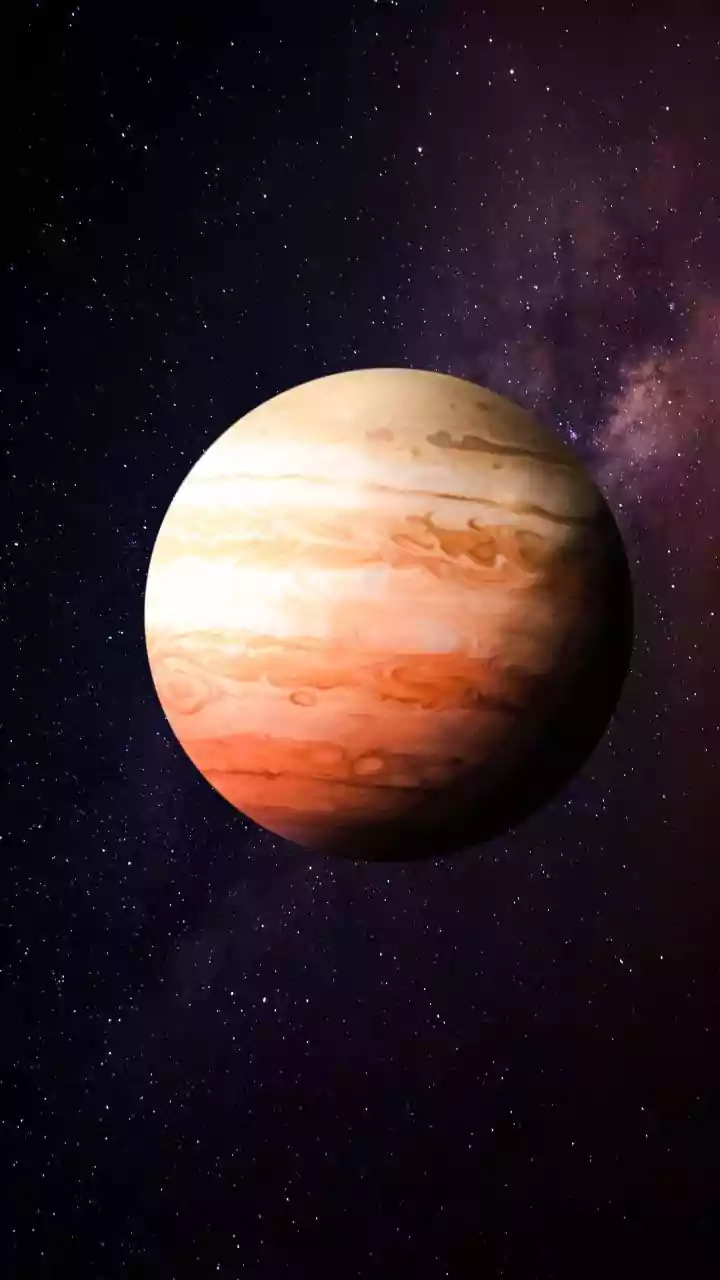
This month offers a fantastic opportunity for urban stargazers in India. Saturn is visible for most of the night, rising in the east shortly after sunset. It will appear as a steady, yellowish-white point of light. Jupiter, the brightest object in the pre-dawn
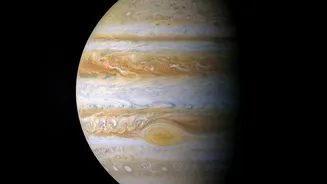
sky, makes its grand entrance in the early morning hours, rising in the east. While they won’t look like the detailed images from a space telescope, spotting these distant worlds as bright, distinct 'stars' from your own home is a truly special experience. The key is knowing exactly where and when to look, and for that, your smartphone is the only tool you need.
Your Simple Stargazing Toolkit
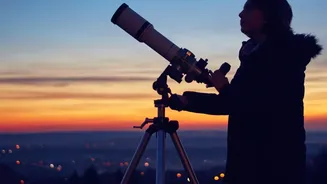
Forget complicated charts and expensive telescopes. To begin your planetary treasure hunt, you only need a few simple things. First and foremost is a smartphone with its location services enabled. Second, find the best possible viewing spot you have access to. This could be a balcony, a terrace, or a nearby park that is shielded from the direct glare of streetlights. Finally, bring a bit of patience. It can take at least 20 to 30 minutes for your eyes to adapt to the darkness, which will help you see more than just the brightest city lights. This simple setup is enough to bridge the gap between your city dwelling and the vastness of space.
Powerful Planetarium Apps for Your Phone
Your phone transforms into a portable planetarium with the help of augmented reality (AR) stargazing apps. These apps use your phone's internal sensors and GPS to create a real-time map of the sky. Simply point your phone towards the sky, and the app will identify stars, constellations, and, most importantly, planets. Some of the most popular and user-friendly options available in India include: SkyView Lite, Star Walk 2, and Stellarium Mobile. Most offer free versions that are more than capable of locating Jupiter and Saturn. SkyView is known for its intuitive point-and-identify interface, while Star Walk 2 offers beautiful visuals and a time-travel feature to see the sky in the past or future. Stellarium is a favourite for its detailed and realistic sky simulation.
How to Find the Gas Giants
Once you have your chosen app downloaded, the process is straightforward. First, give the app a moment to calibrate using your phone's compass and location. For best results, move your phone in a figure-eight pattern. Then, simply hold your phone up to the night sky. The app's display will mirror the stars you're looking at. You can use the search function within the app to look for 'Saturn' or 'Jupiter'. An arrow or guide will then appear on your screen, directing you to move your phone until the planet is centered. As you align your phone, you will see the planet on your screen, correctly positioned among the real stars in the sky. Lower your phone, and your eyes will be looking directly at the real thing—a bright, star-like object that is actually a massive world hundreds of millions of kilometres away.
Tips for Success in the City
Stargazing in a light-polluted area comes with challenges, but a few tricks can significantly improve your experience. Try to find a spot with a clear view of the horizon, especially for spotting planets when they are rising or setting. Higher ground, like a rooftop, can lift you above some of the worst street-level glare. If possible, turn off any lights on your own balcony or in your flat to create a darker immediate environment. Crucially, set your app to 'night mode,' which turns the screen red. Red light has the least impact on your night vision, helping your eyes stay adapted to the dark while you use your phone for guidance. With these small adjustments, you'll be surprised at what you can discover.