


Your Phone: A Pocket Planetarium
The biggest hurdle for any urban astronomer is light pollution, the bright haze that washes out all but the brightest celestial objects. While it can hide faint stars, it can't hide everything. Bright planets like Venus, Jupiter, and Saturn often remain
visible, appearing as unusually bright, steady 'stars'. The challenge is knowing what you're looking at. This is where sky mapping apps come in. These applications use your phone’s built-in GPS and compass to know your exact location and the direction you're pointing. They then generate a real-time map of the sky, overlaying it on your screen. This technology, known as augmented reality (AR), allows you to simply hold your phone up to the sky and instantly identify what's in front of you.
Choosing Your Digital Stargazing Guide
There is a constellation of apps to choose from, but a few stand out for their user-friendly design, making them perfect for beginners. Many offer excellent free versions with all the features you need to get started.
SkyView Lite: A popular choice for its simplicity. You point your phone at the sky, and the app identifies stars, constellations, and planets. It even has a feature to set reminders for celestial events.
Stellarium Mobile: Known for its realistic sky depiction and extensive database, the free version of Stellarium is a powerful tool. It’s highly intuitive for identifying celestial objects and learning more about them.
Star Walk 2: This app is praised for its beautiful graphics and ease of use, making it another great option for those new to stargazing. It provides an interactive sky map in real-time.
For users in India, the 'Bhagol' app offers a unique experience by mapping the sky using both modern and traditional Indian astronomical vocabularies, including the 27 nakshatras.
First Steps: Setup and Calibration
Once you've downloaded an app, the setup is straightforward. First, ensure you grant the app permission to access your location and camera; this is essential for the augmented reality feature to work correctly. Most apps will automatically detect your location via GPS. Your phone's compass may need a quick calibration. If the view on screen doesn't seem to match the sky, the app might prompt you to move your phone in a figure-eight pattern. This helps the internal sensors orient themselves for accurate pointing. Before you head out, take a moment to explore the settings. Most apps have a 'Night Mode', which tints the screen red. This simple change helps preserve your night vision, making it easier to see faint objects in the dark sky after looking at your bright phone screen.
Finding Your First Planet: A September 2026 Guide
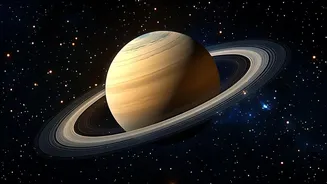
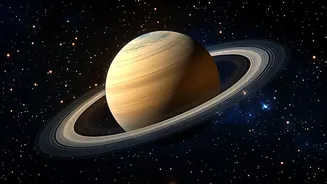
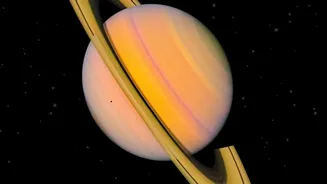
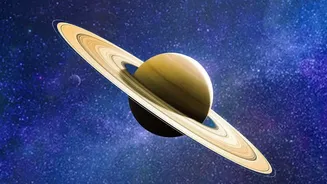
Now for the exciting part. This September, several planets are putting on a show. Venus, for instance, is stunningly bright in the western sky just after sunset. In fact, it reaches its peak brightness for the year this month, making it exceptionally easy to spot, even from a bright city. Saturn is also visible for most of the night, rising in the east shortly after sunset. In the pre-dawn hours, you can find the very bright Jupiter and the reddish tint of Mars in the eastern sky. To find them, simply open your app, tap the search icon, and type the planet's name. An arrow will appear on your screen, guiding you to move your phone until the planet is centered in your view. Look up from your screen, and you'll see it there in the real sky.
Tips for Better Urban Viewing
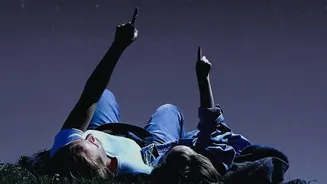
While apps make finding planets easy, a few extra steps can significantly improve your experience. First, try to get away from direct streetlights. Finding a local park, a rooftop, or even a darker corner of your own backyard can make a difference. Give your eyes time to adjust to the darkness; it can take about 15-20 minutes for them to become fully sensitive to low light. Avoid looking at your bright phone screen during this time unless it's in red-light night mode. Finally, check the weather. Clouds are an obvious obstacle, but haze and humidity can also obscure the sky. A clear, crisp night will always offer the best views.