






Start With Your Chair and Feet
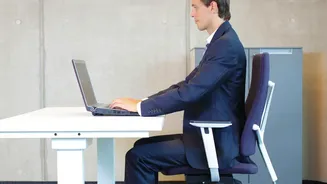
Your chair is the foundation of an ergonomic setup. Adjust its height so your feet can rest flat on the floor with your knees bent at a comfortable 90-degree angle. Your thighs should be roughly parallel to the ground. If your feet are dangling, it can strain
your pelvis and lower back. An easy fix is to use a footrest, or simply a stable box or a stack of sturdy books. You want your buttocks pressed against the back of the chair, not perched on the edge, to ensure your spine is supported. This stable base is the first step to taking the load off your lower back.
Provide Crucial Lumbar Support
Most office chairs have some form of lumbar support, but dining chairs or stools often leave the natural curve of your lower back completely unsupported, forcing you to slouch. Slouching puts significant pressure on your spinal discs. You can create your own lumbar support easily. Roll up a towel tightly and place it in the small of your back. A small, firm cushion can also work well. This simple addition helps maintain the natural inward curve of your spine, preventing the muscle fatigue and strain that comes from slumping forward for hours.
Position Your Monitor at Eye Level
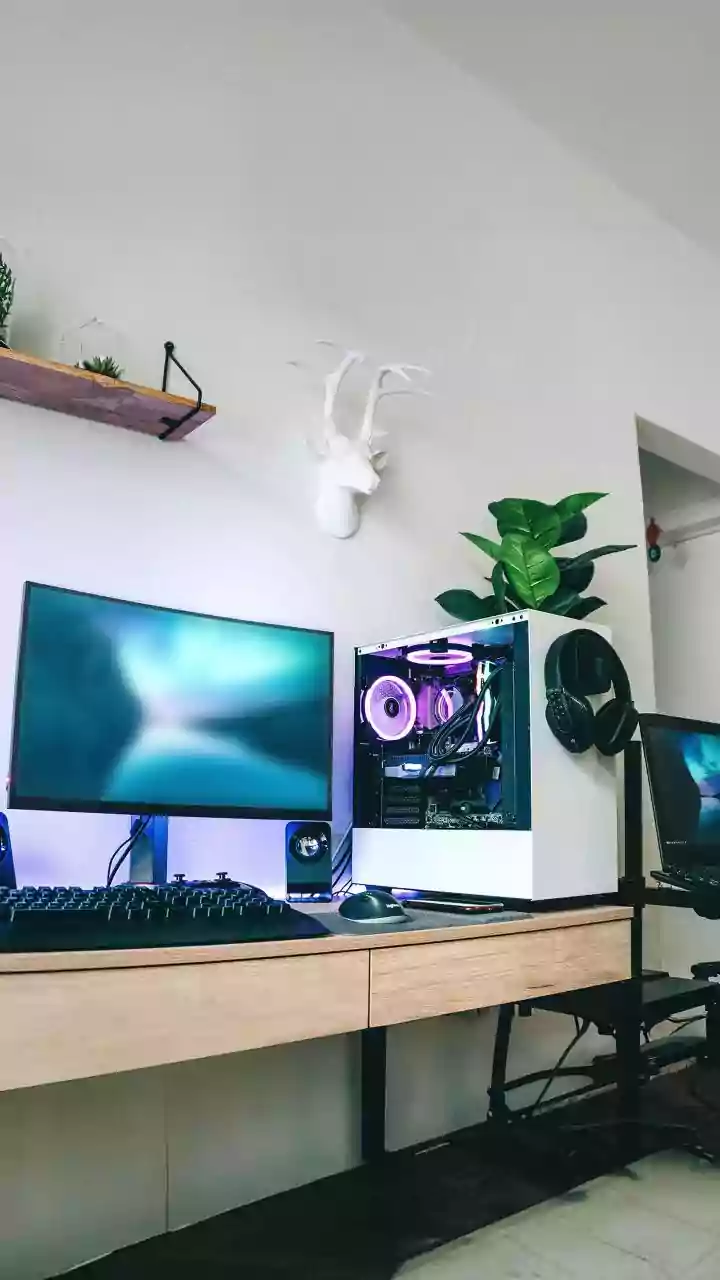
If your screen is too low, you're guaranteed to hunch over, and if it's too high, you'll crane your neck. Both habits lead to significant strain on your neck and upper back. The top of your monitor should be at or slightly below eye level. You should be able to look at it without tilting your head up or down. A great way to achieve this, especially with a laptop, is to use a laptop stand or a stack of books to elevate the screen. Position the monitor about an arm's length away to also help reduce eye strain.
Align Your Arms, Wrists, and Shoulders
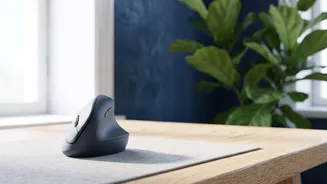
Your desk height and keyboard position are just as important as your chair. Your desk should be at a height that allows your elbows to bend at a 90-degree angle while typing, with your forearms parallel to the floor. Your shoulders should be relaxed, not hunched up towards your ears. Keep your keyboard and mouse close to you so you can use them without reaching. Your wrists should remain in a straight, neutral position, not bent up or down, to prevent strain that can travel up your arms to your shoulders and back.
Incorporate Movement and Breaks
Even the most perfect ergonomic setup can't beat the human body's need for movement. Prolonged sitting, even in a good posture, puts pressure on your spine. Set a reminder to get up and move for a minute or two every half hour. Walk around, stretch your shoulders, or just stand while you take a phone call. Alternating between sitting and standing, if possible, is a great way to change your posture and reduce muscle stiffness. These microbreaks allow your muscles to recover and reset, which is crucial for preventing the stiffness and pain that builds up over a long day.