

Understanding the Urban Glow
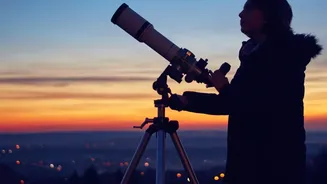
The biggest obstacle for any city-based stargazer is light pollution. This phenomenon, caused by the excessive and misdirected artificial lights of our urban centres, creates a bright haze or 'skyglow' that washes out all but the brightest celestial objects.
Where a rural sky might reveal thousands of stars, a city sky often shows only a handful, along with the Moon and a few prominent planets. This can make astronomy feel inaccessible, but it doesn't have to be. The key is knowing where and how to look, and technology can serve as your guide through this luminous fog, pointing out constellations and planets that are technically there, just too faint for the unaided eye to pick out from the background glare.
Your Phone as a Pocket Planetarium
Modern smartphones are packed with sensors like GPS, gyroscopes, and compasses. Astronomy apps use this hardware to create an interactive map of the sky. When you point your phone upwards, the app knows your exact location and orientation, and its augmented reality (AR) feature overlays a map of stars, constellations, and planets onto your screen. This is a game-changer for urban astronomy. Even if you can't see a constellation with your naked eye, your app can show you exactly where it is, helping you identify the few visible stars and trace the shape of the pattern. Many apps also have a red-light 'night mode' which helps preserve your night vision while you stargaze.
Essential Apps for City Skies
Several apps are particularly well-suited for beginners navigating light-polluted skies. SkyView Lite is a popular free option known for its intuitive point-and-identify interface. You can use its AR feature to see objects day or night and set reminders for celestial events like satellite passes. Star Walk 2 is another excellent choice, praised for its beautiful user interface and features that are great for beginners. It helps you identify objects in real-time and includes a calendar of astronomical events. For those wanting a more data-rich experience, Stellarium Mobile offers a vast database of celestial bodies and a highly realistic depiction of the heavens, bringing a well-known desktop planetarium to your phone. Many of these apps offer free versions that are more than powerful enough to get you started.
Tips for Better Urban Viewing
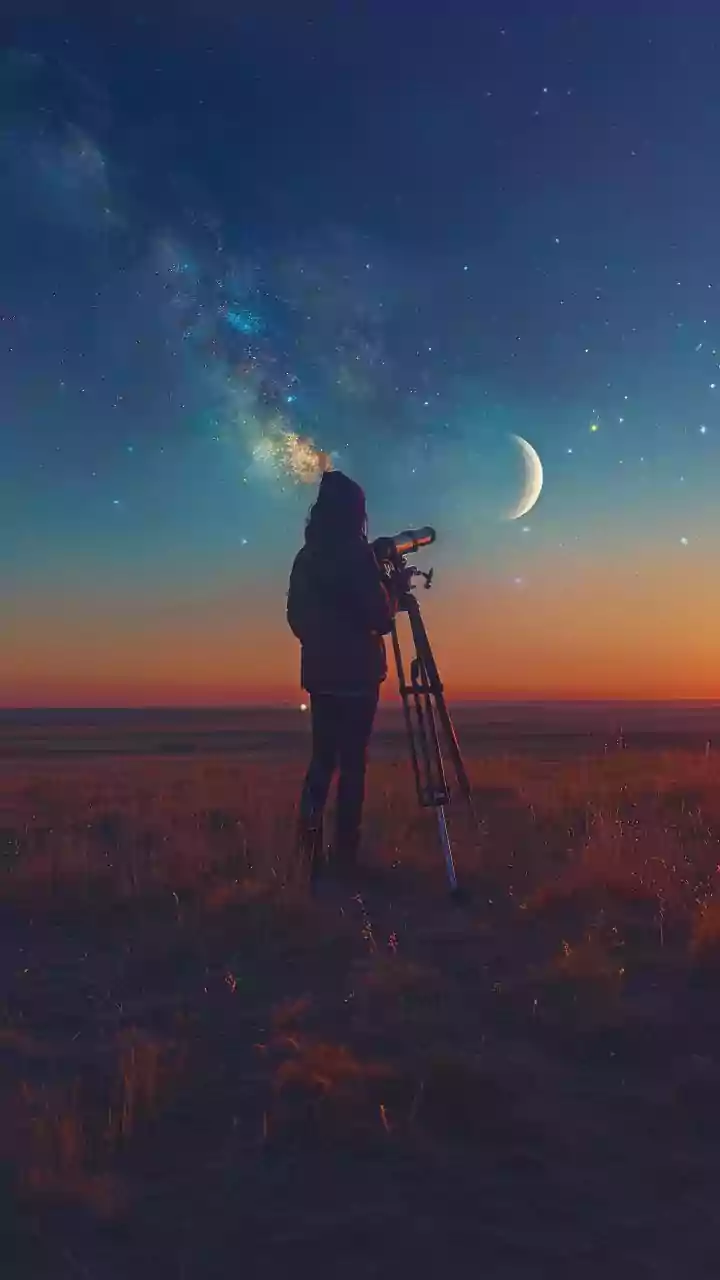
While an app is your primary tool, a few simple strategies can significantly improve your experience. First, find the darkest spot you can. This might be a local park, a rooftop, or even just a backyard shielded from direct streetlights. Second, give your eyes time to adapt. It takes about 20-30 minutes for your eyes to adjust to the dark, so put your phone away for a bit and just look up. Third, check the forecast and the lunar calendar. A clear, cloudless night is obvious, but viewing is also best during a new moon, as a bright moon contributes its own form of light pollution. Finally, consider pairing your app with a simple pair of binoculars. The app can point you to an interesting cluster or planet, and the binoculars will help pull it into clearer view.
A Beginner's Guide to Astrophotography
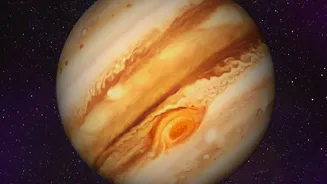
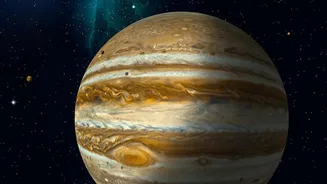
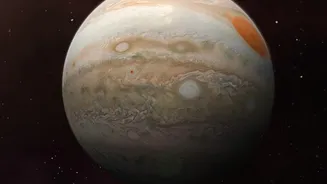
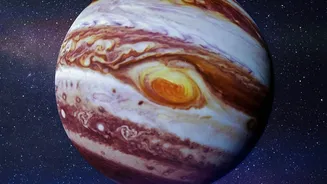
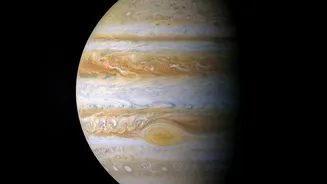
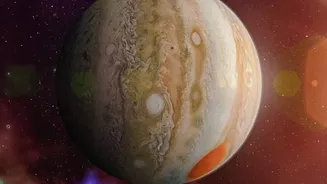
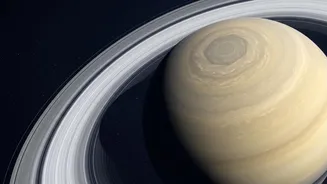
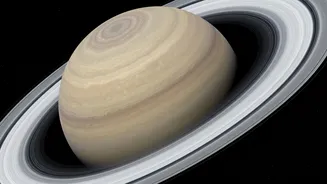
Capturing the night sky is no longer the exclusive domain of expensive cameras. Many modern smartphones have 'Night Mode' or 'Pro Mode' settings that allow for the long exposure times needed for astrophotography. To get a clear shot, stabilizing your phone is essential; a small tripod is ideal, but propping your phone securely against a stable object will also work. Use the camera's timer function to avoid the shake that comes from tapping the shutter button. In the city, you won't capture faint galaxies, but you can get surprisingly good shots of the Moon, bright planets like Jupiter and Saturn, and prominent constellations. It’s a rewarding way to document your journey into the cosmos.