





The Science of the Slump
When you sit for extended periods, especially with poor posture, you put immense pressure on your spine. Slouching or hunching forward over a laptop overstretches spinal ligaments and puts uneven strain on the discs between your vertebrae. Sitting increases
the load on these discs far more than standing does. Over time, this constant mechanical stress can lead to muscle stiffness, inflammation, and chronic pain. Makeshift workstations, like a soft couch or a dining room table, rarely support the natural S-curve of your spine, forcing your muscles to work overtime just to keep you upright, leading to fatigue and discomfort.
Your Chair Is Your Foundation
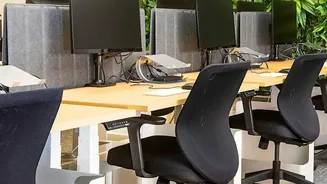
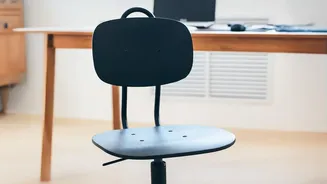
The single most important piece of ergonomic equipment is your chair. An ideal office chair should have adjustable height, armrests, and robust lumbar support. The goal is to support your body's natural alignment. Sit all the way back so your lower back makes firm contact with the chair's lumbar curve. If your chair lacks built-in support, a rolled-up towel or a dedicated lumbar pillow placed at the small of your back can make a significant difference. This simple addition helps maintain the inward curve of your lower back, preventing you from slumping.
Mastering the 90-Degree Rule
A simple way to check your posture is the 90-90-90 rule. Your feet should be flat on the floor with your knees bent at approximately a 90-degree angle. Your hips should also be bent at roughly 90 degrees, with your thighs parallel to the floor. Finally, your elbows should be at a 90-degree angle, resting comfortably at your sides, with your forearms parallel to the ground as you type. This position keeps your major joints in a neutral, unstressed alignment. If your feet don't reach the floor, use a footrest to achieve the correct knee angle and provide stability.
Look Beyond the Chair
Proper ergonomics is about your entire workspace, not just your chair. Your monitor should be positioned directly in front of you, about an arm's length away. The top of the screen should be at or slightly below eye level. If you're constantly looking down at a laptop screen, you're inviting neck and shoulder strain, which can radiate down to your lower back. Use a laptop stand or a stack of books to raise your screen to the proper height and use an external keyboard and mouse to maintain that ideal 90-degree elbow bend.
Movement Is Your Best Medicine
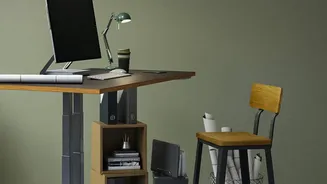
Even the most perfect ergonomic setup can't protect you from the negative effects of a static posture. The human body is designed to move. Prolonged sitting reduces blood flow and can cause muscles to stiffen. Set a reminder to get up, stretch, and walk around for a few minutes every hour. Simple actions like walking to the kitchen for water, doing gentle stretches like a seated spinal twist, or simply standing during a phone call can break the cycle of sedentary strain. Some remote workers even find that alternating between a sitting and standing desk provides significant relief.