




Your Pocket Planetarium
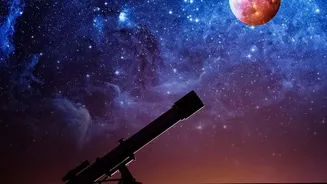
The idea that you can't see anything in the sky from a city is a common myth. While light pollution certainly hides fainter stars, the brightest objects still shine through. This includes the Moon, the International Space Station, and our solar system's
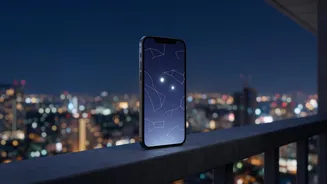
brightest planets. The challenge isn't that they are invisible, but that they are hard to identify. This is where modern smartphone apps come in, acting as a personal guide to the heavens. By using your phone's GPS, compass, and augmented reality (AR), these apps can map the sky in real-time. Simply point your phone upwards, and the app will identify exactly what you are looking at.
Top Apps for Urban Astronomers
Several excellent and often free apps can get you started on your stargazing journey. SkyView Lite is a popular choice for beginners, praised for its intuitive AR interface that overlays information directly onto your camera's view. You just point and identify. It even works offline, making it great for trips. Star Walk 2 is another fantastic app, known for its beautiful design and features like a 'Time Machine' to see the sky on past or future dates. For those wanting a very realistic sky simulation, Stellarium Mobile is a powerful tool with a vast catalogue of stars and celestial objects. Many of these apps also offer features to set reminders for celestial events like meteor showers or satellite fly-bys.
How to Spot Jupiter and Saturn
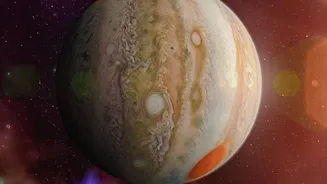
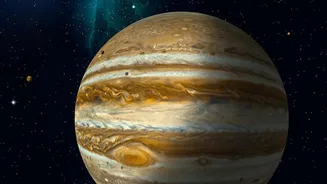
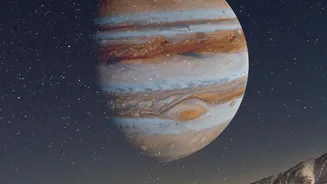
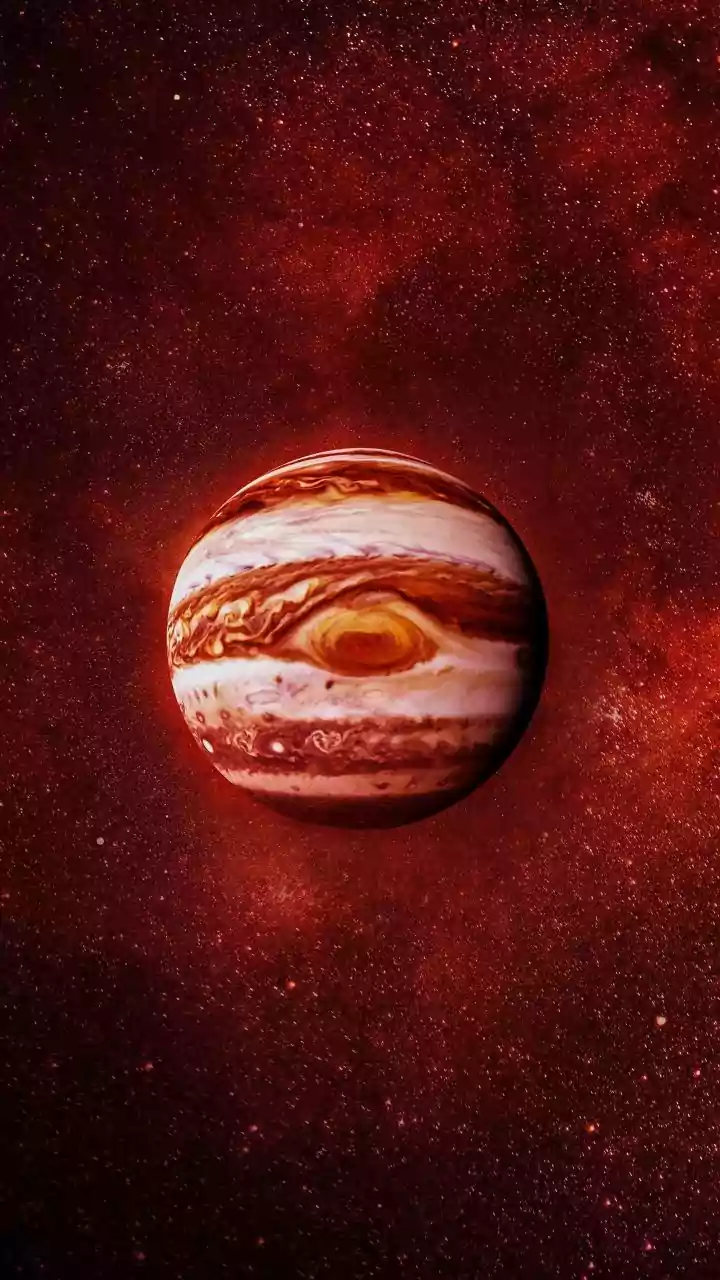
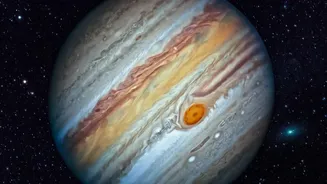
The gas giants, Jupiter and Saturn, are surprisingly easy to spot from urban areas because they are incredibly bright. To the naked eye, they will look like very bright, steady stars that don't twinkle as much as distant suns. An astronomy app will show you their exact location on any given night. Once your app has pointed you in the right direction, put the phone down and look for the brightest 'star' in that part of the sky. While a telescope is needed to see Saturn's rings or Jupiter's cloud bands, even a simple pair of binoculars can enhance the view. Through binoculars, you might even be able to spot Jupiter’s four largest moons, which appear as tiny dots of light flanking the planet.
Tips for a Better Viewing Experience
While an app can guide your eyes, your environment matters. First, find the darkest spot you can. This might be a park, a rooftop, or even just a balcony that is shielded from direct streetlights. Second, give your eyes time to adjust. It can take 20 to 30 minutes for your vision to become fully adapted to the dark, so be patient and avoid looking at your bright phone screen. Many stargazing apps include a red-light 'night mode' that helps preserve your night vision. Finally, consider the weather and the Moon. A clear, cloudless night is obvious, but a night with a new moon (when the moon is not visible) will provide a darker sky, making it easier to see more objects.