






Why Search for Jupiter and Saturn?
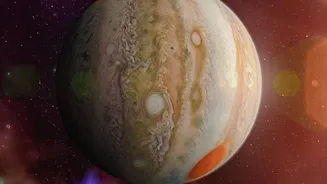
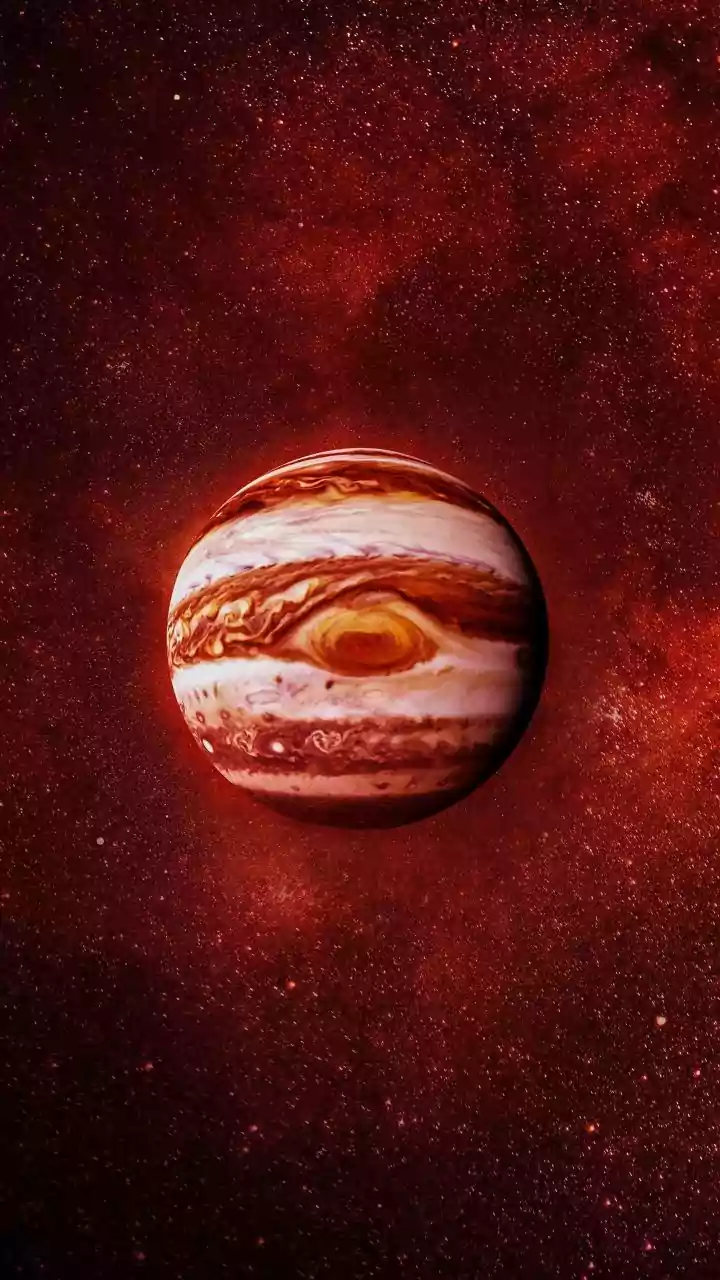
Before diving into the 'how', let's talk about the 'why'. Jupiter and Saturn are the two largest planets in our solar system and offer a spectacular payoff for even the most casual sky-watcher. Jupiter, the fifth planet from the Sun, is so large that
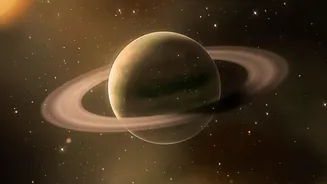
all other planets in the solar system could fit inside it. It’s often one of the brightest objects in the night sky, making it a rewarding first target. Saturn, the sixth planet, is famous for its stunning and complex system of icy rings, a feature that has captivated observers for centuries. While you won't see the rings in detail without a telescope, knowing you are looking at that iconic celestial jewel is a thrill in itself. Both planets are relatively bright and follow a predictable path across the sky, making them perfect targets for beginner urban astronomers. Spotting them is a direct connection to the grand scale of our cosmic neighbourhood, a moment of wonder accessible from your own rooftop or balcony.
Your Smartphone is a Pocket Planetarium
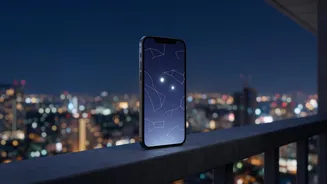
The magic behind tracking these planets is augmented reality (AR). Modern smartphones are equipped with a GPS to know your location, a compass to know which direction you're facing, and an accelerometer to know how you're tilting the device. Stargazing apps use this data to create a real-time map of the sky. When you point your phone’s camera towards the heavens, the app overlays information directly onto your screen. It shows you which stars, constellations, and planets are in your line of sight, effectively turning your phone into an interactive window to the universe. You don't need to know the difference between a star and a planet; the app does all the heavy lifting, identifying objects for you instantly.
Choosing Your Stargazing App
The Google Play Store and Apple App Store are filled with excellent astronomy apps. Many offer powerful features for free, with optional paid upgrades for deeper catalogues and more advanced tools. Here are three popular and highly-rated choices perfect for beginners: 1. Star Walk 2: Often praised as one of the best apps for beginners, Star Walk 2 has a beautiful, user-friendly interface. Its free version is quite generous, featuring AR overlays and a satellite tracker. It makes finding planets as simple as following an on-screen arrow. The app also includes stunning artwork for constellations, helping you visualise the shapes in the sky. 2. SkyView Lite: This is another fantastic free option that works wonderfully for identifying celestial objects. A key advantage is that it can function without a Wi-Fi or GPS signal, making it perfect for trips to areas with spotty connectivity. Simply point it at the sky, and it will identify planets, stars, and even satellites like the International Space Station (ISS). 3. Stellarium Mobile: Based on the popular open-source desktop software, Stellarium offers a highly realistic and accurate sky simulation. The free version is incredibly useful, showing you an accurate night sky for your specific time and location. It also allows you to simulate the atmosphere and select constellation art from different cultures, offering a richer experience.
Step-by-Step Guide to Finding the Planets
Ready to start your cosmic hunt? Follow these simple steps: 1. Download Your Chosen App: Go to your phone’s app store and install one of the apps mentioned above, like Star Walk 2 or SkyView Lite. 2. Grant Permissions: When you first open the app, it will ask for access to your location and motion sensors. Grant these permissions so it can accurately map the sky above you. 3. Calibrate Your Compass: Some apps may ask you to move your phone in a figure-eight pattern to calibrate the internal compass. This ensures the directions are accurate. 4. Point and Explore: Simply hold your phone up to the night sky. The app will display a map that moves with you. The app's AR mode will use your camera to overlay this map onto your actual view. 5. Use the Search Function: The easiest way to find Jupiter or Saturn is to use the app's search feature. Tap the search icon, type in "Jupiter" or "Saturn," and select it. An arrow or marker will appear on the screen. Follow this guide, and it will lead you directly to the planet's location in the sky, even if it's currently below the horizon.
Tips for the Best Urban Viewing Experience
While these apps are powerful, a few extra tips can enhance your experience. First, find the darkest spot available to you. This could be a local park, a quiet terrace, or a balcony that faces away from major streetlights. Even reducing a little bit of direct glare can make a big difference. Second, give your eyes time to adjust to the darkness—about 15-20 minutes is ideal. Many apps include a red-light “night mode” which helps preserve your night vision while you use your phone. Finally, be patient. Weather, atmospheric conditions, and the time of year will all affect visibility. The beauty of these apps is that they can tell you the best time to look and show you exactly where the planets will be, taking all the guesswork out of your stargazing adventure.