



Understanding the Backache Problem
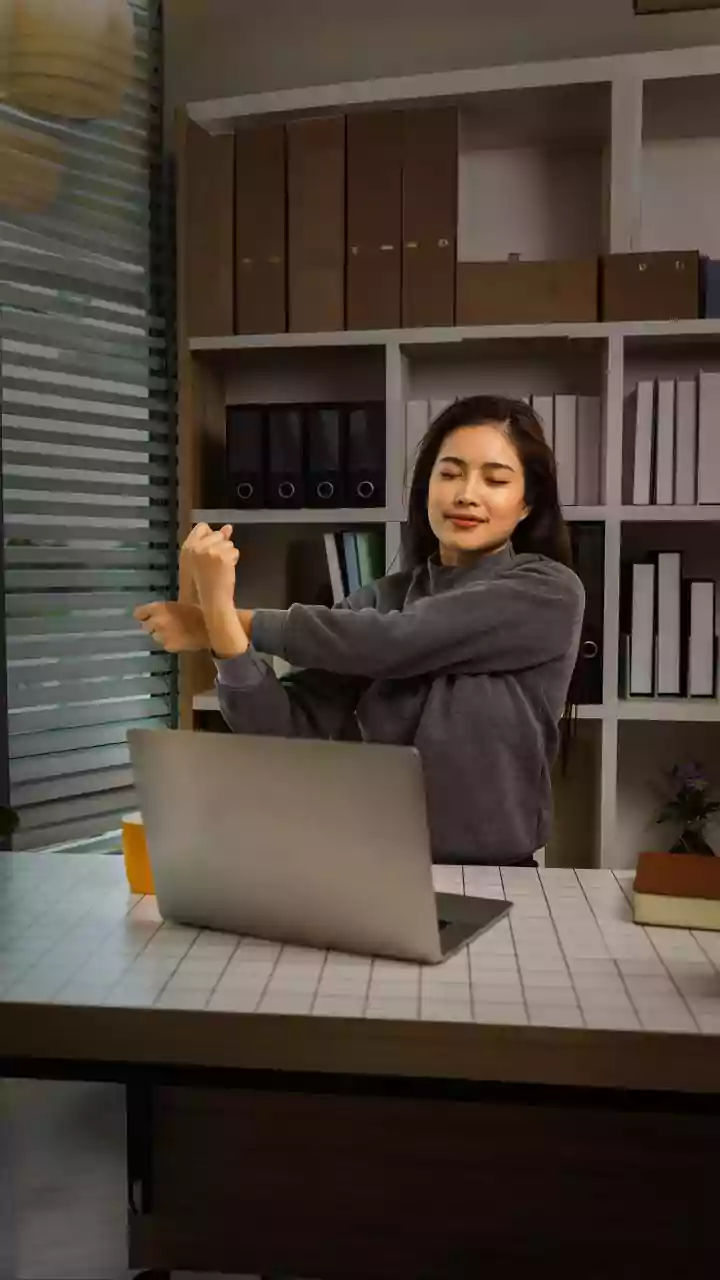
When your home becomes your office, ergonomics can be an afterthought. Working from dining chairs, sofas, or beds means your spine lacks proper support. Prolonged sitting, especially in a slouched position, puts significant pressure on the spinal discs
and flattens the natural curve of your lower back. This sustained, awkward posture strains the muscles responsible for holding you upright, leading to the familiar aches in your lower and upper back that build throughout the day. The issue isn't just sitting, but sitting for long periods without the right support or movement.
The Critical Role of Lumbar Support
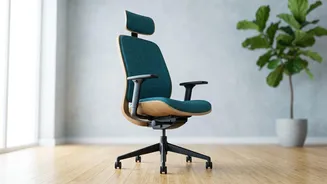
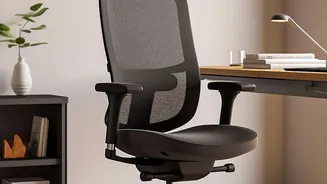
Your lower back, or lumbar region, has a natural inward curve. This curve, known as lordosis, helps distribute your body weight evenly and acts as a shock absorber. The goal of lumbar support is to maintain this healthy 'S' shape while you are seated. When a chair lacks support, you tend to slouch, which flattens this curve and puts immense stress on your spinal discs and muscles. Proper lumbar support fills the gap between your lower back and the chair, applying gentle pressure that prevents you from slumping and encourages a neutral spinal position. This alleviates pressure and can significantly reduce back pain.
How to Get Your Lumbar Support Right
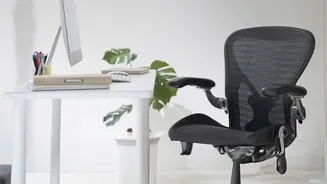
First, ensure your feet are flat on the floor with your knees at a 90-degree angle. Sit back fully in your chair so your back is against the backrest. The lumbar support should fit snugly into the curve of your lower back, roughly at the height of your belly button. If your chair has adjustable support, move it up or down until it feels firm but comfortable. If your chair has no built-in support, you can create your own. A rolled-up towel or a small cushion placed in the small of your back can be a highly effective, low-cost solution.
The Monitor Height and Back Pain Connection
Back pain isn't just about your lower back; it's a chain reaction that often starts with your neck. When your monitor is too low, you instinctively crane your neck forward and down to see the screen. This forward head posture dramatically increases the strain on your neck and upper back muscles. Over time, this tension travels down the spine, causing your shoulders to round and contributing to poor posture and back pain. Correcting your monitor height helps keep your head, neck, and spine in proper alignment, preventing this cascade of strain.
Finding the Perfect Monitor Position
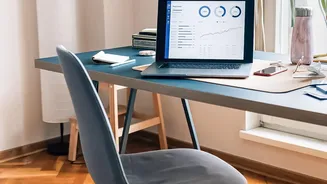
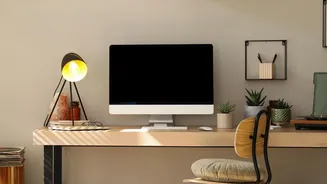
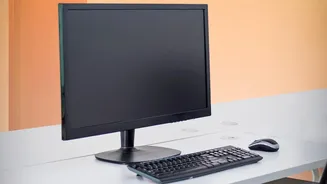
The golden rule of monitor ergonomics is to position the top of the screen at or slightly below your eye level. This allows you to view the entire screen without tilting your head up or down. To check the distance, sit back and extend your arm; your fingertips should comfortably touch the screen. This is typically between 50 and 100 cm. If you use a laptop, this setup is nearly impossible without help. Use a laptop stand or a stack of books to raise the screen to eye level, and use a separate, external keyboard and mouse. This ensures your neck stays in a neutral position while your hands and wrists are also comfortable.