




Why Clean Audio is Non-Negotiable
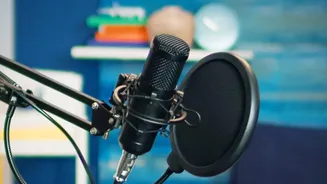
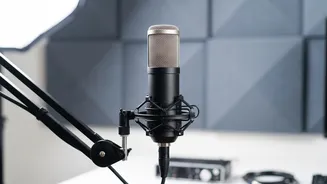
In the crowded world of podcasting, audio quality is one of the first things a new listener will judge. Poor audio is distracting and can signal a lack of professionalism, causing listeners to abandon your show within minutes. Clear, crisp voice recordings,
free from distracting background noise, create a more intimate and engaging experience. It builds trust and shows respect for your audience's time. Before AI, achieving this level of quality often required expensive software, a professional studio, or hours of tedious manual editing. Today, however, the barrier to entry has been dramatically lowered by a new generation of smart, accessible tools.
The Magic of AI Noise Reduction
So how does it work? At its core, AI-powered noise reduction involves training a computer model on thousands of hours of audio. The AI learns to distinguish the complex patterns of human speech from common background noises like hiss, hum, wind, and static. When you process your recording, the tool identifies and separates these two elements, isolating the voice and discarding the rest. While the headline promise of "one-click" is sometimes an exaggeration, the process is often shockingly simple, requiring you to do little more than upload a file and press a button to get a dramatically cleaner result.
Audacity: The Open-Source Powerhouse
For years, Audacity has been the go-to free audio editor for countless creators. It has a classic, multi-step Noise Reduction tool that is quite effective. You select a small sample of pure noise, create a 'noise profile', and then apply the reduction to the entire track. More recently, Audacity has integrated AI-powered options through plugins. The OpenVINO plugin, for instance, offers several AI models that can suppress noise in a more automated fashion. While these tools can sometimes make the audio sound slightly muddy compared to the classic method, they are fantastic for creators who want a faster, more hands-off approach to cleaning up their sound.
Browser-Based Tools for Instant Fixes
If you don't want to download any software, a growing number of powerful AI audio cleaners run directly in your web browser. Services like MyEdit, Audio Cleaner AI, and others allow you to upload an audio file (in formats like MP3, WAV, or FLAC), and their AI will process it in seconds. Many of these offer a free tier, which might limit the length of the audio or the number of downloads per day, but it's often more than enough for a weekly podcast episode. These tools are perfect for quick, hassle-free cleanups when you need good results without a steep learning curve.
A Note on Good Recording Habits
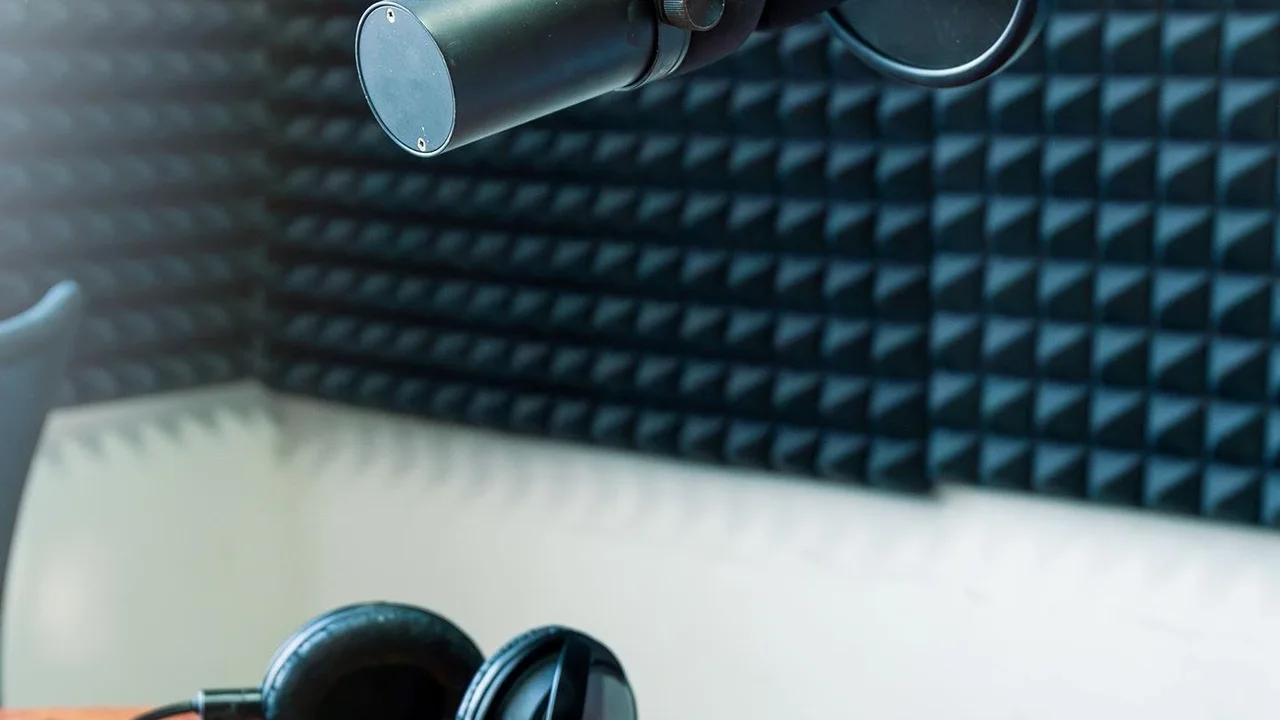
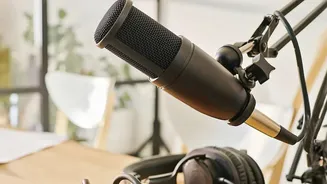
While these AI tools are revolutionary, they are not a substitute for good recording technique. Your first line of defense against bad audio is a quiet recording environment. Simple things like turning off fans and air conditioners, closing windows, and choosing a room with soft furnishings to absorb echo can make a huge difference. Using a quality microphone and placing it correctly (close to your mouth) will ensure your voice is loud and clear relative to any ambient sound. AI should be seen as a powerful final polish, not a crutch to fix fundamentally flawed recordings. Combining good technique with these smart tools will give you a truly professional sound that keeps listeners coming back for more.