

The Foundation: Your Chair
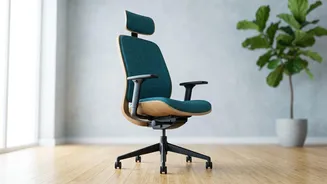
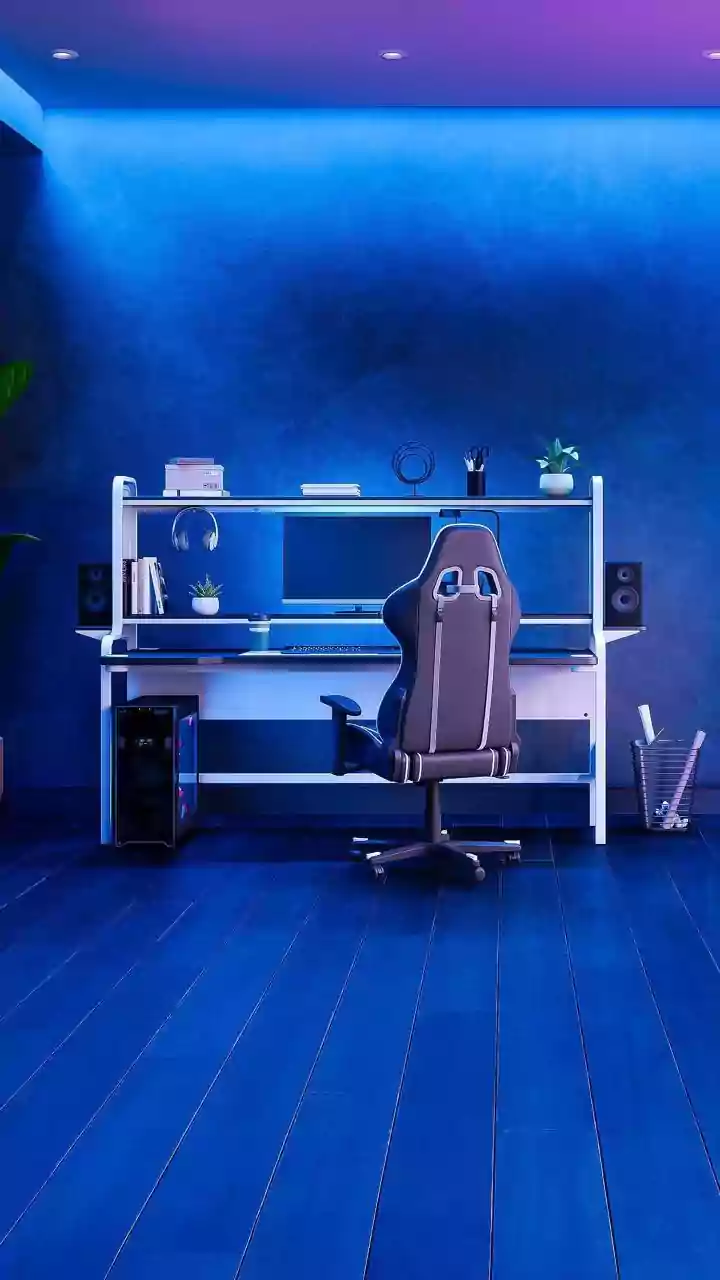
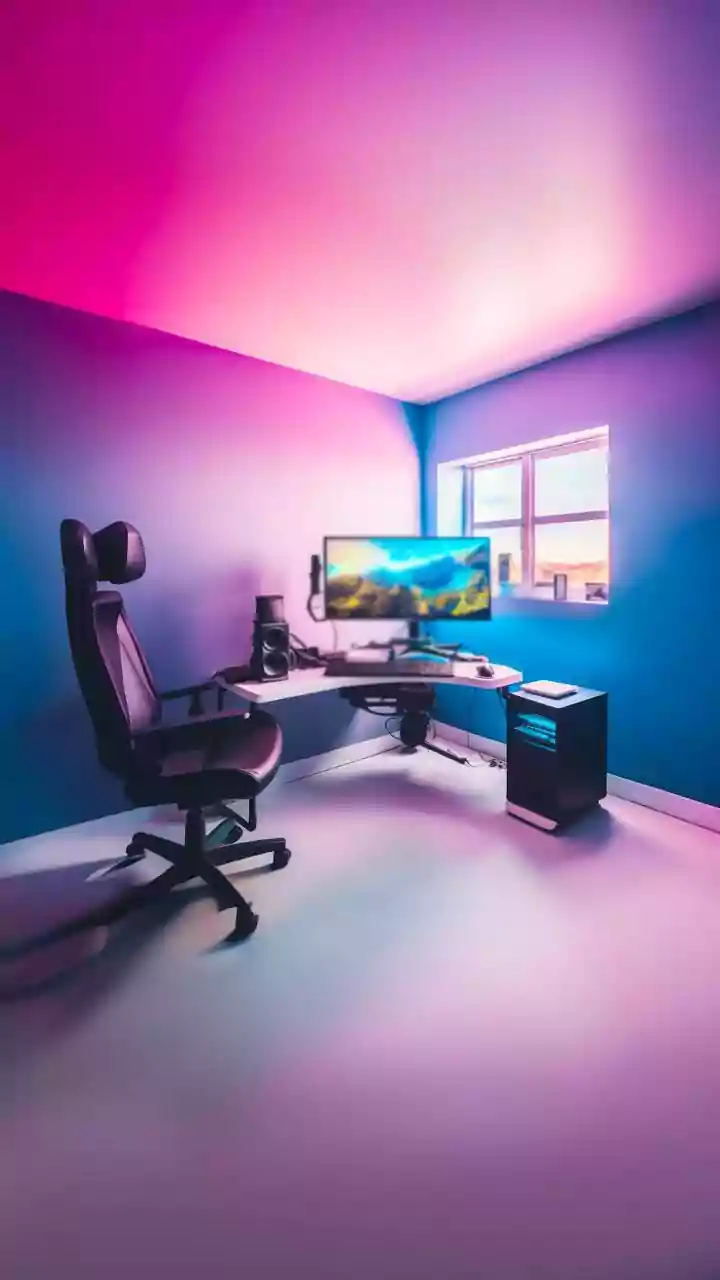
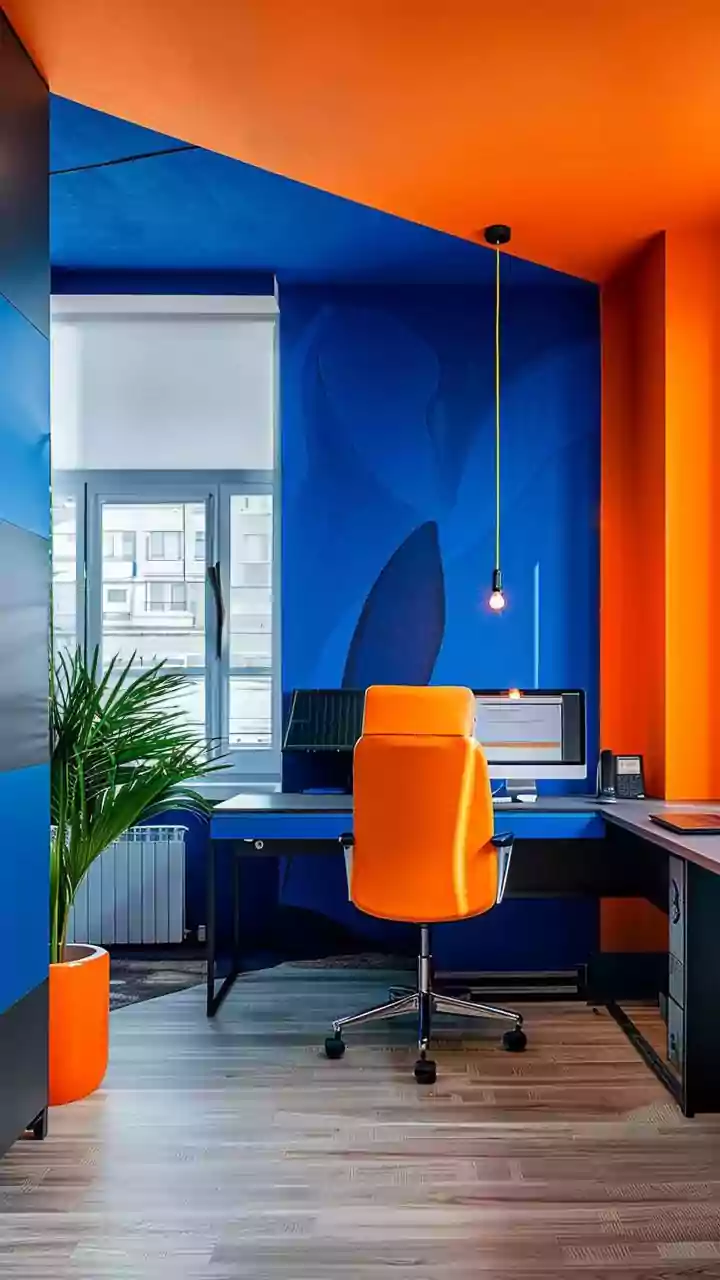
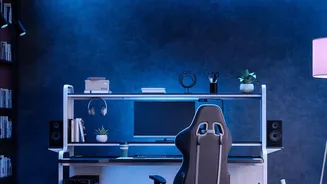
Your chair is the most critical part of an ergonomic setup. Start by adjusting the height so your feet rest flat on the floor, with your knees bent at roughly a 90-degree angle and level with or slightly lower than your hips. Push your hips as far back
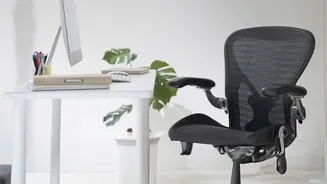
in the seat as they can go. Your chair should support the natural curve of your lower back. If it doesn't have built-in lumbar support, placing a small pillow or a rolled-up towel in the curve of your lower back is an effective, low-cost solution. If the chair has armrests, adjust them so your shoulders are relaxed and your arms can rest gently upon them.
The Surface: Desk and Keyboard Position
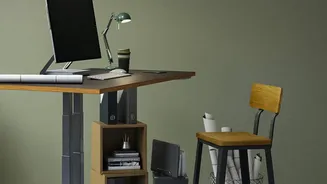
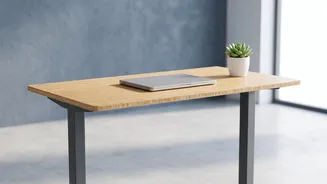
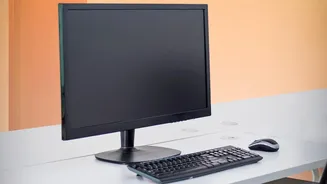
Once your chair is set, turn your attention to the desk. Your keyboard and mouse should be positioned at a height that allows your elbows to bend at a 90-degree angle, with your forearms parallel to the floor. Your wrists should be in a straight, neutral position while typing, not bent up or down. If your desk is too high, raise your chair and use a footrest to support your feet. If the desk is too low, you can place sturdy blocks under its legs to raise it. Your mouse should be placed right next to your keyboard to avoid reaching, which can cause shoulder strain.
The View: Monitor Height and Distance
Staring down at a laptop or up at a poorly positioned monitor is a common cause of neck and upper back pain. To correct this, position your monitor directly in front of you, about an arm's length away. The top of the screen should be at or slightly below your eye level. This allows you to look slightly downward to view the center of the screen, which is the most natural position for your eyes and neck. If you use a laptop, propping it up on a stack of books or a laptop stand to achieve the correct height and using a separate keyboard and mouse is essential.
The Groundwork: Supporting Your Feet
The principle of having your feet flat on the floor is crucial for stability and proper weight distribution. When your feet are dangling or tucked uncomfortably, your pelvis can tilt, which flattens the natural curve of your lower back and puts strain on your spine. For shorter individuals whose feet cannot reach the floor after adjusting their chair to the correct desk height, a footrest is a necessity, not a luxury. It ensures your knees remain at the proper 90-degree angle while your thighs are supported, preventing pressure on their undersides and improving circulation. Even a sturdy box can work in a pinch.
Beyond the Setup: The Importance of Movement
Even the most perfect ergonomic setup cannot counteract the negative effects of prolonged sitting. Movement is essential for keeping your spine flexible and muscles engaged. Set a reminder to get up, stretch, and walk around for a few minutes at least once every hour. Simple stretches like shoulder rolls, neck tilts, and standing to reach for the ceiling can relieve tension. Some experts recommend the 20-20-20 rule: every 20 minutes, look at something 20 feet away for 20 seconds to reduce eye strain and use it as a cue to briefly change your posture. Alternating between sitting and standing, if you have a sit-stand desk, is also highly beneficial for reducing strain.