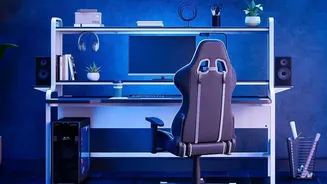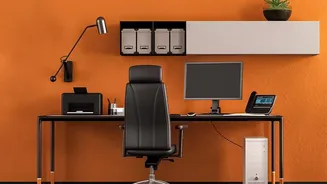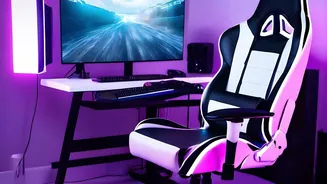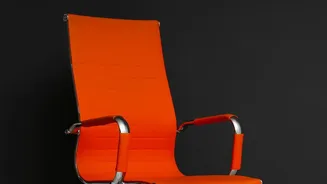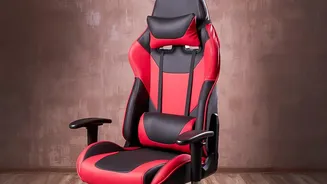








Your Chair: The Foundation of Comfort
Think of your chair as the base for your entire posture. If it's not set correctly, everything else will be off. Start with your feet flat on the floor and adjust your chair height so your knees are at or slightly below your hips, forming a roughly 90-degree
angle. Your thighs should be parallel to the ground. Next, address the seat depth. You should be able to sit all the way back, with your hips against the chair back, while leaving a small gap of two to three fingers' width between the front edge of the seat and the back of your knees. Finally, position the lumbar support to fit the natural inward curve of your lower back, which is typically around your belt line. This ensures your spine maintains its healthy 'S' shape instead of slumping into a painful 'C'.
Monitor Placement: Saving Your Neck
Incorrect monitor placement is a primary cause of neck and shoulder pain. The golden rule is to position your monitor so the top edge of the screen is at or slightly below your eye level when you're seated comfortably. This allows your gaze to fall naturally on the top third of the screen, preventing you from tilting your head up or down. Your head is heavy, and even a slight forward tilt dramatically increases the strain on your cervical spine. The monitor should also be about an arm's length away from you. An easy way to check is to sit back and extend your arm; your fingertips should just about touch the screen. This prevents both eye strain from being too close and slouching from being too far.
Keyboard and Mouse: Protecting Your Wrists
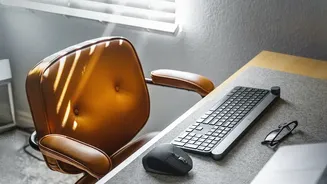
Your keyboard and mouse should be positioned at a height that allows your elbows to bend at a comfortable 90-degree angle, with your forearms parallel to the floor. Your shoulders should be relaxed, not hunched or raised. Crucially, keep your wrists straight and in a neutral position, aligned with your forearms. Avoid bending your wrists up, down, or to the side while typing or using the mouse. Both devices should be placed directly in front of you and close to the edge of the desk, so you don’t have to reach. Placing the mouse right next to the keyboard prevents the outward stretching that puts strain on your arm and shoulder.
Putting It All Together with the 90-Degree Rule
If you're looking for a simple mental shortcut, remember the 90-degree rule. This guideline helps align your body at key joints to minimize strain. Your ankles, knees, hips, and elbows should all ideally be at or near a 90-degree angle. Your feet are flat on the floor, creating a 90-degree angle at your ankles. Your knees are bent at 90 degrees, with thighs parallel to the floor. Your back is supported against the backrest, keeping your torso upright relative to your thighs. Finally, your elbows are bent at 90 degrees, with your hands resting comfortably on the keyboard and mouse. While some experts suggest a slightly more open angle (up to 110 degrees) can also be comfortable, the 90-degree position is a perfect starting point for building a pain-free posture.