





Your Phone, The Planetarium
Not long ago, identifying anything beyond the Moon required star charts, a fair bit of guesswork, and patience. Today, your smartphone does the heavy lifting. Modern stargazing apps use your phone's built-in GPS and compass to know exactly where you are
and which way you're pointing. They then overlay a detailed star map on your screen, showing a real-time, augmented-reality view of what’s in the sky above you. Point your phone at a bright star, and the app will instantly tell you its name, the constellation it belongs to, and a wealth of other information. This technology transforms your device into a portable planetarium, making celestial navigation accessible to everyone.
Finding the Gas Giants
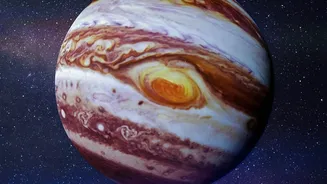
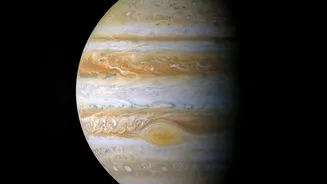
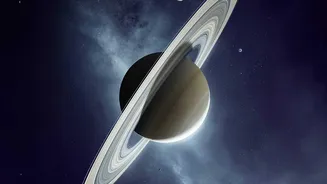
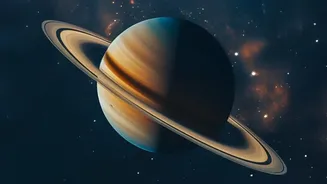
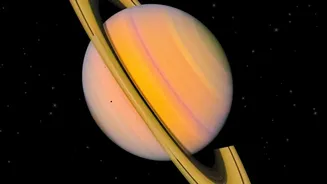
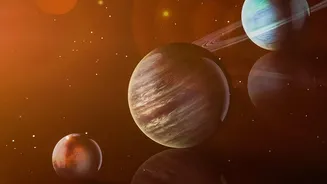
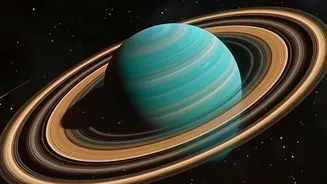
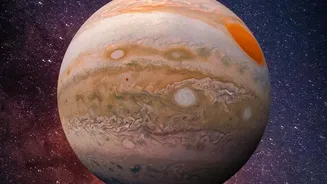
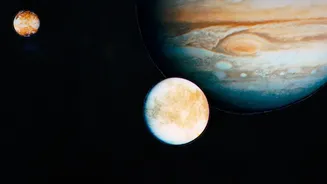
Jupiter and Saturn are perennial favourites for amateur skywatchers. As the two largest planets in our solar system, they shine brightly and are often visible to the naked eye, appearing as brilliant, steady stars. This makes them perfect targets for your first celestial hunt. While their positions change, apps make finding them trivial. In late August 2026, for instance, yellowish Saturn is a prominent evening object, rising in the east and climbing high in the sky before dawn. Jupiter, while very bright, is emerging low in the east just before sunrise, making it a bit more of a challenge but still findable with an app's guidance. An app’s search function can simply point you in the right direction, eliminating all guesswork.
Top Apps for Your Cosmic Journey
The number of available apps can be dizzying, but a few stand out for their ease of use and powerful features, with many offering excellent free versions. Star Walk 2 is often recommended for beginners due to its beautiful graphics and user-friendly interface. Its augmented reality overlays make identifying planets and constellations an immersive experience. Stellarium Mobile is another top choice, beloved for its clean interface and the accuracy inherited from its popular desktop version; its free offering is incredibly robust. For those just starting out, SkyView Lite offers a simple, point-and-identify experience that is perfect for answering the basic question: "What am I looking at?" All these apps are available for both iOS and Android, so you can get started regardless of your device.
More Than Just a Map
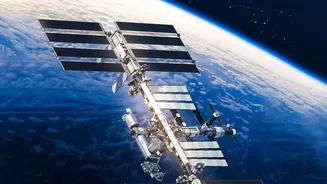
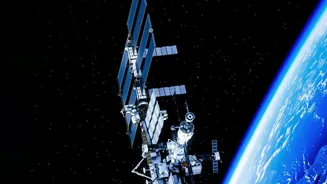
Beyond simply identifying objects, these apps are packed with features to enrich your experience. Many include a "Time Travel" function, allowing you to see the sky on any date in the past or future. This is perfect for planning ahead to see when a planet will be in a prime viewing position. You can also get notifications for celestial events like meteor showers, eclipses, or when the International Space Station will be passing overhead. Some apps provide detailed articles, 3D models of planets, and professional photographs of deep-sky objects, turning a quick glance into a deep learning session. These features transform the app from a simple map into a comprehensive astronomical guide.
Tips for the Best Viewing
While an app can point you to the stars, your viewing experience depends on a few simple factors. First, try to get away from bright city lights. Even a short drive to a darker park can reveal a surprising number of stars. Second, give your eyes time to adjust to the darkness—it can take 20 minutes or more to become fully dark-adapted. Many apps have a "night mode" that turns the screen red, which helps preserve your night vision. Finally, while you can see planets with the naked eye, holding your phone steady can be tricky. If you get serious, a simple smartphone tripod mount can make your virtual window to the universe much more stable, allowing you to match the screen to the sky more precisely.