



First, Digitize Your Physical Photos
Before any digital magic can happen, you need a high-quality digital copy of your physical photograph. The better your starting image, the more impressive your final result will be. A flatbed scanner is the best tool for this job, as it provides even
lighting and high resolution. If you don't have one, many local print shops offer scanning services. When scanning, choose a high resolution—at least 600 DPI (dots per inch)—and save the file in a lossless format like TIFF or PNG to preserve as much detail as possible. If you must use a phone, place the photo on a flat, well-lit surface away from direct glare. Use your phone’s camera to take a picture, ensuring it’s as straight and steady as possible.
Choose Your AI Restoration Toolkit
A new generation of user-friendly AI tools has made photo restoration accessible to everyone, no professional editing skills required. These platforms use complex algorithms trained on millions of images to intelligently repair damage. Popular web-based and mobile options include MyHeritage Photo Enhancer, Remini, and VanceAI. MyHeritage is well-known for its genealogy focus and excels at enhancing blurry faces. Remini is a strong choice for mobile users who want quick results, especially for portraits. Tools like VanceAI and Topaz Photo AI offer more comprehensive features, including impressive scratch removal and upscaling capabilities. Many of these services offer a free trial or a few free credits, allowing you to test them before committing.
Instantly Add Realistic Color
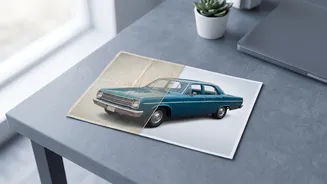
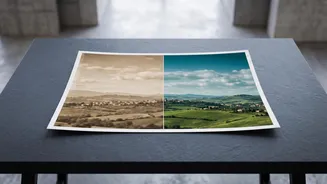
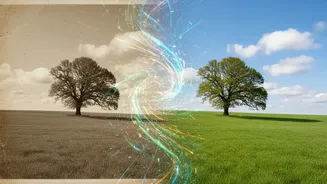
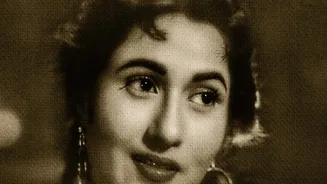
One of the most dramatic transformations is colorization. AI plugins can analyze a black-and-white image and apply natural, realistic colors with a single click. The software makes educated predictions for skin tones, clothing, and background elements based on the photo's context and its vast training data. Tools like MyHeritage's In Color, Adobe Photoshop's Neural Filters, and various online colorizers like YouCam Enhance make this process incredibly simple. You just upload your image, select the colorization feature, and let the AI work. The results can be astonishing, revealing your ancestors in a completely new light.
Boost Resolution and Sharpen Details
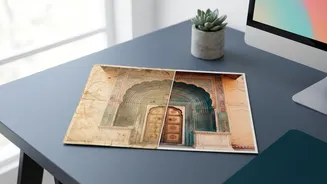
Old photos are often small, grainy, or slightly out of focus. AI enhancers can upscale images, effectively increasing their resolution while adding plausible detail. This process, often called 'super-resolution', helps make faces and fine textures much clearer. Tools like Topaz Photo AI are particularly praised for their ability to sharpen details and reduce noise without creating an artificial look. MyHeritage’s tool also focuses heavily on recovering blurry facial details in portraits. This step is crucial for turning a small, fuzzy snapshot into a crisp image that you can proudly print and display.
Effortlessly Remove Scratches and Damage
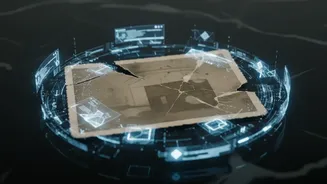
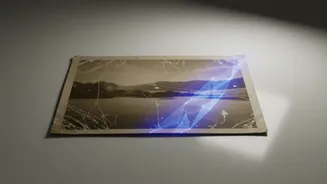
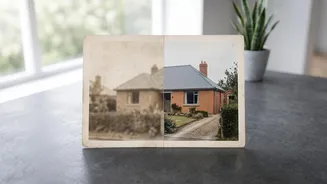
Creases, tears, dust, and scratches are common battle scars on old photographs. Manually fixing this damage in traditional software can be a painstaking process. However, AI-powered restoration tools can detect and remove these imperfections automatically. Platforms like VanceAI Photo Restorer and Topaz Photo AI have specific features designed to identify and eliminate scratches and spots, seamlessly filling in the damaged areas. This automated repair can save hours of work and make a heavily damaged photo look almost new again, preserving the image without the distracting blemishes.