





Start With Your Seating
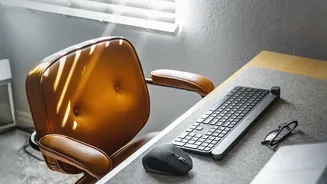
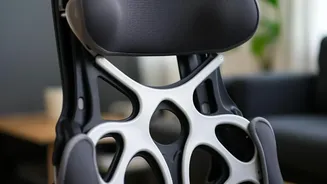
The foundation of a comfortable workday is how you sit. Most dining chairs or spare stools lack proper support, but you can make significant improvements with items you already own. To support the natural curve of your lower back, roll up a towel or use
a small, firm pillow and place it behind you. This simple addition helps you maintain good posture and reduces strain. Your feet should rest flat on the floor with your knees at or slightly below your hips, forming a 90-degree angle. If your feet are dangling, grab a stack of sturdy books, a small box, or even a turned-over storage container to use as a footrest. This ensures your pelvis is balanced and prevents you from slouching forward.
Elevate Your Screen to Eye Level
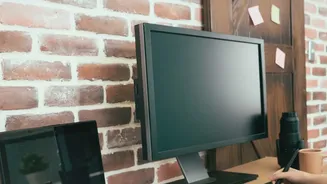
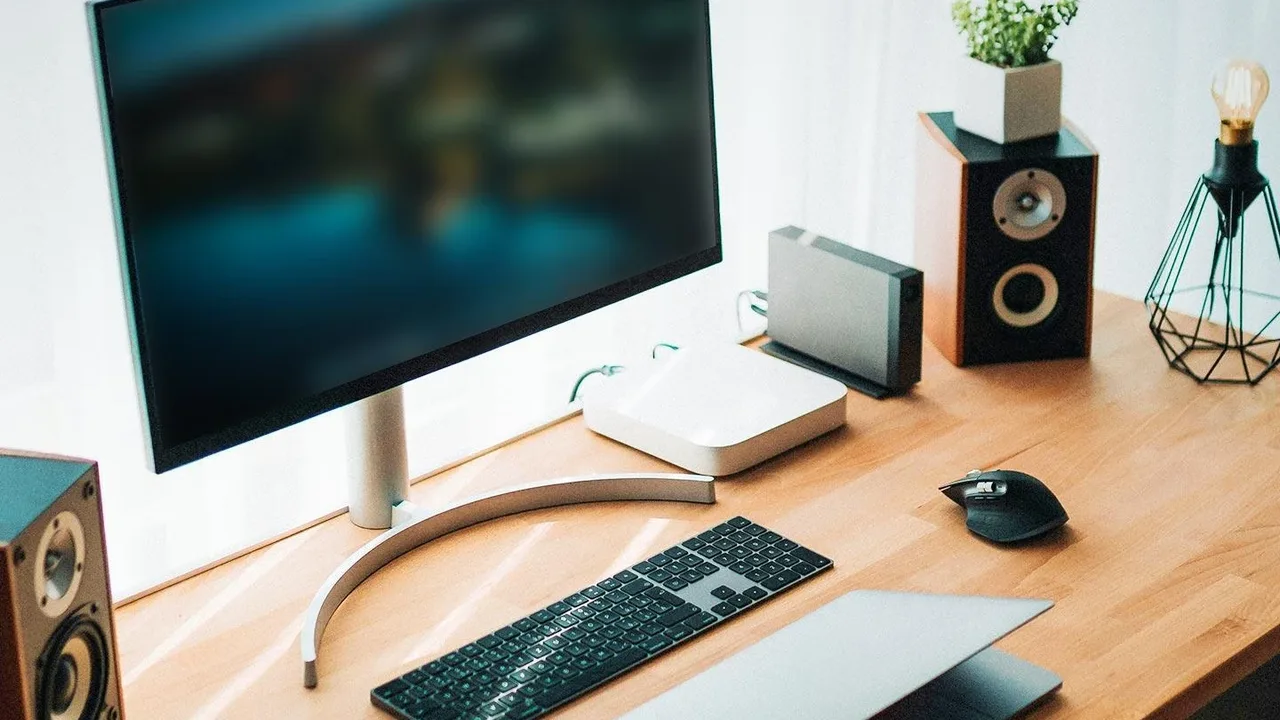
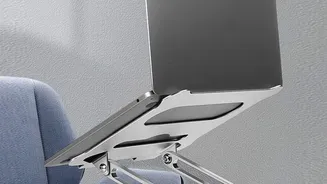
Constantly looking down at a laptop is a primary cause of neck and shoulder pain, often referred to as 'tech neck'. Your monitor should be positioned directly in front of you, with the top of the screen at or just below eye level. To achieve this without buying a dedicated stand, a stack of textbooks, a ream of printer paper, or a sturdy shoebox will do the trick perfectly. The goal is to keep your head aligned with your spine, so you can look forward naturally instead of tilting your neck down. Your screen should also be about an arm's length away to avoid eye strain.
Adjust Your Keyboard and Mouse
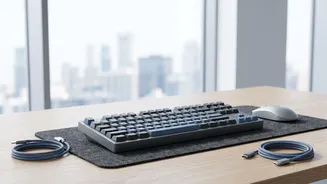
Good ergonomics extend to your arms and wrists. Your elbows should be bent at a roughly 90-degree angle, resting comfortably by your sides. If you've raised your laptop to eye level, you'll likely need a separate keyboard and mouse to maintain this arm position. This prevents you from hunching your shoulders or overextending your arms. When typing, try to keep your wrists as straight as possible to avoid strain that can lead to conditions like carpal tunnel syndrome. If the edge of your table is hard, you can fold a small towel or washcloth to create a makeshift wrist rest for added cushioning.
Control Your Lighting
Eye strain from poor lighting can cause headaches and zap your energy. Whenever possible, position your workspace so that natural light from a window is to your side, rather than directly in front or behind your screen, which can cause glare. If you're working in a dim room or during the evening, use a desk lamp for task lighting. This provides focused light on your work area without illuminating the entire room, which can help improve focus and reduce the strain on your eyes from a bright screen in a dark environment.
Don’t Forget to Move
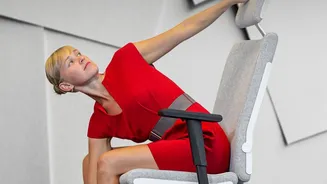
Even the most perfect ergonomic setup can't combat the negative effects of sitting in one position for too long. Your body is designed to move. Experts recommend getting up and moving around every 30 to 50 minutes. Take a short walk around your home, do some simple stretches, or just stand up while on a phone call. These micro-breaks improve blood flow, reset your posture, and give your muscles and eyes a much-needed rest. You can also perform simple back stretches, like leaning forward in a doorway to open up your chest muscles.
Declutter Your Workspace
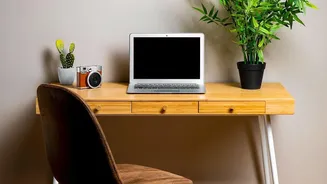
A comfortable setup isn't just physical; it's also mental. A cluttered desk can lead to a cluttered mind, making it harder to focus. Take a few minutes each day to tidy up your space. Keep frequently used items like your phone, notepad, and pens within easy arm's reach to avoid straining or twisting. A clean, organized area not only looks better but also reduces mental friction, allowing you to focus on your tasks with greater ease and less stress.