



Understanding the Planetary Parade
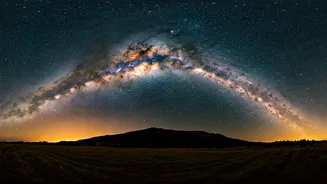
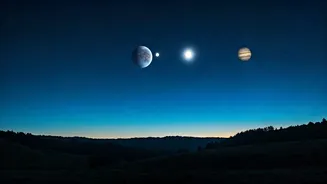
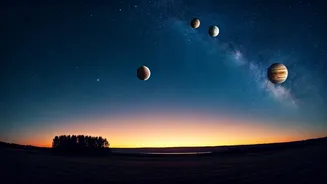
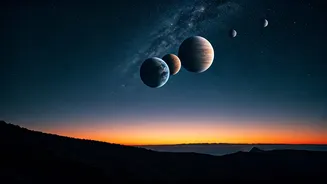
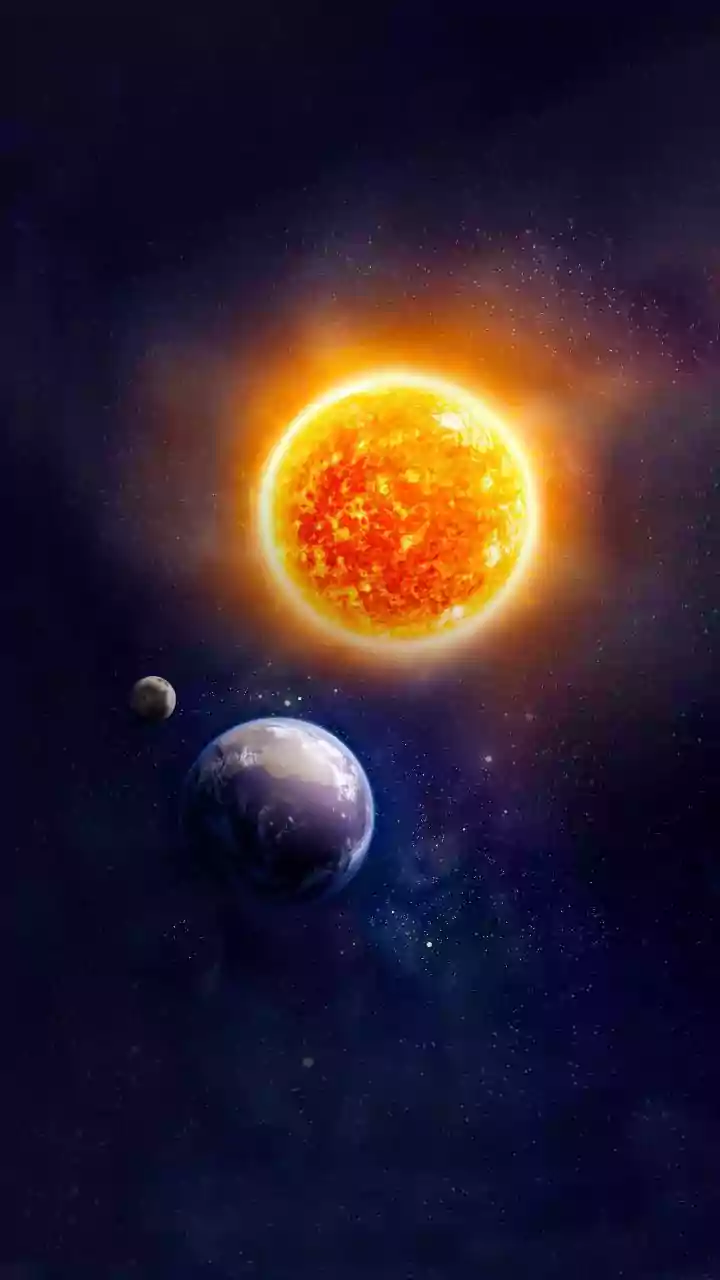
First, what exactly are we seeing? A 'planetary parade' or alignment happens when several planets appear close together in the sky from our vantage point on Earth. They aren't physically lined up in space—that would be an astronomical improbability! Instead,
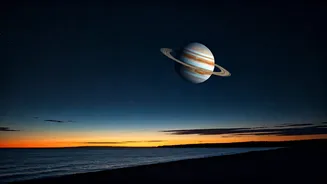
their orbits bring them to the same side of the sun, making them visible in a single sweep of the eye. Depending on the event, you might see a lineup including Mercury, Mars, Jupiter, and Saturn. These moments are special because they don’t happen every day, offering a beautiful and tangible connection to the scale of our solar system.
When and Where to Look
Timing and location are everything. For most planetary lineups, the best viewing window is in the pre-dawn sky, about an hour before sunrise. You’ll want to look towards the eastern horizon. The key to a great viewing experience—and a better photograph—is finding a location with a clear, unobstructed view of the horizon and minimal light pollution. If you're in a city like Delhi, Mumbai, or Bengaluru, try to get to a higher floor, a park, or the outskirts of town to escape the worst of the city glow and smog. Use a stargazing app like Stellarium, Star Walk, or SkyView on your phone. These apps use your phone's GPS and compass to show you exactly where to point your gaze to find each planet.
Photographing with Your Smartphone
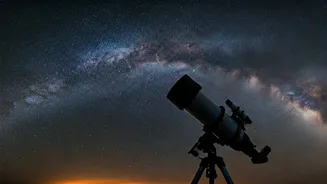
You don't need a professional camera to capture the alignment. Your smartphone is more than capable. First, stability is crucial. Use a small tripod or prop your phone securely on a stable surface like a wall or a bag. Any slight movement will blur the image. Next, switch to your camera’s ‘Night Mode’ if it has one. This mode automatically takes a longer exposure to gather more light. If you want more control, use the ‘Pro’ or ‘Manual’ mode. Here, you can adjust two key settings: ISO (light sensitivity) and shutter speed (how long the lens stays open). Start with an ISO around 800 and a shutter speed between 10 and 20 seconds. Finally, use the camera's self-timer (2-10 seconds). This prevents the phone from shaking when you tap the shutter button, ensuring your shot is as sharp as possible.
Using a DSLR or Mirrorless Camera
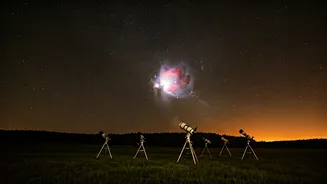
If you have a DSLR or mirrorless camera, you can get even more stunning results. Mount your camera on a sturdy tripod. Use a wide-angle lens (anything from 14mm to 35mm is great) to capture the expanse of the sky. Switch your lens to manual focus (MF). Use the camera's screen to zoom in on a bright star or planet, and carefully adjust the focus ring until the point of light is as small and sharp as possible. Set your camera to Manual mode (M). A good starting point for your settings is a wide aperture (f/2.8 or the lowest your lens allows), a shutter speed of 15-20 seconds, and an ISO between 800 and 1600. Like with a phone, use a 2-second timer or a remote shutter release to avoid camera shake.
Extra Tips for a Great Shot
A few extra tricks can make a big difference. If your camera allows, shoot in RAW format instead of JPEG. RAW files capture much more data, giving you greater flexibility to adjust brightness and colours later in a photo editor like Adobe Lightroom or Snapseed. Don’t be afraid to experiment with your settings; take multiple shots with different shutter speeds or ISO levels. This technique, called bracketing, increases your chances of getting the perfect exposure. Finally, remember to be patient. Your eyes need about 15-20 minutes to fully adapt to the dark, which will help you spot the fainter planets and compose your shot better.