




Invest in Quality Waterproof Gear
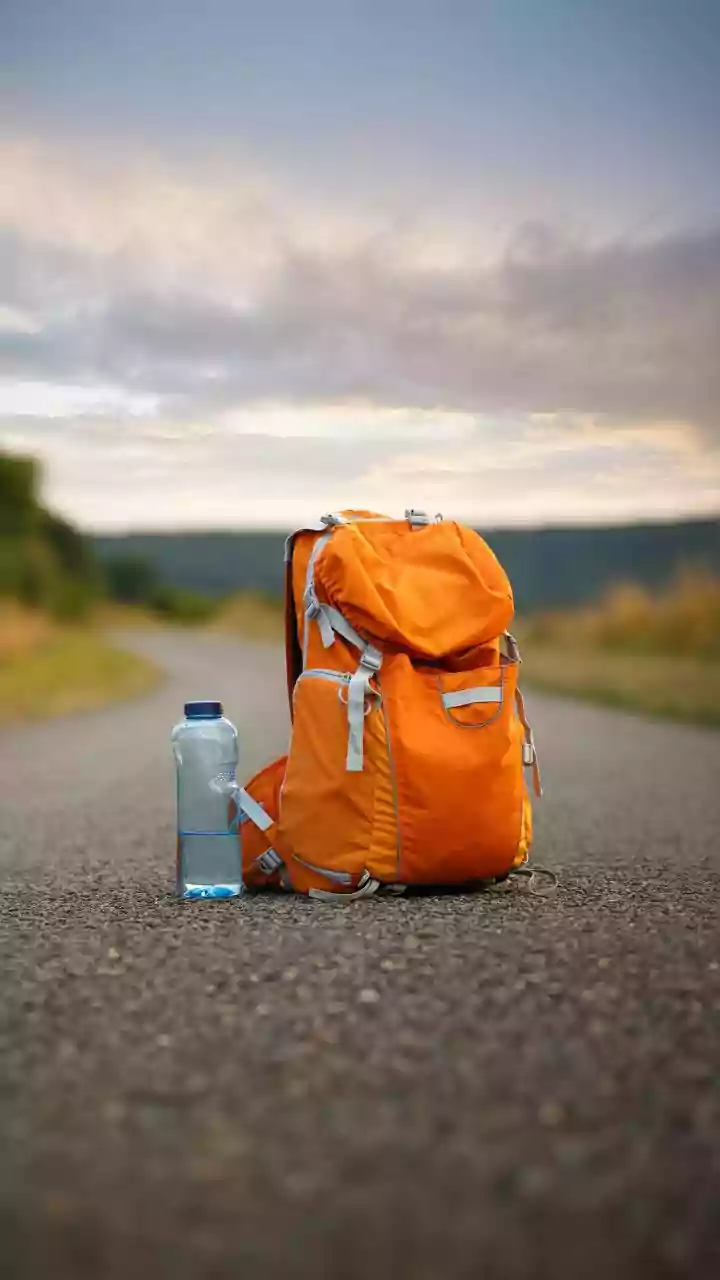
The first line of defence is a good offence. Investing in waterproof or water-resistant gear is the most reliable way to protect your electronics. For your main luggage, a waterproof backpack or a rain cover for your existing bag is essential. Many brands
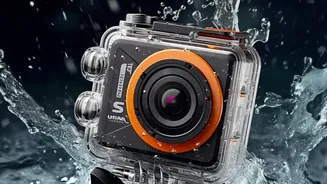
offer dry bags specifically designed for electronics, featuring roll-top closures that create an airtight seal. For smaller items like phones and cameras, consider dedicated waterproof pouches or cases. These often have clear windows that allow you to use your device's touchscreen without exposing it to the elements. When choosing a case, look for its IP (Ingress Protection) rating; an IP68 rating, for example, means it's tested for prolonged submersion.
The DIY Approach: Zip-Seal Bags
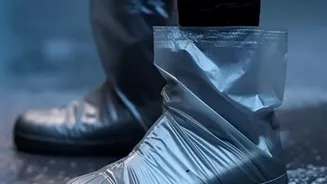
If you don’t have specialized gear, the humble zip-seal plastic bag is your best friend. For maximum protection, use two bags. Place your phone or other small gadget in one bag, squeeze out all the air, and seal it. Then, turn that bag upside down and place it inside a second bag before sealing. This double-bagging method ensures that even if some moisture gets past the first seal, the second one will likely hold. It's a cheap and surprisingly effective solution for shielding your devices from light rain and splashes, and touchscreens are usually still usable through the plastic.
Protecting Your Camera
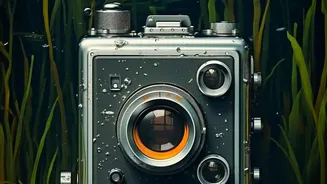
Cameras are particularly sensitive to both rain and humidity. While many modern cameras have some level of weather-sealing, it is not a guarantee against damage, especially in a downpour. A simple, effective trick is to always have a lens hood attached. It acts as a small roof, preventing raindrops from hitting the front element of your lens. For more substantial rain, a dedicated camera rain cover is ideal. In a pinch, even a hotel shower cap stretched over your camera and lens can provide temporary protection. Also be mindful of condensation when moving between a cool, air-conditioned room and the warm, humid outdoors. Let your gear acclimate inside your camera bag for a while to prevent moisture from forming inside the lens and body.
Safeguarding Your Laptop
Laptops are bulky and have multiple ports, making them vulnerable. Never carry your laptop in a regular backpack without its own waterproof sleeve. This adds a crucial second layer of protection. When packing, place the sleeved laptop inside a waterproof backpack or a bag lined with a large, sturdy trash bag for extra security. During thunderstorms, be wary of power surges, which are common during the monsoon. It's wise to unplug your laptop and other electronics during a storm to prevent damage from sudden voltage spikes.
Battle Humidity with Silica Gel
Rain isn't the only enemy; high humidity can be just as damaging over time, causing corrosion and mould. Your secret weapon is silica gel—those little packets that come with new shoes and electronics. They are excellent at absorbing moisture. Collect them ahead of your trip and toss a few into your camera bag, laptop sleeve, and any pouch containing electronics. This helps keep the immediate environment around your devices dry, preventing long-term damage from the damp air.
Emergency Plan: What to Do if a Device Gets Wet
If disaster strikes and your phone takes a dive, act fast. First, immediately turn the device off and do not press any buttons. If possible, remove the battery, SIM card, and any memory cards. Gently dab the exterior dry with a soft cloth. Resist the common urge to put it in a container of raw rice. Experts now advise against this, as small grains and dust can get into the ports and cause more harm. A much better alternative is to bury the device in a sealed bag filled with silica gel packets for 24 to 48 hours. This will effectively draw the moisture out. After a day or two, you can try turning it back on.