





The Hidden Link: From Screen Height to Spinal Strain
The problem starts with a simple, unconscious habit. When your computer monitor is too low, you naturally tilt your head down to see it. This forward head posture, often called “tech neck,” creates a massive strain on your cervical spine. The human head weighs
approximately 10 to 12 pounds, but for every inch your head juts forward from its neutral position, the effective weight on your neck can increase dramatically. Holding this posture for hours forces the muscles in your neck and upper back to work overtime just to support your head. This constant tension is the first step toward developing chronic pain, leading to stiffness, muscle fatigue, and even tension headaches.
A Postural Chain Reaction
The strain caused by a low monitor doesn't stay confined to your neck. Your spine is an interconnected system, and a problem at the top creates a domino effect all the way down. To compensate for the forward pull of your head, your upper back and shoulders begin to round forward. This slouched position eliminates the natural S-curve of your spine. Your thoracic spine (upper back) stiffens, and in response, your lumbar spine (lower back) may either flatten or arch excessively as your body struggles to maintain balance. This misalignment puts uneven pressure on your spinal discs and overworks the muscles in your lower back, which are now trying to support a poorly aligned upper body. What began as a simple head tilt has now become a full-body postural problem, resulting in the chronic lower back pain so many desk workers experience.
Your Guide to Perfect Monitor Placement
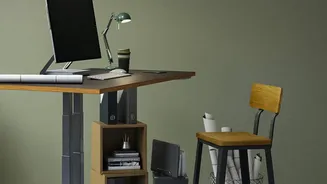
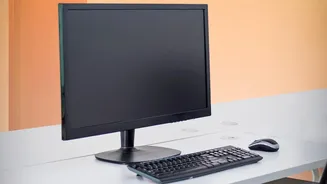
Correcting this issue is one of the simplest and most effective ergonomic fixes you can make. It doesn't require expensive equipment—just a few moments of adjustment. You can use a dedicated monitor stand, a stack of sturdy books, or an adjustable arm to achieve the right height. First, sit back in your chair with your feet flat on the floor and your back against the backrest. Let your head rest comfortably over your shoulders in a neutral position. Now, adjust your monitor so that the top edge of the screen is at or slightly below your eye level. When you look straight ahead, your gaze should land on the top third of the monitor. Next, check the distance. The screen should be positioned about an arm's length away from you—typically between 20 and 30 inches. You should be able to read text comfortably without leaning forward or squinting. Finally, you can add a slight backward tilt of 10 to 20 degrees to the screen to reduce glare and further align with your natural line of sight.
Beyond the Monitor: Supporting Your Entire Body
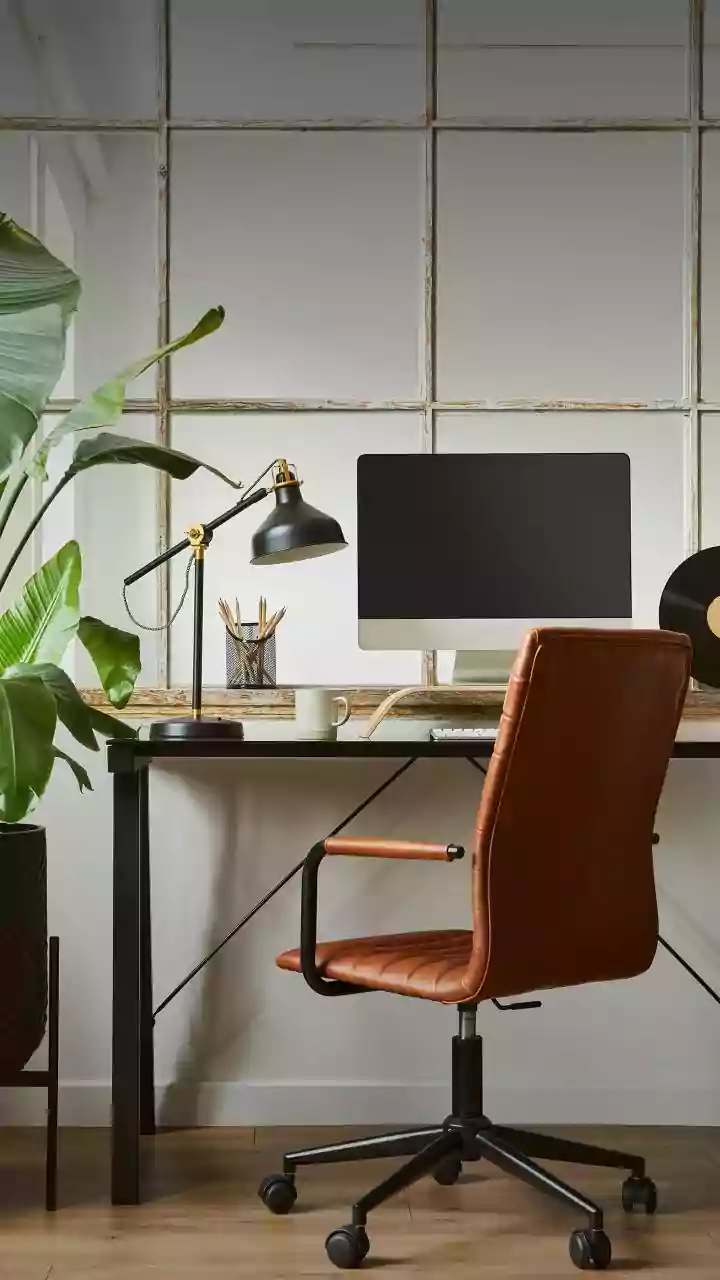
While monitor height is critical, a truly ergonomic setup addresses your entire posture. Ensure your chair height allows your knees to be level with or slightly below your hips, with your feet resting flat on the floor or on a footrest. Your chair should have adequate lumbar support to maintain your lower back's natural curve. Your keyboard and mouse should be positioned at a height that allows your elbows to bend at roughly a 90-degree angle, with your wrists kept straight and your shoulders relaxed. Most importantly, remember that even a perfect posture becomes harmful when held for too long. Get up, stretch, and walk around for a few minutes every hour. Movement is a key component in preventing the stiffness and muscle fatigue that contribute to back pain.