
Your Pocket-Sized Planetarium
Modern smartphones are packed with sensors like GPS, compasses, and gyroscopes. Stargazing apps use this technology to know exactly where you are and which way your phone is pointing. They then overlay a map of the cosmos onto your screen in real time.
Point your phone at a bright light in the sky, and the app can identify it instantly, whether it's a planet like Jupiter, a distant star, or the International Space Station flying overhead. This augmented reality (AR) approach removes the guesswork, making it incredibly easy for beginners to navigate the celestial sphere.
Top Apps for Novice Astronomers
Choosing an app can be daunting, but many excellent free options are perfect for starting out. Star Walk 2 is a favourite for beginners due to its beautiful graphics and user-friendly interface that identifies stars, constellations, and satellites. SkyView Lite is another fantastic choice, offering a simple point-and-identify experience with great AR features and information on celestial objects. For those seeking simplicity, Google's Sky Map for Android provides a no-frills, easy-to-use map of the heavens. Most apps offer a free version with plenty of features to get you started, with options to upgrade for more data as you learn.
Stellarium: A Deeper Dive
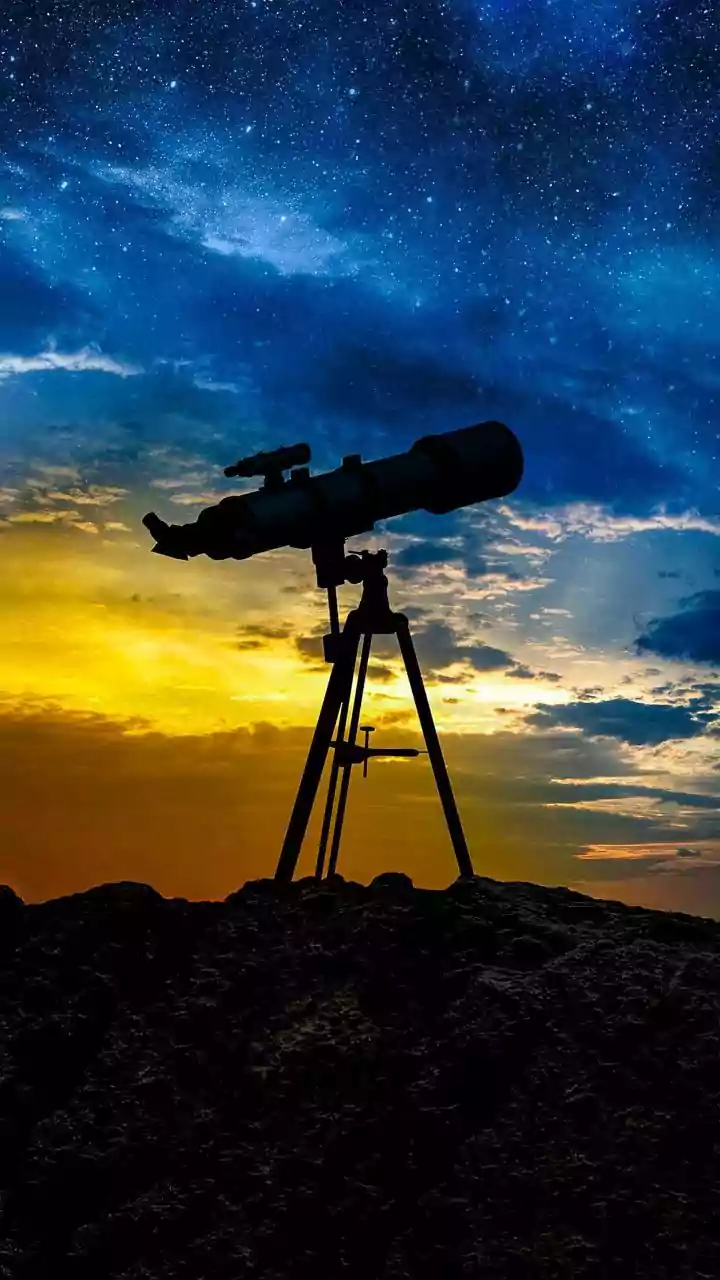
For those who want a bit more depth without being overwhelmed, Stellarium Mobile is often considered the gold standard. As the mobile version of a renowned desktop planetarium software, it offers a vast and accurate database of celestial objects. You can see realistic depictions of the sky, including representations of constellations from different cultures. While its free version is more than sufficient for most users, its ability to show what an object might look like through a telescope makes it a great app to grow with as your interest in the hobby deepens.
Planning Your First Stargazing Session
To make the most of your new app, a little preparation goes a long way. First, try to get away from city lights. Light pollution washes out fainter stars, so a darker location will reveal much more. Even moving to a local park or a backyard away from streetlights can make a big difference. Give your eyes about 15-20 minutes to adjust to the darkness; you'll be amazed at how many more stars become visible. Many apps feature a 'red light mode' which darkens the screen and uses a red tint to preserve your night vision.
From Viewing to Photographing
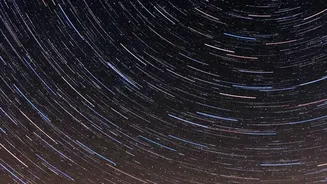
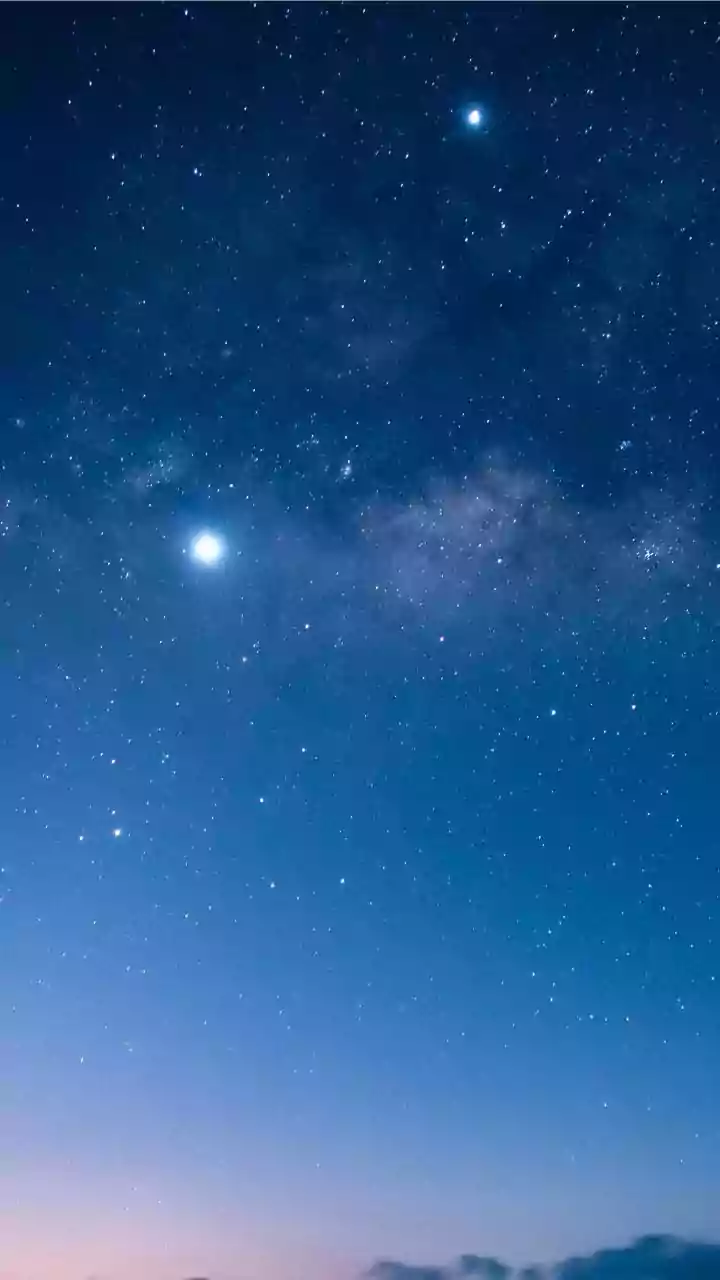
Once you're comfortable identifying objects, you might want to try capturing them. Modern smartphones are surprisingly capable of basic astrophotography. You will need a tripod or a stable surface to keep your phone perfectly still, as long exposure times are necessary to capture enough light. Use your phone's 'Night Mode' or a 'Pro' mode if available, which allows you to manually set a longer shutter speed (5-20 seconds) and adjust the ISO (light sensitivity). Use the camera's self-timer to avoid shaking the phone when you start the exposure. The results may not rival the Hubble Telescope, but capturing your first image of a constellation or the Milky Way is a uniquely rewarding experience.