



Your Digital Telescope in an App
The first step to becoming a balcony astronomer is downloading the right application. You don't need a physical telescope to begin this journey. Many powerful and user-friendly stargazing apps use your phone's location and internal compass to create a real-time
map of the sky. For beginners, apps like Star Walk 2 and SkyView Lite are excellent choices, available for both Android and iPhone. They offer free versions with augmented reality (AR) overlays; you simply point your phone at the sky, and the app identifies the stars, constellations, and planets in your view. Another highly-regarded option is Stellarium Mobile, which provides a vast catalogue of celestial objects. For those specifically interested in a local touch, the Bhagol app offers an Indian vocabulary for the sky, mapping out nakshatras and rashis.
Getting Started: A User's Guide
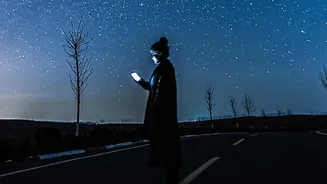
Once you have an app installed, open it and grant it permission to access your location and motion sensors. This is crucial for the app to calibrate itself to your specific view of the sky. Most of these apps have a simple, intuitive interface. The main feature is the AR view, which activates your camera and overlays information about celestial bodies on your screen. You can search for specific objects like "Jupiter" and an arrow or guide will direct you where to point your phone. The app will show you exactly what you are looking at, distinguishing between a star and a planet, which can otherwise be difficult for the naked eye. Spend a few minutes exploring the app's features, like its time-travel function that can show you the sky on different dates and times.
Finding the Gas Giants: Jupiter and Saturn
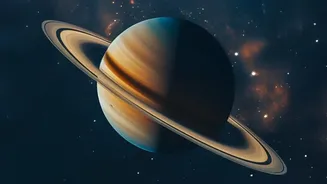
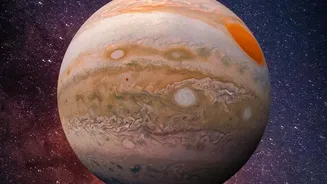
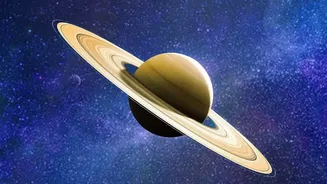
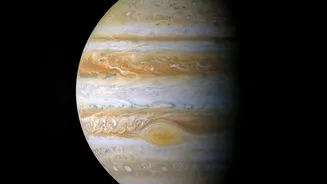
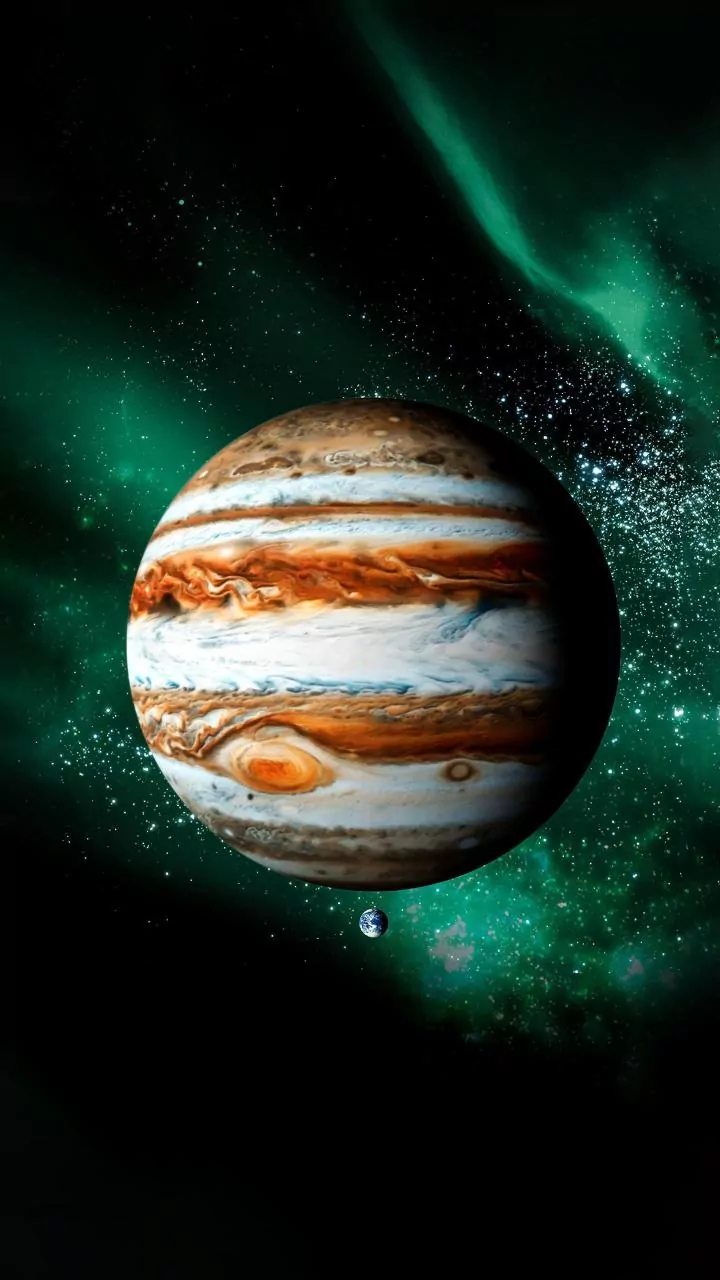
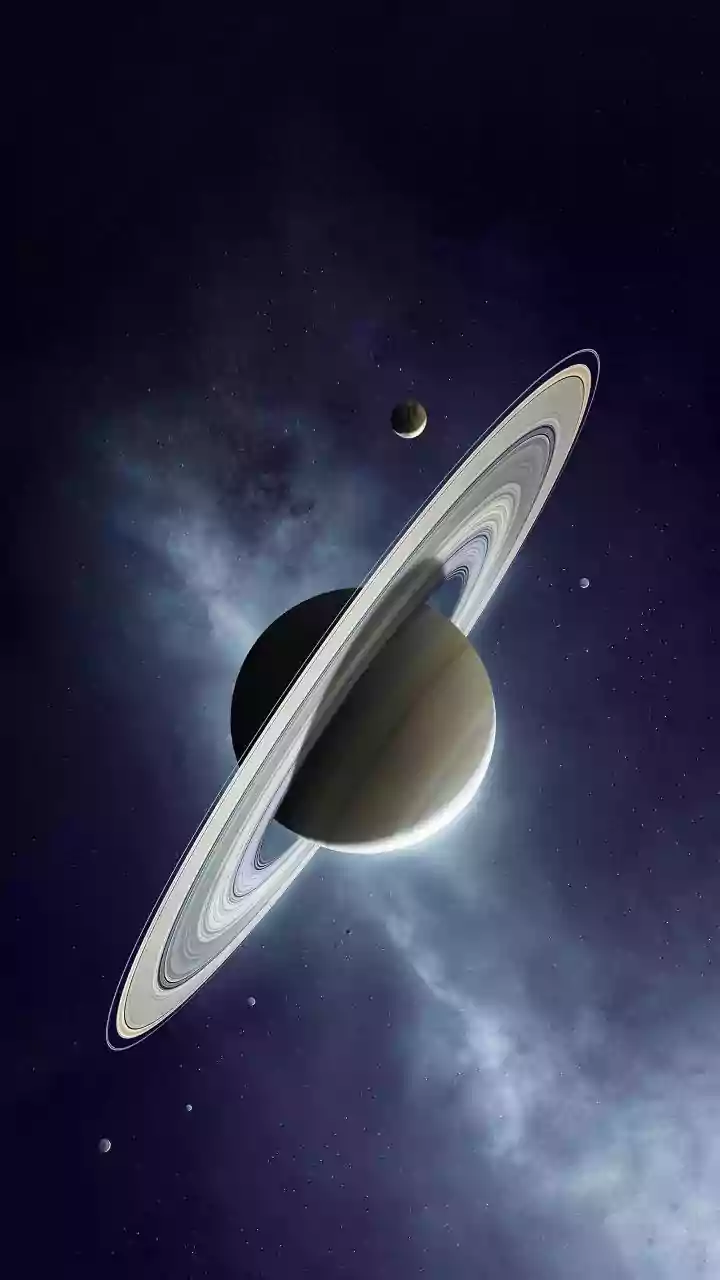
Jupiter and Saturn are two of the brightest objects in the night sky, making them excellent targets for urban and suburban astronomers. Unlike stars, which twinkle, planets tend to shine with a steadier light. Using your chosen app, search for either planet. The app will guide your movement until the planet is centered on your screen. To the naked eye, they will appear as very bright, star-like points of light. You won't see Saturn's rings or Jupiter's cloud bands without a telescope, but the thrill of identifying these distant worlds from your balcony is immense. Check your app for their visibility, as their position in the sky changes throughout the year. They are often best viewed when they are high in the sky, away from the atmospheric haze near the horizon.
Catching the International Space Station (ISS)
Spotting the International Space Station (ISS) is a unique experience. It moves surprisingly fast, looking like a very bright, steady star gliding across the sky. Unlike an airplane, it doesn't have blinking lights. The best times to see the ISS are typically just after sunset or before sunrise, when your location is dark but the station, orbiting at an altitude of about 420 kilometres, is still illuminated by the sun. Apps like Star Walk 2 and the official NASA App have built-in ISS trackers. NASA's Spot The Station service can even send you alerts for when the ISS will be visible from your specific location in India. A pass only lasts for a few minutes, so you need to be ready to look in the right direction at the right time.
Tips for the Best Balcony View
To make your stargazing session successful, a few simple preparations can make a big difference. First, turn off all the lights on your balcony and, if possible, in the room behind you to reduce immediate light pollution. Second, give your eyes time to adjust to the darkness. It takes about 20-30 minutes for your night vision to fully adapt, so avoid looking at your bright phone screen during this period. Many apps have a red-light mode to help preserve your night vision. Finally, be patient. The sky can look different from night to night. Haze, clouds, and urban glow can all affect visibility, but on a clear night, the view can be spectacular.