


What Is a Satellite Flyover?
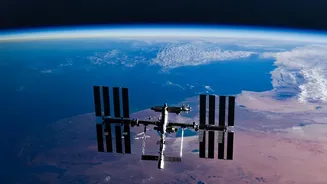
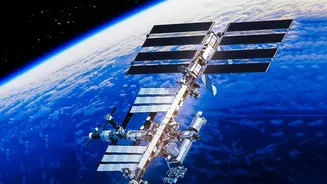
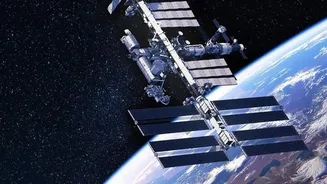
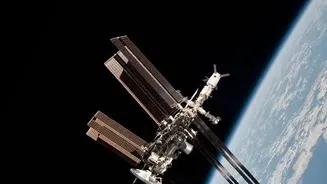
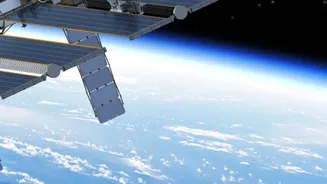
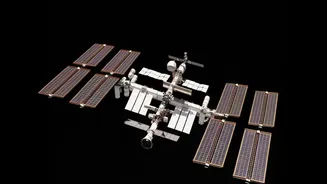
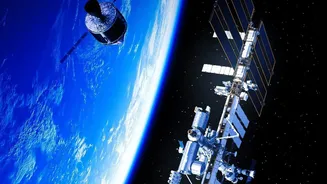
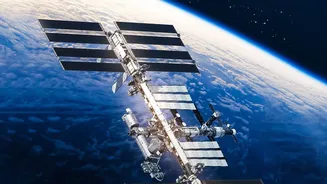
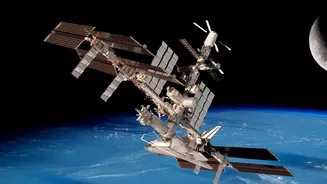
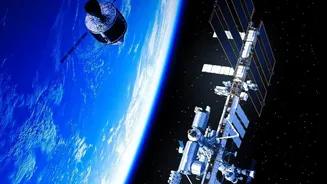
A satellite flyover, or pass, occurs when an orbiting object like the International Space Station becomes visible from the ground. The ISS orbits Earth about 400 kilometres up, travelling at over 28,000 km/h. We can see it not because of its own lights,
but because its large solar arrays reflect sunlight. The best viewing times are typically an hour or two after sunset or before sunrise. During these twilight hours, it's dark on the ground, but the station is high enough to still be bathed in sunlight, making it appear as a brilliant, fast-moving star. Unlike an airplane, it doesn't blink; it's just a steady, bright point of light moving smoothly across the sky. A typical pass can last anywhere from two to ten minutes, depending on how high it gets in the sky.
The Best Apps for Your Skywatching Toolkit
Dozens of applications can turn your smartphone into a personal satellite tracker. These apps use your location to provide precise predictions for when the ISS and other satellites will be visible. Here are a few of the most reliable and user-friendly options available for both Android and iOS: NASA's Spot The Station: This is the official app from NASA. It’s incredibly straightforward, sending you push notifications for upcoming ISS viewing opportunities based on your location. The app tells you the exact time, duration, and direction of the pass. A standout feature is its augmented reality (AR) compass, which uses your phone's camera to show you exactly where to look in the sky. Heavens-Above: A long-standing favourite among amateur astronomers, Heavens-Above provides detailed predictions not just for the ISS, but for a vast catalogue of other satellites, including Starlink trains and rocket bodies. Its sky charts show the exact path an object will take against the backdrop of constellations. The official Android app can even store data to work offline, perfect for when you're in a remote area with poor reception. Star Walk 2: If you want a visually stunning and beginner-friendly app, Star Walk 2 is a fantastic choice. While it functions as a full-featured planetarium, it also includes a satellite tracker. Its polished interface and beautiful 3D models of celestial objects make it an engaging way to learn about the sky. Like the NASA app, it uses augmented reality to help you identify objects in real-time.
Your Step-by-Step Guide to Spotting the Station
Ready to give it a try? Following these simple steps will have you watching your first flyover in no time. First, download your chosen app from the Google Play Store or Apple App Store. All the recommended apps are available for free, though some offer paid pro versions with extra features. Second, set up the app. This is the most crucial part. You'll need to grant the app permission to access your location so it can provide accurate sighting information. Also, make sure to enable notifications. The app will then send you an alert hours or minutes before a good viewing opportunity is about to happen. Third, check the schedule. Open the app and look at the list of upcoming passes. It will tell you the date, time, duration, maximum height (elevation), and the direction in which the satellite will appear and disappear. An elevation of 90 degrees means it will pass directly overhead, making for a very bright and long-lasting sighting.
Tips for the Best Viewing Experience
To make your satellite spotting adventure a success, a little preparation goes a long way. Find a spot with a clear view of the horizon, away from tall buildings and trees. The less light pollution, the better, so if you can get away from bright city lights, the view will be more dramatic. Give your eyes about five to ten minutes to adjust to the darkness before the scheduled pass time. And while it’s tempting to try and photograph it with your phone, resist the urge on your first try. Simply watch and enjoy the moment. A phone camera rarely does justice to the experience of seeing this human outpost glide through the cosmos with your own eyes.